Instagram API Alternative for Developers: get instant access in 2026
See what alternatives for the Instagram API are best when you want to schedule, get analytics or publish, so you can set it up without the complexity
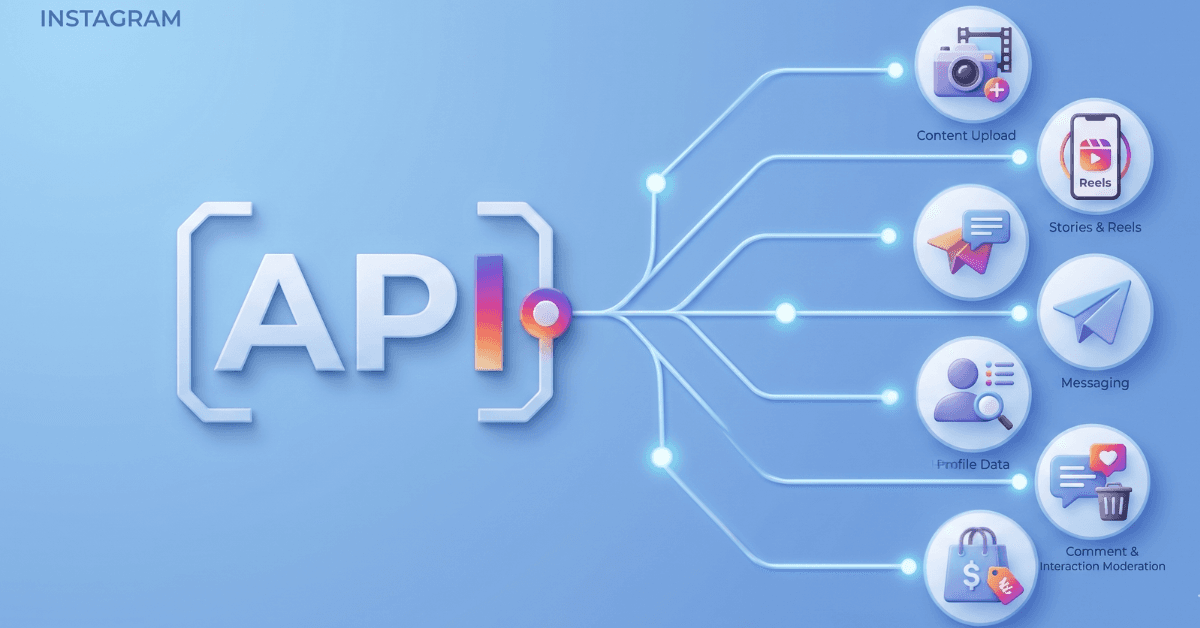
If you want to schedule or manage your Instagram using the Instagram Graph API, want to grab data from the platform or any other automated actions, then you are likely going to have to get your own API keys. What most people don’t know, however, is that the process of getting access to an API key for Instagram is very complex and can take weeks or even months - which is why people often look for an Instagram API alternative.
Whether it’s OAuth flows, rate limits or just overall Business verification, timelines can be pushed quickly and it’s especially annoying when you’re also waiting on getting approved for other platforms at the same time.
This guide breaks down every real option for Instagram automation in 2026, from using unified APIs for developers such as WoopSocial as an Instagram API alternative, along with other ways to automate your Instagram while skipping the entire weeks of waiting time.
Why you need an Instagram API alternative in the first place
The Instagram API often gets changed or features are removed. For example, in late 2024, several features such as the third-party login flows were removed as part of the Basic Display API. This can lead to your own workflows breaking, and odds are that other features might be taken offline in the future as well.
At the same time, developing your own workflows with Instagram’s own Graph API takes a lot of time. You need to use the latest guidelines, which includes setting up the OAuth properly. The OAuth 2.0 flow is quite complex as it refreshes tokens every 60 days for example. So there are definitely limitations when you’re creating your own integrations.
The Limitations of the Graph API
One of the most prominent limitations right now is that there is a limit on the number of posts per hour and per day. Higher numbers require evaluations by the Meta team and that can again add weeks to your integration. For example, there’s a 200 requests per hour per developer application limit, while there’s also a limit of 25 published posts per account per 24 hours.
It also does not immediately give you access to elements such as analytics or DMs. These features require separate partnerships with Facebook, which means that you have to again go through rigorous approval timelines to get access.
The hidden cost of building on the Instagram Graph API
If you want to get started using the Instagram Graph API immediately then you’re in for a bit of a surprise. It’s sadly not a quickly available API. Instead, it requires you to build your entire workflow first using the developer API which has very low rate limits, after which you can apply for an official API that gives you higher rates and is actually usable.
However, this does require you to first build out your entire workflow with a test API key. You then need to document everything your app does and request new permissions for your application. Which means you’re well into weeks of developing before you can even start the application process, which will take another few weeks to get approved - or even worse, rejected so you need to submit it again.
In total, the development time can take a total of 2-8 weeks because of this. And rejections are quite common, meaning you need to go through the entire process again.
Think about it like this: you first need to build the scaffolding on your own end, you can likely just host that through localhost at first. Then deploy it, so Meta’s internal team can take a look at it. This requires the OAuth to be set up properly, which needs to be documented and does require video screencasts.
You then need to do all of this while using the test API key, which means you can hit limits all the time while testing, which means you need to wait 1, 4 or 24 hours before you can test again.
Then you can finally submit it to Meta to access the Instagram Graph API. But if you forgot a setting, requested the wrong permission, did not show a specific screen or even made one other minor error, it can quickly be rejected. This means you need to then fix that error, and you get added to the back of the queue again so you need to wait a few weeks again if it’s busy.
And that last part is also important: it is extremely busy right now since it became much simpler to vibe code apps. Meaning the Meta team is overwhelmed by all these applications. This is a significant headache for other social media platforms as well but especially for you as a developer. Because what used to take days, now takes weeks.
3 Types of Instagram API alternatives
There are multiple ways you can get an alternative for the Instagram Graph API. The first one, a unified social media API, is especially useful when you want to start posting right away with just a few lines of code vs. having to go through the long review process. The second one is using a platform-first approach, which is a social media management platform to schedule or publish your posts.
The unified Instagram API alternative
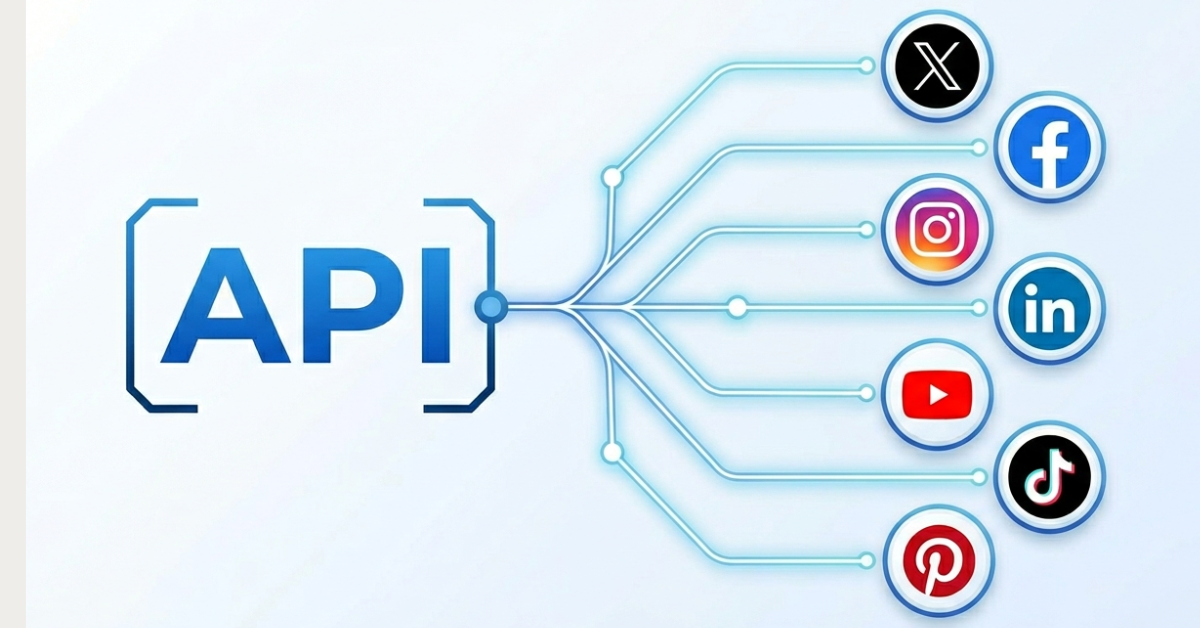
When it comes to social media APIs, there’s a good alternative that doesn’t just limit you to using Instagram. A unified social media API can give you access to tons of different social media platforms along with Instagram. Platforms like Facebook and Threads are also included, which are part of the same Meta ecosystem. For Facebook Pages specifically, see our guide to Facebook API alternatives.
But it can also offer access through the API to post to YouTube, TikTok, X, Pinterest, LinkedIn and other platforms. So let’s say you want to post a new short video to multiple platforms. You upload the video through your AI agent, pick YouTube, TikTok, Instagram, Facebook and X, and in one single call all your accounts will publish that short video.
Look at it this way: you have your content, such as text, image or video, you bundle that up into a single call and select the platforms to post to. It’s just a single call, a single endpoint, resulting in posting all across the internet on all your accounts. And instead of waiting for weeks to get approved, you instantly have access to all of the platforms.
A unified social media API is a perfect way of doing lots of manual work within seconds. So it’s important to pick one that actually fits your needs. Let’s take a look at some of the options for API-first Instagram API alternatives.
WoopSocial - best for zero complexity posting
Just plug it right in and you’re good to go. With just a single endpoint to post to Instagram and a 60 second setup, this is by far the easiest Instagram API alternative out there. It offers multi-platform scheduling for the lowest price in the market. It also has the most ideal free trial out of all options with 2 accounts for free with unlimited posting.
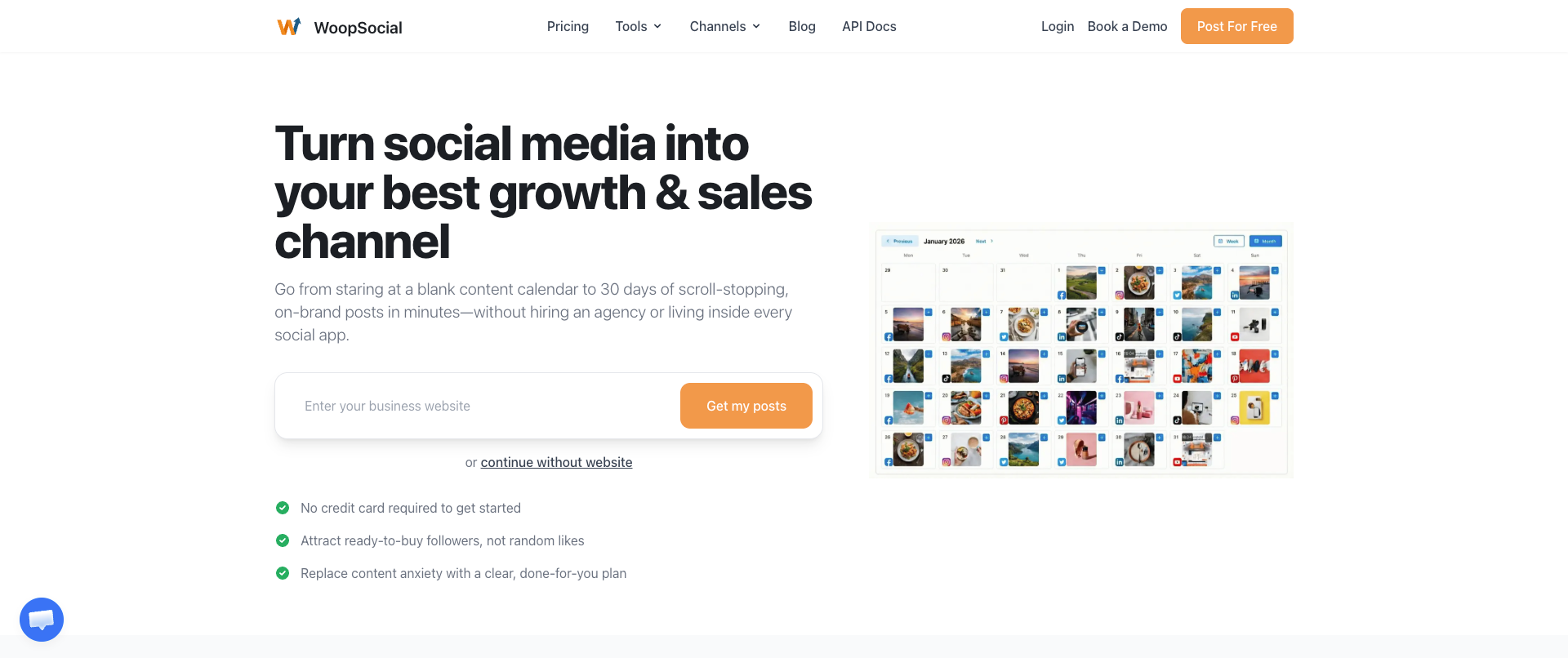
Because it’s really just plug and play once you have the WoopSocial API key, it’s a super easy alternative for the long waiting time of the Instagram API. Rather than waiting weeks, you can start posting to multiple accounts within minutes. No need to create manual videos, go through hours of documentation or hiring a second developer to make it work.
It’s ideal for setting up automations, whether you’re using AI agents, platforms like Make/Zapier or want to post through AI chats using an MCP. You can use the API to post Reels, Stories and Carousels as well, all from a single API call.
With integrations for Facebook, Instagram, Threads, TikTok, LinkedIn, YouTube, Pinterest and X, it’s ideal for anyone who wants to post to major social networks without going through the long processes. Plus, it has a visual dashboard as well, so you can see all of your posts in a list or in a calendar.
Apify - perfect for data scraping
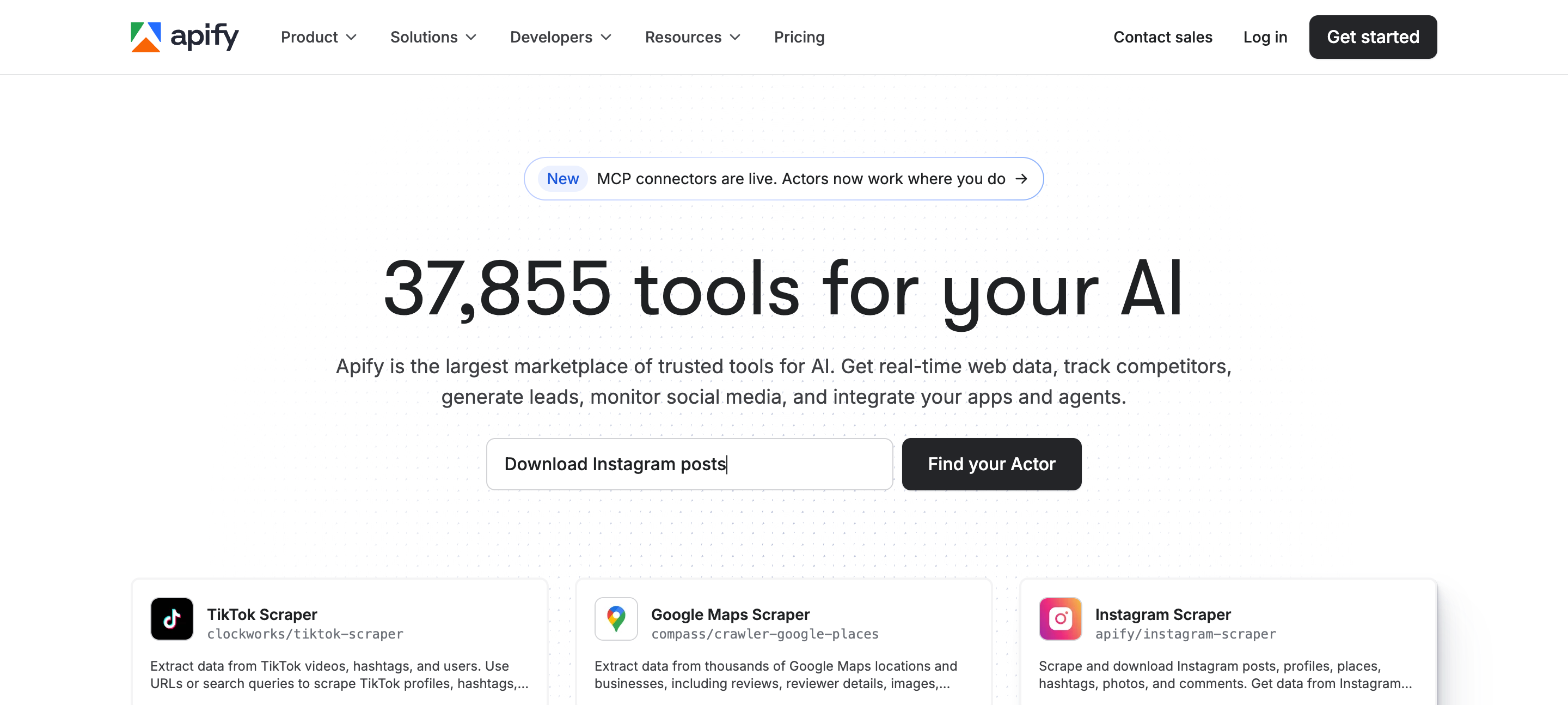
If you want to load data from Instagram rather than posting, Apify is a fantastic choice. It’s a marketplace full of specific scrapers that you can use to get data from any website, which includes Instagram as well. And there are different types of data that you can scrape from Instagram through Apify, based on the specific automations that the Actors cover.
Implementation is extremely fast because of the Actors that are basically plug-and-play. Plus you can export the data in all types of formats. Apify also has its own MCP, which can run Actors and retrieve data for you. This allows you to push data to other automations and workflows.
Apify is not meant to be used to post to social media, but it’s ideal to get lots of data all at once for other workflows. You can for example set up workflows to get certain posts/images from Instagram, analyze them to understand why they go viral, then have AI recreate similar images and auto post them to your channels using WoopSocial.
It’s a fantastic alternative for the Instagram API to get lots of data, something that usually takes a lot more time when you run into the official rate limits. Luckily, you can also use proxies through Apify, making the whole process much easier.
SociaVault - quickly get public Instagram data
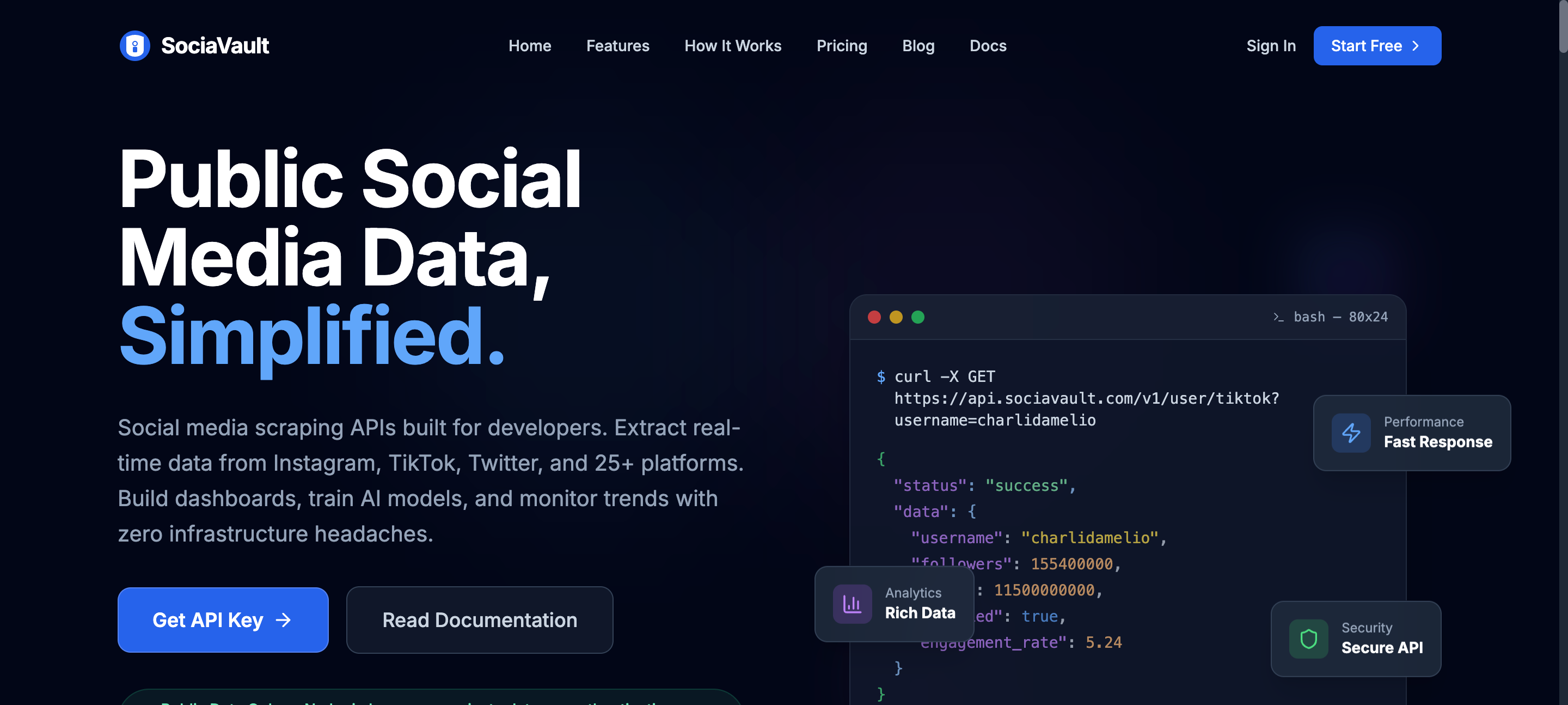
If you want an Instagram API alternative that is fully focused on getting data that is openly available then SociaVault is a really good choice. It offers a REST API that you can use to gather hard to scrape data. Instead of having to rely on your own setup with proxies and other difficult elements, along with Instagram’s official rate limits, you can now simply use a single endpoint.
The best part is that SociaVault is a pay-per-request platform, so you really only pay for what you need. Sure, it is more expensive than the official Instagram API - which is fully free - but you quickly earn it back thanks to time and money saved on not having to build your own infrastructure.
Note that this does not replace the publishing API of Instagram. You’d still need to find a different solution such as WoopSocial. This way you can gather data for your social campaigns through SociaVault and then use that in your own AI workflows or automations to create new content that you know has the potential to go viral.
Comparing the Instagram API alternatives in 2026
Let’s make a quick overview of these tools and how they stack against the official API.
| Feature | WoopSocial | Apify | SociaVault |
|---|---|---|---|
| Primary use | Publishing and scheduling to Instagram | Data scraping from Instagram | Public Instagram data retrieval |
| Setup time | ~60 seconds with API key | Fast via plug-and-play Actors | Fast via REST API |
| Pricing | Free: 2 accounts, unlimited posts; Pro $19/mo | Pay per usage on marketplace | Pay-per-request |
| Post to Instagram | Yes: Reels, Stories, Carousels | No | No |
| Scrape Instagram data | No | Yes, extensive via Actors | Yes, hard-to-scrape public data |
| Multi-platform support | Yes, Facebook, Instagram, Threads, TikTok, LinkedIn, YouTube, Pinterest, X | Other platform scraping available | Other data available |
| MCP / AI agent support | Yes | Yes | Unofficially |
| Best for | Instant posting and automations | Bulk data workflows and analysis | Pay-as-you-go public data access |
Instagram API alternatives per use case
At the end of the day, it does depend on your use case to pick the most fitting alternative for the official Graph API.
If you want to integrate Instagram in your own SaaS
Building a SaaS and want to integrate posting to Instagram within your platform? Then you're best of using a unified social media API that allows you to post to Instagram and other platforms as well (like Facebook, also owned by Meta). Going for this social API will cut your development time significantly - you can already start testing in 5 minutes from now instead of having to wait a few weeks.
If you want lots of data from Instagram for training or outreach
Looking to create long lists of influencers or companies based on a hashtag or keyword? Or maybe you want to just gather a lot of data to understand what makes videos go viral. In each case, Apify or SociaVault are perfect fits. Their automations have very high rate limits thanks to the attached proxies, allowing you to get data that most people aren't able to get and that would take months to gather using the official Instagram API.
Integrating social media in your AI agent
Posting through AI agents is becoming more popular and it's for a good reason: it's easier than ever to create great workflows and automations that create content, post it automatically and reiterate your strategy based on engagement metrics. Tools like Claude, ChatGPT, OpenClaw and Hermes are ideal for this. Both WoopSocial and Buffer offer integrations with an MCP for your AI agent, meaning you can install it in 30 seconds with just a few clicks. Once installed, your AI agent can start posting to your accounts for you. Much faster than going through the entire process of getting your own API keys from Meta for Instagram.
A single platform as an Instagram API alternative
If you’re just looking to post through the Instagram API then there are also other alternatives. Because in reality, you might not even need access to the actual API if you want to schedule and publish your own posts on a smaller scale.
There are alternatives available for the Instagram API that just make it extremely easy to post to social media on your accounts. Social media management platforms already have access to the Instagram API themselves, so you can just use tools like this to just post to your own Instagram accounts.
Tools like this also come with a dashboard that contains a visual calendar. So you can see exactly when posts are going out, rather than having to build that yourself (which will likely add a few more weeks onto your development roadmap if you want to build that yourself).
WoopSocial - one tool to post to multiple platforms
WoopSocial stands out as an alternative for Instagram's API because it offers posting features without having to go through an entire review process. This makes it much faster to start posting immediately, as you get instant access. Plus it offers a free plan for 2 accounts with unlimited posting, which is the most generous free plan in the market.
If you really just want to post and schedule content, a tool like WoopSocial is often 10x easier than building your own. It’s likely a waste of time to go after the Instagram API keys yourself simply because of how long it takes to get it nowadays.
You just create an account, connect your own Instagram profiles and start posting right away. So there’s no need to create videos, build your own infrastructure, etc. You can also use the AI capabilities to create content for you, so you don’t even need to spend time on that.
What’s especially helpful is that it also offers the scheduling and posting features for free up to 2 Instagram accounts and unlimited posts per month. It also supports 6 other social media networks, and Pro costs $19/mo. Also offers an MCP and connects with Zapier, n8n and Make.com
Buffer
Buffer is a well-known example of this type of tool. This social media management platform is great as an alternative for Instagram’s API. You sign up, connect your own Instagram accounts and just start posting.
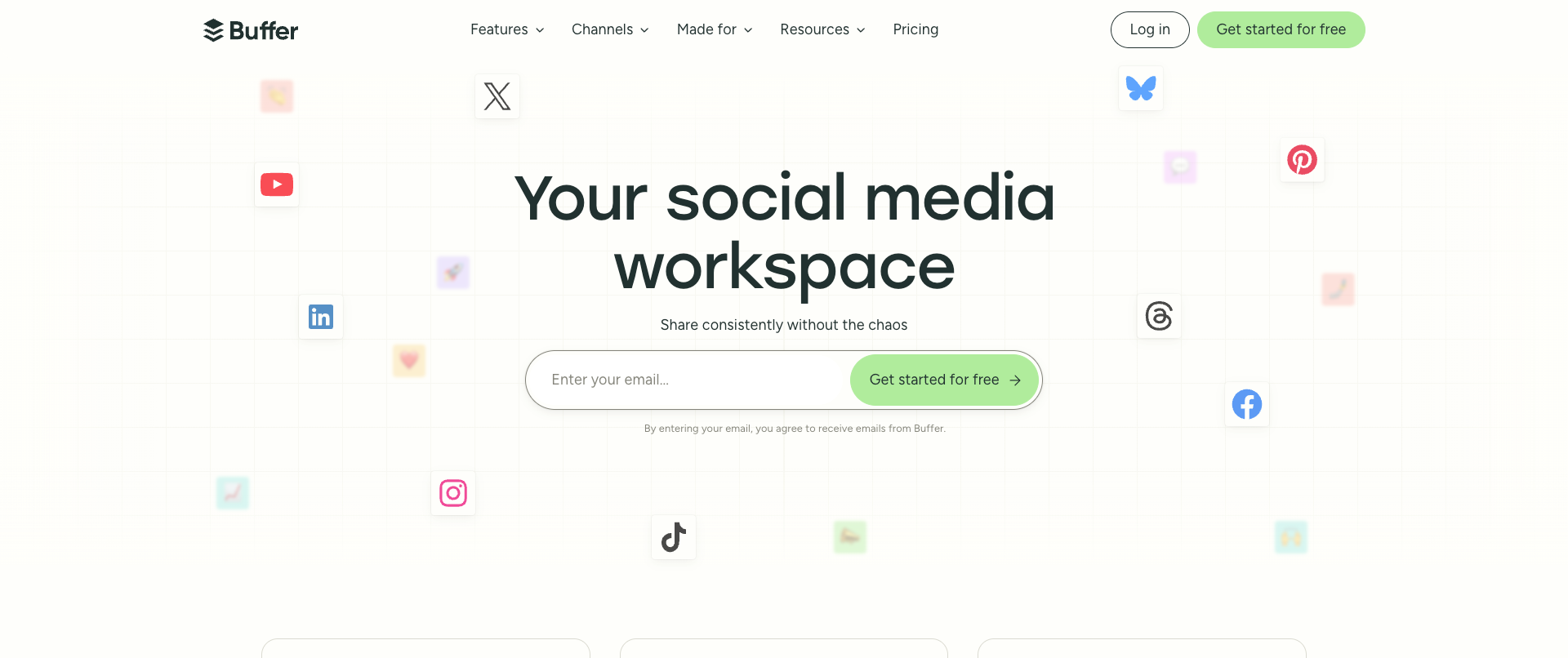
Buffer is one of the older social media management platforms, which in total offers 11 social media networks to post to. It also integrates with tools like Canva, Unsplash and others to make content creation much quicker.
Small downside for Buffer: it only allows 10 posts per month per social account. After that, it’s $5/mo for the basic plan and $10/mo for Pro (the latter includes better content workflow features for teams).
HootSuite
If you’re a powerhouse in the content landscape and want to post a ton to Instagram, and have some enterprise scale budget ready, HootSuite can be a good match. It’s not the cheapest out there, most know it as one of the most expensive tools out there.
But it has quite good rate limits for the Instagram API, making it a worthwhile alternative. However, you do need to realize that this is mostly enterprise-focused, HootSuite is really focused on the top of the market there.
So if you’re just starting out or want to keep costs low, it might not be a great option. But their enterprise features are state of the art and can definitely help to get more done without having access to your own Instagram API.
Best platform-based Instagram API alternative
Let’s take a look at the 3 options above and how they stack towards each other.
| Feature | WoopSocial | Buffer | HootSuite |
|---|---|---|---|
| Primary use | Multi-platform posting and scheduling | Social media management | Enterprise social management |
| Free tier | 2 accounts, unlimited posts per month | 10 posts per month per social account | No free tier mentioned |
| Pricing | Pro $19/mo | $5/mo basic, $10/mo Pro | Enterprise pricing (most expensive) |
| Platforms supported | 7 networks + dashboard | 11 social media networks | Instagram + enterprise features |
| API / MCP access | Yes: API + MCP included | No API focus | No self-build API access |
| Integrations | Zapier, n8n, Make.com | Canva, Unsplash and others | Enterprise-grade tools |
| Best for | Developers and small teams | Small-scale posting | Enterprise / high-volume posting |
Already use the Instagram API? Here’s how to migrate
If you want to simply stop using the Instagram API to use an alternative like a unified social media API or a platform, it’s good to know what you need to do before you can actually migrate.
Step 1: first check your monthly API usage and rate limits
Go through your own data and see which endpoints you are currently using. Check how often each endpoint is being called on a daily and monthly basis. This will give you a good indication of which type of alternative fits you best.
Step 2: Map all your features to the alternative
If you just use the Instagram API to schedule and publish posts, a platform should be enough. So you can map it directly there. If you use additional features, such as analytics, a unified social media API is useful but you need to map which endpoints need to be changed.
If you’re using the Instagram API to get data from the platform, it’s good to map the direct endpoints within SociaVault or Apify to avoid too much downtime.
Step 3: Run a parallel integration first
Instead of just sunsetting your own tool and immediately going to the new one, make sure you actually run a few tests side by side to compare outcomes. Are you seeing the same results and are you getting the same data? If not, it’s good to go back to the new version to ensure all endpoints are correct.
Step 4: Time to move!
Once everything is fine and you’ve run a few tests, it’s time to move to the new endpoints. Just make sure you set up some alerts to check whether posts or data retrieval fails. It will require some iteration over time, but soon enough you’ll have a fully running Instagram Graph API alternative that actually does what it needs to do without the same rate limits.
These steps are also really useful if you are currently using a deprecated Instagram API. As Meta usually sunsets versions after 2-3 years, it’s good to keep an eye on that.
So what's the best Instagram API alternative for you?
Yes, Instagram’s API is fantastic and it unlocks so many useful things to build your own workflows, automations and even your own platform. But, it does come with significant monitoring and requires changes often.
And if you’re a heavy user, rate limits can get in the way really quickly. So the above listed alternatives for the Instagram API are best. If you’re a developer, go for WoopSocial or Buffer for publishing/scheduling and for either SociaVault or Apify if you want to get a ton of data from the platform.
Meta has also announced that the API is going to get more restrictive soon. And with tons of new companies looking to integrate with the platform, waiting times are only going to get longer.
Sources & References
- Instagram Platform Overview
OFFICIAL
- Instagram Platform Changelog
OFFICIAL
- WoopSocial API Documentation
OFFICIAL
Related reads
6/12/2026
Best Facebook API Alternatives for Developers in 2026 for direct access
The Facebook Graph API review can take weeks. Compare the best Facebook alternatives for posting, scheduling and more.
6/11/2026
TikTok API Alternatives for Developers in 2026: get instant access
Getting access to TikTok’s API can take weeks, but there are alternatives available. Compare the TikTok API alternatives that give access instantly.
5/2/2026
The 18 Best Social Media APIs (REST) for Developers in 2026
Social media APIs are part of the core infrastructure for modern apps. Whether you're using it as regular scheduling tools or integrating it with your AI agent, you need the right social media API to post to all your required platforms.