The 18 Best Social Media APIs (REST) for Developers in 2026
Social media APIs are part of the core infrastructure for modern apps. Whether you're using it as regular scheduling tools or integrating it with your AI agent, you need the right social media API to post to all your required platforms.
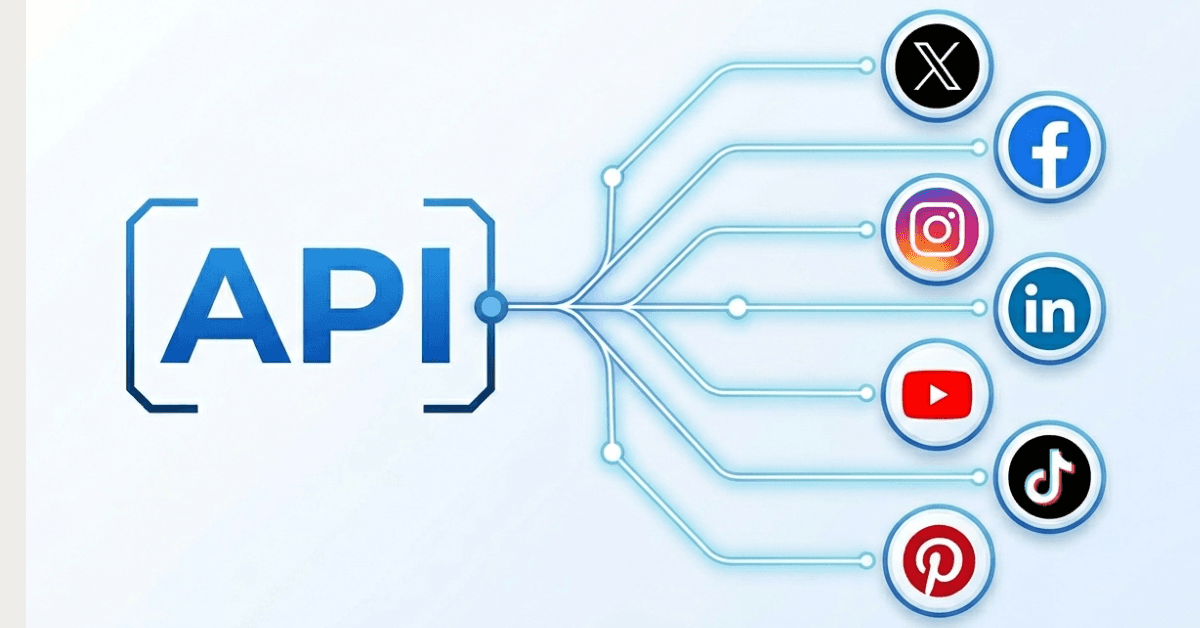
The common issue with these APIs is that when you're going through the regular route, they often require a lot of tedious work and you need to wait before your request is being reviewed and you get an API key from a social media platform.
That's why social media APIs in 2026 work a little differently. Instead of having to go to all the platforms, you can use something like a unified social media API.
In this article, we will look at all the different ones, including WoopSocial's API for social media posting, and how they compare. Through the comparison, you can figure out what the best fit for your own use case will be.
Because whether you're creating your own AI agent that posts to social media automatically through an MCP or you want to integrate social media in your SaaS platform, selecting the correct API is the most important element for long term success.
TL;DR: Every social media platform has its own API, one is paid, others are free. Setting these up yourself will require some time before you use them. Auth flows, rate limits, different data formats. And creating the code puts you back a few months too.
Approval processes can take a long time, some take weeks up to a month. Luckily there’s a shortcut that you can take by using a unified social media API like WoopSocial. It replaces all the approval processes with instant access and has a single endpoint to post to all platforms.
Unlimited posts, 20 social accounts, for $19/m. Takes 70 seconds to set up. Plus it has a native MCP server so you can use your API directly in tools like Claude, GPT or any other AI agent.
Below we break down every major platform API, its technical details, pros and cons and we also cover their Auth and approval processes.
| # | API | Type | Platforms | Pricing | Typical approval timing | Standout constraint |
|---|---|---|---|---|---|---|
| 1 | Facebook API | Native | Free | Often weeks-level waits are common (repeat submissions typical) | 200 calls/user/hour; Graph API deprecates versions about every 24 months | |
| 2 | Instagram API | Native | Free | Often ~1–2 weeks cited (sometimes faster) | Same Meta-style review path as Facebook; 50 posts per 24 hours per account | |
| 3 | X/Twitter API | Native | X/Twitter | Paid | Instant | Pay-per-action credits; tight caps on reads/posts vs unlimited scrolling usage |
| 4 | LinkedIn API | Native | Free | Weeks for Marketing/analytics-class permissions | Tokens expire after ~60 days (refresh discipline required); Posts API posting caps | |
| 5 | YouTube API | Native | YouTube | Free | OAuth consent verification adds meaningful pre-launch time | Daily quota model (~6 uploads/day on typical defaults); split Data / Analytics / Reporting APIs |
| 6 | TikTok API | Native | TikTok | Free | Often ~1–2 weeks standard; up to ~a month possible | Business/developer audit + sandbox first; ~15 posts/day per creator via Direct Post |
| 7 | Pinterest API | Native | Free | Reviews described as shorter vs other APIs | Starts in trial mode; HTTP 429 when over undocumented caps | |
| 8 | WoopSocial API | Unified | Facebook, Instagram, Threads, BlueSky, LinkedIn, X, Pinterest, TikTok, YouTube | From $19/month | Instant access (~70 seconds setup) | Single unified posting endpoint + MCP; unlimited posts (X capped at 200 posts/month) |
1. Facebook API
With the Facebook API, or also known as the Meta Graph API, everything is a note connected by edges. This means that whether you're calling endpoints for a user, page or photo, you'll have a good setup from a technical standpoint.
As of the time of writing, the most recent version is v25.0. It's important to always update to the latest version with the Facebook API, simply because new features can be introduced periodically.
The current API covers pages, groups, ads and messenger, which also includes content publishing. This is especially important for text, images and videos that you want to post to Facebook, but also includes DMs and getting a direct connection to Facebook's Ad platform.
There's not a 'get me everything' kind of endpoint with Facebook's API, so you need to make sure that you call something specifically in other to get information or perform an action with the platform. This is common for a social media API. And especially since they've been expanding significantly over the years, it requires a lot more specific code to call certain endpoints of the API.
Auth and approval
Facebook uses OAuth 2.0 for its authentication and this runs though the Facebook Login or the Facebook Login for Business. Depending on what you want to connect, you need to select either of them.
Before you can actually use the Facebook API, you need to go through a review of your app. This is a standard review that a lot of social media APIs require and is a process where someone from within the company looks at your use case, what kind of permissions you are asking to have access to and overall what the plan is to communicate with the API. Part of the approval process is submitting a demo video of your use case, which you can create with a tool like Loom or record with Zoom and download later.
It is common that Facebook's review team rejects your app during the first few submissions. This is often because the submission is not clear enough or because the video simply does not cover everything you're planning to do through the platform. There's a very strict app review for most permissions.
A lot of business-type apps can only be created for production use. This is also common with most social media APIs.
Technical details
Just like other platforms, Facebook has specific rate limits. This means that there is a limit to the number of calls you can make to the platform per user. Note that a user is someone connected to your app, so not your app in its entirety. For Facebook, the rate limits are set at 200 calls per user per hour. So if you have 10 users connected to your app, they can do 2,000 calls per hour in total.
Facebook often creates new versions of its API and it's important to stay up-to-date, simply because they often also launch new features. But they also deprecate each version after 24 months on average. So if you do not update on time, you might get connection issues and you're no longer able to access the API until you update it.
There are some incoming changes for the Facebook API. For example, for years they used metrics like reach and impressions within the API. But this will soon change the Media Views and Media Viewers. It's small things like this that make it clear why it's so important to keep updating your versions often.
Pros
One of the biggest pros of Facebook is that its reach is massive. There are 3 billion users across the entire Meta ecosystem. This includes Facebook, Whatsapp, Instagram and VR. So using the Facebook API is a no-brainer if you're trying to get as much reach globally as you possibly can.
There are also a ton of capabilities within the API regarding messaging, commerce and managing your ads. All of these require specific permissions and reviews of your app before you have access to them. This also means that if you have access to some permissions but require more, your app needs to go through another review process.
The biggest benefit of the API is that it is extremely well-documented. Facebook Developers are extremely clear in their documentation and make it easy to stay updated. Example cases and code is often available to speed up your coding process.
Another great element is that using the API is completely free. Some APIs on social networks became paid lately, such as Reddit and X, meaning that it becomes more expensive to post to those platforms when you're using their APIs.
Cons
On the other end, the app review process can take a while. Especially nowadays, when more and more apps around Facebook's API are being built. It's a fair process each time, which means that you do need to follow very specific guidelines. You need to take into account that your app will be rejected a few times before your final approval. Just know that being rejected does not mean you're permanently unable to get an approval. Fix whatever they're pointing out and you'll get closer to being approved.
It's also important to keep an eye on the deprecation of versions. If you're creating your app soon, count on it being old in 24 months. So make sure you have set up notifications for yourself to update the API around that time. Ideally you do that more often, about every 6-12 months.
This social media API does require a bit of a learning curve. Luckily there are AI coding tools available nowadays, so in this case you can share a link with your coding agent and make sure that it's aware of the latest changes (because those models are often outdated, it's important that you share or upload all the latest documentation).
The lesser ideal element is where you can publish your content through the Facebook APi. It is limited to your pages and business accounts. So that means you cannot publish content or get analytics from your personal profile or any Facebook groups. This does limit the use cases.
If the Graph API review timeline is your main blocker, compare the best Facebook API alternatives for faster Pages publishing.
2. Instagram API
The Instagram API, also known as the Instagram Graph API, is part of the Meta Graph ecosystem. You can access it through graph.instagram.com. This also requires a tedious app review just like Facebook's API access.
Until 2024, there was a different API available, which was called the Basic Display API. However, you're now limited to the Graph API as your only option.
You can create posts that will show up on your feed, Reels, Stories, carousels and moderate comments. Each of them requires their own permissions and review. However, once you have access to it, it's super easy to connect it to workflows and automations that you're building.
A big limitation of the Instagram API (and this can't really be fixed) is that it is limited to creator accounts and business accounts. So you cannot set it up in a way where it also posts to your personal accounts. This is important to keep in mind when you're building something with the API, as regular Instagram users cannot use it. Note that these creator and business accounts also need to be connected to a Facebook page.
Auth and approval
Getting access to the auth works the same for Instagram as it does for Facebook. There's also an exact same approval review workflow. You can actually request approval for Facebook and Instagram at the same time, which will speed up things significantly but does require additional video demos.
There are two auth paths for Instagram. The traditional one is using Facebook Login for businesses, which works well because it goes through Facebook pages - which are, as mentioned, required when you are connecting a creator or business account to Instagram. There's also the newer Instagram Login, which has a bit more relaxed settings to connect accounts.
The approval process can take quite a while. Some people state that it took 4 to 6 weeks to get approved but others state that it can be much quicker. It ultimately depends on how well your videos show how your product works and the number of permissions you are requesting.
Technical details
The rate limit for Instagram is 200 API calls per user per hour, this is the same as for Facebook. Note that, again, this is for users. So this does not mean you can only do 200 API calls across the entire app, it's just limited per user. So if you have 10 users, the rate limit goes up to 2000 API requests per hour.
There's also a publishing limit for the Instagram API. This is 50 posts per 24 hours per account. This is an all-round limit for posts. For example, if you post a carousel of 8 images in a single post, this still counts as a single post.
To upload images through this social media API, you need to stick to JPEG images only. PNG and WebP are not supported in this API. That means that if you do allow users to upload that, you need to convert the images before they go through the API to get posted.
There's a limit of 10 images through the API when you're creating a post that includes a carousel. This is an important limit to keep into account because it will cut off any extra images or will just return an error.
The API does have its limits. For example, you cannot add shopping tags, branded content tags or any filters. You often have to go back to the live post and edit it to add these tags or upload the content directly through Instagram's platform.
In order to post content through the Instagram API, you need to ensure that the content is hosted on a public url. If it's hosted on your private server that cannot be accessed from outside then the API cannot receive the content and it will not be posted.
To publish content you need to set up a two-step publish process. This is the same for Reels, Stories, carousels, images or video posts. You first create a container after which you can publish the container.
Pros
There are over 2 billion active users on Instagram, which makes it a critical social media API to have for basically every brand. The reach is so significant that it's worth the investment to get access to the API.
Although they used to not always be included, Reels, Stories and carousel posts are now supported by the API as well. This can significantly speed up your workflows because you do not have to go around and manually post these.
There's a great analytics endpoint for Instagram, which allows you to get the analytics such as reach and impressions for each post. This is especially helpful when you want to understand how your posts are performing. This is also useful for building self-learning automations.
Most importantly, the Instagram API is free to use. You just sign up, select your permissions, send the correct demo videos and hopefully you get approved as soon as possible.
Cons
One of the bigger cons is that the API does not allow personal accounts to be connected. They need to first be converted to creator accounts or business accounts. And they need a matching Facebook page (although this is now more relaxed with the newest API).
But for most auth flows you still need to ensure that there's a Facebook page connected because it does not apply to all accounts. So it's best to limit the auth to the Facebook Login for Business rather than setting up the newest integration if you want to avoid any guardrails.
The App Review is the same as for Facebook, this could lead to longer approval times - this is especially true when you are also asking for permissions through the Facebook API. It is recommended that you submit the permissions for both of them at the same time, this can significantly speed up the entire process.
There is no DM access through the regular Graph API. You need a different social media API for this one, which is the Messaging API. This again requires approval but will allow you to send direct messages through connected accounts.
3. X/Twitter API

The Twitter API is a REST API with JSON responses, making it very easy to integrate. The newest version (v2) comes with some limitations compared to previous versions but is still great for posting, scraping and other actions you want to perform on the platform.
The API covers posting, timelines, searching, users, DMs, Spaces and Trends, which means you can create all types of automations through you and your users' accounts.
Note that X is the only social media API that actually comes with its own pricing. This was created due to the endless scraping by AI companies, so X shut everything down and started charging to use the platform. There used to be monthly plans but nowadays they charge per action. Note that this can become relatively expensive if you run big operations.
Auth and approval
If you're setting up a new application today with X/Twitter's API then you will use OAuth 2.0 with PKCE (this is the recommended setting). Older versions of the API can still use OAuth 1.0a but upgrading to the latest version is better in basically every scenario.
You need to provide a use case description when you request access to the API. The overall process does not take too long (up to 10 minutes) but it's important that whatever you write down as your use case will remain the same in the long term. Every use case description is contractually binding.
Note that there is no free tier available for new developers anymore. When the X API switched to paid there was always a free tier available for testing. However, in the current setup, every action costs money and you will be charged through the credit system in the API portal.
Technical details
Now that the API has switched to the pay-per-use model, you pay separately for each action on the platform. Reading a post through the API now costs $0.001, creating a post costs $0.015 and looking up a user costs $0.01 as well. That's for each action.
This is based on the recent price increase of April 2026, which turned some prices around to better fit the X API pricing model. Note that you need to buy credits so it can be deducted from your credits.
However, an important aspect to take into account when it comes to pricing is that posting a link is not the same as posting a regular post. It costs $0.20 to post a URL to X through the API. This is likely to discourage users from sharing links, meaning people stay on the social media platform longer (so they see more ads, which is more money for X).
In April 2026, X removed the ability to follow other users, like posts or quote posts through the API. This was part of the switch to the self-service system. This did throttle several use cases of the API but likely was a result of X wanting users to spend more time on the site.
If you signed up for a paid X API plan before the switch to self-service, you were able to get the Basic API access for $200/month, Pro at $5,000/month and Enterprise at $42,000/month. The benefit of each plan was that you were able to 3x each plan, so you could buy the Basic API access for $600/month in total, 3x'ing your rate limits.
But with the self-serve X API, you're still stuck to a few rate limits. One of them is the 2 million post read cap per month. This is to avoid scraping the entire platform, as X prefers to use the data on their own platform to train their own AI instead of allowing other companies to scrape all of it. If you upgrade to the Enterprise plan, you will still be able to exceed that monthly cap.
There are still 15 minute rate limits per endpoint. For example, for Posts, there's a rate limit of 10,000 posts per 24 hours for each app. Then there's another limit for users, which is 100 posts per 15 minutes. Note that every post in a X Thread does count as a single post. So this will limit an app to post more than a thousand 10-post X Threads in the span of 24 hours.
Pros
The X API provides a ton of real-time data, including very useful search and filtering. This is especially useful when you want to gain information from the platform. Although the rate limits are limited and you do pay per action unlike other social media APIs, it is still extremely useful to get the latest data about the things you need in your workflows.
Because they switched to the pay-per-action model recently, you're no longer stuck having to upgrade to the monthly plans that they used to have. This does lower the cost of entry but overall the plans were a better deal regarding number of actions you could take and overall rate limits. So there is a trade-off here.
The pay-per-action model also offers spending caps and auto top-up. This avoids spending too much on any automation that you are running through this API. Do note that auto top-up can increase your costs if it keeps renewing. You'll often get an email when a new top-up takes place or you can pay attention to notifications from your credit card.
If you spend over $200/month you will get an xAI credit kickback of 10 to 20%. This is especially helpful if you are also using the X AI and want to run automations through their API.
Note that OAuth 2.0 and 1.0a are both supported on all tiers, both in the old plans and the pay-per-action plans. This makes it easy to integrate with the older authentication methods that X/Twitter connects with.
Cons
There is no longer a free tier for developers. Although it switched to pay-per-action and it is now significantly cheaper to start, you do immediately have to pay for any action you take. This is a switch from the previous subscriptions, as X still provided a free testing tier.
The increase of cost for posting URLs is really high at $0.20 per URL. Again, this is to avoid users posting too many URLs while running their X account. Because they want more people to be on the platform itself, they want to discourage posting URLs through the API as people then need to log in to the platform. And URLs are also a way people leave the site, so they try to have limited numbers of exit points on their platform.
In the new self-service X API, you can no longer create workflows and automations that include following other users, liking their posts or quote-posting tweets. This can significantly reduce your reach if this was one of the ways you were growing your accounts.
Your use case description as you create the application is contractually binding. This means that you cannot pivot to a new use case in the future and have to stick to the description you gave at the time you create the app. That's why it's smart to think about future cases to avoid having to pivot and create a new app.
Over the last few years the developer support around the X API has taken a hit. This is mostly because the API used to be the poster child of what an API should look like but after the acquisition in 2023 it quickly became a paid-to-use model unlike the APIs of other platforms. This caused significant backlash from developers and as a result a lot of Twitter related tools shut down.
4. LinkedIn API
The LinkedIn API is the official social media API to interact with LinkedIn's platform. It is a RESTful API that you can use to perform certain actions on the platform. It is available through the LinkedIn Developer Portal (which has recently become part of the Microsoft Learn docs).
The Posts API is a great way to post to social media, and the most popular endpoint in the current LinkedIn API. It offers the ability to post text, images, videos, documents, carousels and poll posts to the platform. This is a good endpoint for your AI automations or workflows.
LinkedIn has a great way to keep track of their versions, which is the YYYYMM format. So if a new version comes out in January of 2026, the format header is LinkedIn-Version: 202601. This is easy to keep track of, plus it gives the benefit of knowing when you last updated to the latest version so you can avoid staying behind too much.
The community management API is the main product to publish content. The Posts API is part of this, along with the Social Actions API, the Comments API and the Social Action Notifications API.
Auth and approval
The LinkedIn API's authentication runs through OAuth 2.0 and makes it easy to integrate along with the other APIs on this list. It is also one of the few that still mixes older versions with the current version, ensuring that implementing the authentication is a smooth experience.
The LinkedIn API tokens do expire after 60 days, so it's important to actively refresh those. If a token expires, you can no longer use the API to perform any actions on that account. So you need to ensure that you have some sort of workflow running in the background to ensure token refresh.
You need a verified company LinkedIn page to create an app through the platform and get access to the API. This includes verifying your domain name, email address and also your regular address, business registration and additional documents. This can be quite the process, especially when you're just starting out. In those cases, it might be worth it just going for a unified social media API to speed up the process.
To get access to features like Share on Linkedin, you need to get certain permissions. This will also take this. The same process goes for the LinkedIn Marketing Developer Platform. Note that older versions of that platform often get sunsetted. Getting access to the Marketing Developer Platform can also take weeks.
Note that you do need access to the Marketing Developer Platform to use features such as analytics. Because the time to approval can be significant, it's important to get permissions for analytics early on to avoid any implementation delays in the future.
Technical details
There's a hard rate limit for the endpoints that are part of the Posts API. Luckily, this is still quite high for what you can do with it. The daily rate limit for the posting endpoints is 100 calls/day/member. Note that this is not app-wide, so if you have 10 users then they have their own rate limits, and together it's 1,000/calls/day.
There's also a much higher app-level cap. This is set at 100,000 API calls/day. So this is not just limited to the Posts API but applies to the entire collection API endpoints. In theory, if you have 1,000 users maximizing their daily cap, you'd hit this limit. However, the odds that someone is indeed posting 100 posts a day each day are limited.
There are also some data collection and retention limits when you're using anything outside of the Posts API. For example, if you want to get the likes of a post of a user then you need to delete that data after 48 hours. The limit for organisation-level data like this is 6 weeks.
It is important to note that the Posts API requires the X-Restli-Protocol-Version: 2.0.0 header on all requests. So when you're building your own API workflows or automations, make sure you are including that header.
To post URLs to Linkedin, you need to create a separate call to the API, which is called the ArticleContent API. This also requires you to set the thumbnail, title and description manually each time. Because the LinkedIn Posts API itself does not display link previews on regular posts, this is definitely something useful to implement.
When you're creating posts through LinkedIn's Posts API, you will need to upload files in separate steps. This means that you first need to upload the media such as images, videos or documents. Once the upload has been successful, the API will return an id. You can then create your post along with that media ID to include it in your post through the API.
Pros
The biggest benefit of using LinkedIn is that it has a huge professional community. This makes it extremely dominant for B2B type of content. With over a billion professionals on its platform, it's easy to reach your own niches by creating great content and distributing it through their API.
It's also super helpful that the Posts API supports a wide range of rich content types to post to LinkedIn (this is not common for all Social Media APIs). It offers support for carousels, polls, documents, videos with captions and of course also images and text. This is perfect to create all types of content to post to your personal or company pages.
The LinkedIn API - and especially the Community Management API - are also actively updated. There's a big dedicated team within LinkedIn that keeps shipping new updates at record-speed, which is great to further build out your automations and workflows. For example, so far in 2026 they have added analytics for videos and ad trust preferences.
Cons
It is a restrictive API at the end of the day. This means that a lot of the features that you want to use through the API are gated behind approval by the LinkedIn team. It's important to include a lot of documentation when you're asking for approval to speed up the process significantly.
Getting access to features like analytics can take a while. The Marketing Development Platform has a longer review time than the basic features of the API. It is also not rare that your first review requests get rejected. Just follow the given feedback, fix whatever needs fixing and try again.
If you end up using the API with significant rates, you have to apply for higher rate limits through the partner agreements. Simply said, this is a request for LinkedIn to increase rate limits once you hit the 100,000 calls/day.
You can also not blindly set up your LinkedIn pages to auto post entirely. It's against the LinkedIn API's Terms of Service that you post content that has no human involvement whatsoever. Each piece of content needs to have some level of user involvement.
There's a Consumer API available but it's extremely limited. It basically allows personal accounts to post content to LinkedIn. But that's really it. If you want company pages to post to LinkedIn, you need a separate app that applies for additional permissions - these permissions do require Partner approval and it can take some time before you get approved.
5. YouTube API
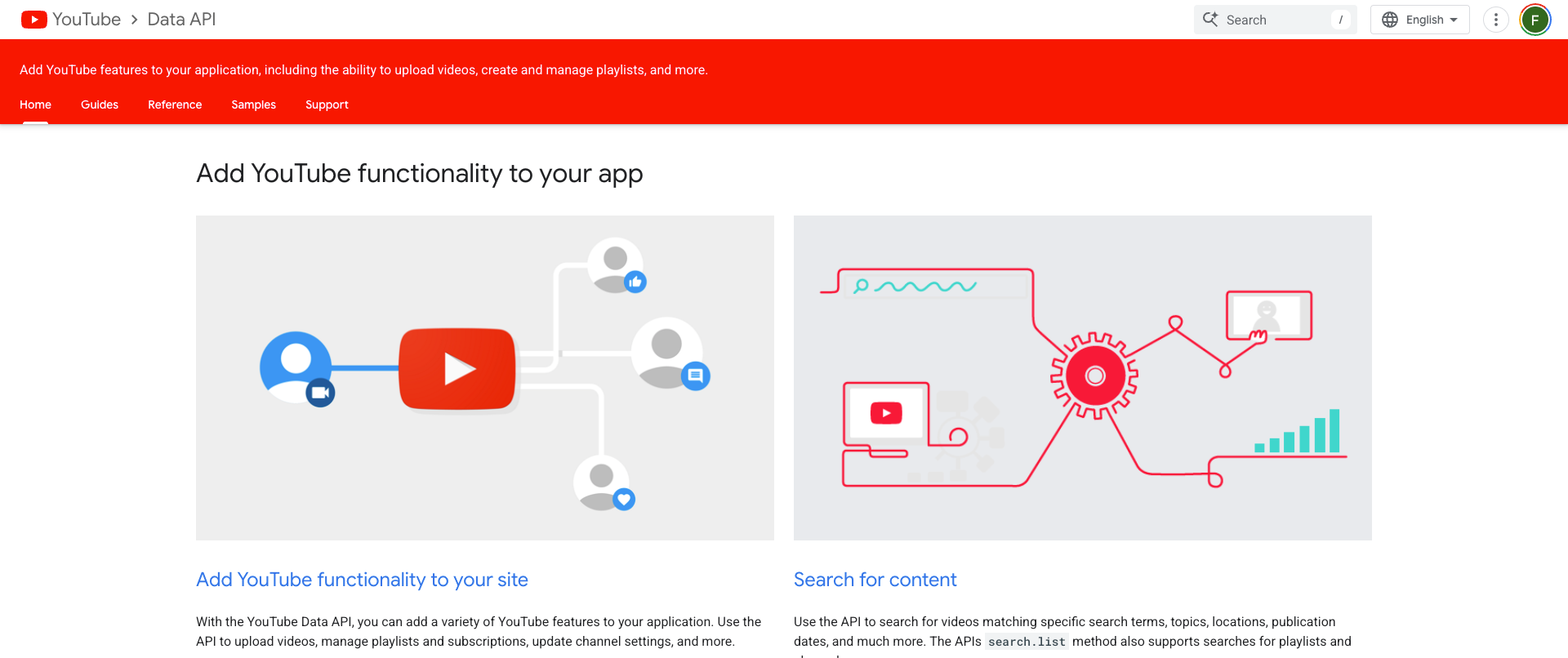
The YouTube API is part of Google Cloud and has 3 separate APIs. The first is the Data API v3, which is used for uploads. The second is the Analytics API which, as the name says, is for your analytics data. Then there's the Reporting API, which handles bulk data exports.
The Data API v3 is the most prominent one when you want to post content to YouTube, whether it's long-form videos or Shorts. It's ideal to create new content through your workflows. It can upload the content but can also create playlists, create channels, search videos and return comments.
The Analytics API is useful when you want to see how your content is performing. Although the YouTube Creator Studio does give access to this, it's often more ideal to get a quick overview of all the data; you can create a dashboard for this using the Analytics API.
The Reporting API is useful to get a ton of data which you can then later filter within your own application. You can retrieve metrics like the country of viewers of specific videos or channels.
You can access the YouTube API through the Google Cloud Console (so there's not a specific section on the YouTube site for API access). You can create your own API within the console or set up OAuth 2.0.
Auth and approval
The YouTube API only requires an API key for read-only public data. This is great if you just want to get some data, as it's really easy to set up. You can get information such as video titles, view counts, channel subscriber numbers and other data. Just set up an API key in the Google Cloud Console. No need to log in or set up an OAuth flow.
There's a full OAuth 2.0 consent flow for the write operations and getting access to pirate data. If you want to upload videos, create a playlist or get private analytics, you will need OAuth 2.0. You will need a consent screen that grants your app access to act on your user's behalf. This is a short-lived token and a refresh token. You will need to add this token to the request header for every write operation.
Google will review your OAuth consent screens and this can definitely add additional time before you launch. These OAuth scopes, such as uploading videos or accessing private data, require a submission of your consent screen. This will be manually reviewed and your app will be in testing mode in the meantime. You are able to connect up to 100 accounts while in testing mode, but those users need to be pre-approved.
To get access to YouTube Data API v3, you need to enable it in the Cloud Console. It is always switched off and will only be enabled if you do so yourself in the Console. It's a one click step but a hard requirement. Go into your Console, find your Project, search for the API in the library and click Enable. You can then set up the credentials (API key or OAuth 2.0 Client ID).
Technical details
There's a quota system for the YouTube API, just like with any other social media API. This is 10,000 units/day per Cloud project (so not per API key). Keep an eye on your daily usage to ensure that you have enough to stay within these rate limits.
Then there's also a quote cost per operation. read = 1 unit, search is 100 units and video upload is 1,600 units. So that definitely decreases the daily possibilities you have if you want to upload a lot of content daily because this only allows for 6 videos to be uploaded per day.
Luckily, the quota resets daily at midnight, Pacific Time. This is useful when you're just uploading several videos per day. If you want your quota to be increased then you need to create an application and this also requires a compliance audit. Part of the compliance audit is submitting a legitimate use case for the YouTube API.
The quota increases are free but it just might take some time before they actually get approved. It's important to submit enough information so the review process will be smooth. If you do not submit all the required information, your request might get rejected and you need to fix any issues that are flagged by the team.
There's a multi-part upload protocol for the video uploads. This is especially important when you are posting long-form content. For short-form Shorts this is less important but it's still recommended that you set up your system to include this multi-part upload protocol.
There's also a Shorts API, which provides performance data for short-form content and can be used to optimize your workflows or automations, especially when you have some sort of self-learning system in the back-end that overtime can increase the quality and success of your content.
Pros
The YouTube API is entirely free to use, even at higher rates. Because it's quota-based, you do need to get increased permissions, but unlike the X API you do not need to upgrade to higher tiers or start paying per action.
The API is incredibly comprehensive and allows you to upload videos, create playlists, get the analytics of all videos on your channels, post comments and also live stream through the API. This makes it excellent for all types of use cases, including automations and other types of workflows.
The documentation is really good for this API. It's clear that the developers behind the API have spent a ton of time optimizing the docs to ensure that it's as easy as possible to get everything set up. You can just drop the links/docs in your favorite AI agent and it will often one-shot the code.
One of the biggest benefits of YouTube is the fact that it has over 2 billion logged in monthly users. Which ranks it basically at the top spot for most active logged-in social media users. Their discovery algorithm is also fantastic, so it's easy to reach the right people with the content you create and distribute through the API.
Cons
The first disadvantage is that the free API allows you to upload only 6 videos per day. If you want to go higher, you need to ask for additional permissions and a quota increase. Note that this can take some time before it actually gets approved as all of the applications go through an extensive review process.
If you're using the Search function within the YouTube API then you also have a very limited number of calls each day. At 100 units/call, this endpoint can drain your daily use fast if you are sticking to the free plan. So overall, it's always highly recommended you go through the review process as soon as possible.
Once you do, you need to have a Google-verified OAuth consent screen. This requires extensive review for each of the permissions you require from users that want to use your API. Make sure you provide enough documentation and use case explanations for this.
One of the other disadvantages is the fact that you need 3 separate API keys, each having their own endpoints and functions, which also means it requires multiple setups. This can add significant complexity if you want to combine all 3 within your workflows or automations.
There's no scheduling available. Which can be a bad thing if you are setting this up for yourself. This either requires additional development on your end, and possibly a database as your back-end with scheduled times, but in most cases people use a unified social media API if they do want to schedule posts for later.
6. TikTok API (Content Posting API)
The TikTok API, also known as the official Content Posting API, is specifically used for programmatic video publishing. This means that you can use this endpoint to post videos to TikTok, as long as they contain the appropriate tags. Note that in 2025 and 2026, this API got some significant upgrades.
One of the endpoints that the API provides is Direct Post, which immediately publishes a video or other media to your or your user's TikTok account. There's also the option to Share to TikTok; this redirects to the TikTok app.
Depending on the file size, you are required to use a chunked upload protocol for large video files. This, in most cases, unless you use very short and low quality videos, is mandatory to properly upload the videos. It is recommend to always include this in your setup, as the limits are quite low: +- Under 5MB: upload as a single file +- Between 5MB and 64MB: either upload as a single file or use the chunked upload (your choice) +- Over 64MB: uploading through the chunked upload protocol is required +- For the chunking, the chunks need to be a minimum of 5MB and can be 64MB maximum. All chunks are uploaded sequentially (so not in parallel).
Since 2025 and 2026, several updates have been shipped by the TikTok API team. One of them is the support to upload photos directly to TikTok. It also includes extra settings and tags, such as Duet/Stitch permissions per video and branded content disclosures. Geo-targeting is now also available in the API, along with webhooks.
Auth and approval
The authentication of the TikTok API runs through OAuth 2.0. The access tokens expire after 24 hours but the refresh tokens are valid for 365 days. The latter is one of the most optimal elements of the TikTok API, as not all other social media APIs offer the same.
There are however no ways to get access to the API if you're just running a personal account. The TikTok API is only accessible for business and developer entities. This also means that you might be requested to provide additional documentation about your business, including verifying your domain.
Before your app can be used by users, you need to undergo TikTok's app audit. Only then will the content be publicly visible. Also note that you will be stuck in Sandbox mode in the meantime, which means you can only post to pre-approved accounts.
The content from your app will be in private viewing mode until your app has been reviewed and approved. Note that submitting your app does not guarantee immediate approval; it might get rejected by the review team which will require you to fix your app based on the TikTok API/app guidelines.
Reviews can take especially long with TikTok. It can range from 1-2 weeks, which is standard, but can also take up to a month depending on how many other users are requesting an app review. If your app gets rejected, you need to assume you are back at the bottom of the pile, so it will take another few weeks to be reviewed. That's why it's essential to provide all the documentation the first time.
Part of the review process is providing demo videos of your upload flow. This is to show the TikTok review team how your app is going to work and how the TikTok API will be utilized. You are also required to have a privacy policy on your website, of which the url needs to be provided. There's also a data handling description you need to fill out.
Technical details
One of the more restrictive rate limits of the TikTok API is the 15 posts per day per creator account. This is shared across all API clients that use the Direct Post endpoint. Note that - if you or your users do post more than 15 posts a day - reach per post gets restricted quite quickly anyway and you probably won't have the maximum engagement per video.
There is also a rate limit of 6 requests per minute per user access token. You need to take this into account when you're providing the API for hundreds of accounts, as it might overlap significantly and lead to rate limit errors in your app.
There's no native scheduling with the TikTok API. So this will require some extra setup on your end when you schedule the posts in your own platform or back-end by using a database with CRON jobs.
With images now being supported, image carousels are also supported through the API. You can upload multiple images through a single field and add a photo cover as the first image. The image endpoint url is different from the video endpoint url so take that into account. You also need to host all images on a public domain that you own.
You have to poll the publish/status/fetch endpoint to ensure that your video or post went live. There are no push notifications that you can use in that case, so this does require some additional setup on your end.
You have to show a content preview and get explicit user consent before you upload any post to the platform. You also need to ensure that you display all the options about the post before it is published. For example, you need to display selection boxes so you can send along information about branded content disclosure, tags, etc.
Pros
The TikTok API is completely free to use once you get through the approval process. This sets it apart from the X API mostly, also because short videos often have a better reach on a platform like TikTok.
There are over a billion monthly active users on the platform, and it's a great way to reach the younger demographics. However, in recent years there's been quite a move of some of the older generations moving to the platform as well.
There is now webhook support within the API, which makes it easier to get the upload status updates for each post that goes through your API.
During your review there will be a sandbox environment available. This allows you to publish different types of posts to accounts connected to your app. Note that these posts will automatically be set to private, so they will not be shared publicly.
Cons
The TikTok API is definitely one of the most restrictive social APIs. This is mostly because of the strict audit that is mandatory before your app can be used to publish publicly available content.
There is no scheduling support available through the API. This requires your own setup in the back-end and will require some additional development time.
You have to build a proactive refresh to ensure that the access token stays active. Because it expires every 24 hours, you might run into publishing issues. Keep this in mind when you're implementing the API.
There's some significant extra complexity when it comes to the chunked upload protocol. So you're going to have to implement this pretty much right away, especially when you already know that videos will be bigger than 64MB.
You cannot add any watermarks to content that is being published through your platform. This might get your app access revoked if TikTok finds out. There are also unconfirmed rumors that TikTok decreases the reach of watermarked content already, so this is also bad if you're building a platform where users post their content through your platform.
The approval review does require a business entity, you cannot just set this up as a hobby project. You might be required to provide further documentation and proof that your business is legit, along with verifying your domain, business email and additional details.
7. Pinterest API
The Pinterest API is an open REST API that is extremely developer-friendly. It offers support for managing Pins and Boards, gives you analytics data, gives you access to the ads platform and allows you to also interact with shopping catalogs. The current version is v5.
The Pinterest API is one of the most accessible social media APIs. There are no revenue minimums and it's open to all types of developers. This means that you also do not need any business entity connected to it and you can easily set this up for yourself (but if you want users to also interact with it then you need to go through the app review process.
Auth and approval
The Pinterest API runs on the standard OAuth 2.0, just like most of the other social media APIs mentioned above. This makes it extremely easy to integrate along with the others.
Your new app will always start in the trial mode. This means that the access is limited to the account of the app owner and it does not give you the permissions to post on other user's behalf yet.
In order to run it for other accounts as well, you need to submit the app for review. The good news is that the Pinterest API review process is one of the shorter ones compared to other APIs on this list.
There are multiple scopes, including 'user_accounts:read', 'pins:read', 'pins:write', 'boards:read' and 'boards:write' The refresh tokens do expire every 60 days but you can include a script that refreshes the tokens indefinitely. If you don't do this, the tokens will expire and you will no longer be able to post to the accounts through the API unless you manually reconnect it to the platform again.
Technical details
The exact rate limits for the Pinterest API are not published. But there are currently rate limits in place per-app and per-user across three different categories.
If you do exceed your limits, you will receive a HTTP 429 error from the API. This is common with most of the APIs on this list and actually offers a nice insight for when you do end up reaching the limits for an account or for your app entirely.
The Pinterest API allows you to create posts that include images and videos. You post these using the 'pins:write' function. Note that you always need to include a Pinterest board when you are posting a new Pin or the post won't go through.
The API also offers insights into analytics per account, which include impressions, pin clicks, saves, the save rate, comments and reactions. There's a 90-day lookback so if you want long-term analytics then you need to save the data within your own database/back-end.
The analytics of video pins are also included in the API. You can get the number of views per video on top of the mentioned data in the previous paragraph along with the watch time metrics as well.
It also supports async endpoints for large report datasets. This is especially useful when you want to grab a lot of data through the API but want to avoid hitting your rate limits. It's highly recommended that you implement this from the start if you want to obtain a broad amount of data from the API.
There are also separate API products within the Pinterest API. These include the Ads API (great for getting ad metrics or setting up ads), the Conversions API (which combines really well with the Ads API) and the Shopping/Catalogs API.
Pros
The Pinterest API is an open API, which means that every developer can apply and there are no partner requirements. This makes it extremely easy to start building your app using this API.
There is a trial mode available that you can use to test your platform, automations or workflows without having to go through the entire review process. The rate limits are extremely low but it should be enough for every developer to start testing.
There are several endpoint categories and they're straight-forward and clear. The entire REST API is well-structured and probably one of the best in the market.
If you're building any e-commerce integrations then the Shopping and Catalog APIs are extremely useful. The endpoints within this API are also very easy to set up.
One of the biggest perks of the Pinterest API is the updates that are shipped often, expanding the use cases of the API. There's a significant active developer community and updates are always sent by email so you're always aware of what's happening.
Cons
The user base of Pinterest is definitely smaller than others on this list such as Meta, YouTube and TikTok. But with more than 500 million monthly active users, Pinterest is still a huge player in the social media landscape.
There are no publicly documented rate limits. This makes it a little bit harder to calculate what you can do with the API. However, for most use cases, the rate limits will always be high enough. And if not, you will always get a HTTP 429 Error.
If you want to use the API to post on behalf of other users then you will always have to go through the review process. However, the average app review time is significantly lower than most other social media APIs on this list.
The analytics are limited to a 90-day lookback window. So it's recommended to set up your own internal system to periodically save analytics data so you have a longer lookback window and can optimize accordingly.
Because Pinterest is mostly focused on content discovery and shopping, it does have a different target audience than platforms like Facebook, Instagram and X. At the end of the day, it does all rely on what kind of audience you want to connect with.
The alternative: Unified social media APIs
Using unified social media APIs, you can skip all of the above mentioned review processes. Instead of having to build separate auth flows, having to keep an eye on different rate limits and having to put together separate data formats per platform, a unified social media API already has all of this built-in. It's basically a connect-and-start system that runs right away.
The unified APIs sit between your own app and all the other platforms. There's just a single endpoint, a single auth point and a single response format. And it speeds up the implementation timeline significantly. Instead of having to sit through weeks of app reviews and rejections, you can start using it instantly.
A good unified social media API also handles OAuth by itself, allows you to not worry about token refreshing or media processing, and already has all the platform-specific elements implemented so you can post immediately.
It usually saves months of development time and also avoids having to provide ongoing maintenance to your own platform. Updates can be shipped on their end and used by you quicker without having to dive into your own code every time.
Because of the explosion of AI agents and MCPs in the last year, unified social media APIs have taken the market by storm and there are many options right now. So we provided a list below so you can skip the tedious month-long process and just get started immediately.
The best unified social media APIs
Per tool, we are going to look at what it does, the key specifications and the best use cases. The key specifications are especially interesting, as some tools require you to bring your own API keys (which does not eliminate the long review processes), not all of them provide the same number of platforms and pricing also differs significantly per platform.
8. WoopSocial
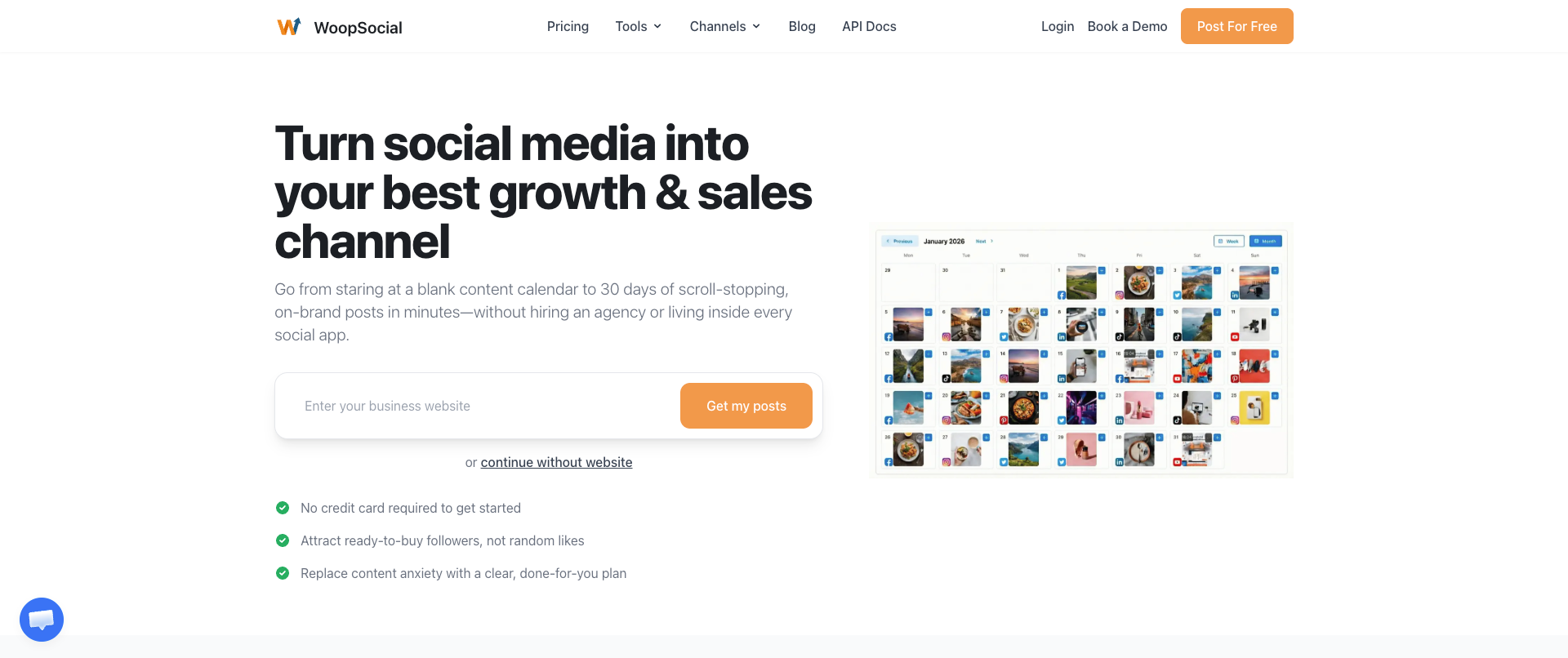
WoopSocial is a unified social media API that offers access to the 9 biggest social media platforms in the world: Facebook, Instagram, Threads, BlueSky, LinkedIn, X, Pinterest, TikTok and YouTube. Instead of having to go through all the review processes for each platform, you can simply get an API key on the platform itself and start posting to all platforms. You just connect your accounts and you're ready to go.
Because WoopSocial also offers a native MCP server, it's very easy to hook it up to your Claude, ChatGPT, Cursor or any other MCP-compatible AI agent. But it's also ideal to use within your own platform as a whitelabel solution so users can connect their own accounts and post from your platform.
The setup takes less than 70 seconds and is extremely straightforward. But the biggest benefit of using WoopSocial is its pricing. For $19/month you get unlimited posts along with 20 social media channels. Bigger tiers are also available. This makes it ideal to create workflows with hundreds of accounts. The only limit is X/Twitter, at 200 posts per month.
This solution is best for developers and marketers who want instant access to go from zero to publishing across all the major platforms. It's really just a plug-and-play system to start publishing right away. Which is also the biggest benefit that WoopSocial offers. A disadvantage is that it only offers 9 platforms, but this is enough for 90% of use cases.
Through its multi-user/client management, you can easily let others connect to your own platform and post on their behalf. If you're just posting for your own accounts, you can use the dashboard to get a visual calendar overview of all your posts.
As a social media API, WoopSocial offers everything you need to bring social media publishing and scheduling into your platform, workflow or automation.
9. AyrShare
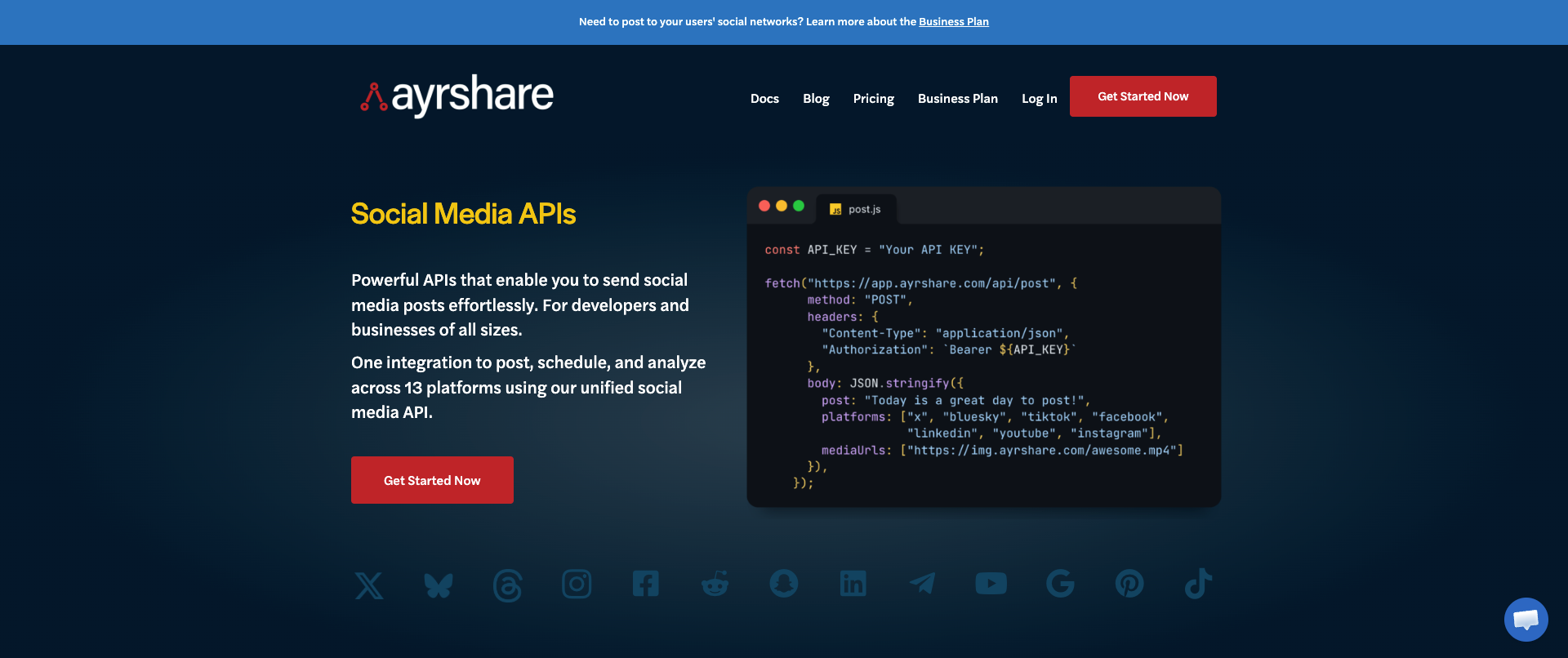
This social media API was a pioneer in the space for being one of the first API-focused social media management solutions. It supports 15+ platforms, which also include Reddit, Telegram and Google Business profile. You do not need your own API keys. However, the pricing is significant, you pay $149/month just to connect a single account to each platform. Pricing goes up significantly afterwards.
It has a great auth and the REST API has solid documentation. You can post or schedule, get analytics of your posts, send DMs, get comments and also manage your ads through the API.
The business plan also supports multi-user/client management with Profile Keys. This solution is best for teams that need a broad number of platforms and deep features. You do need to be willing to pay a premium for this solution.
10. Outstand
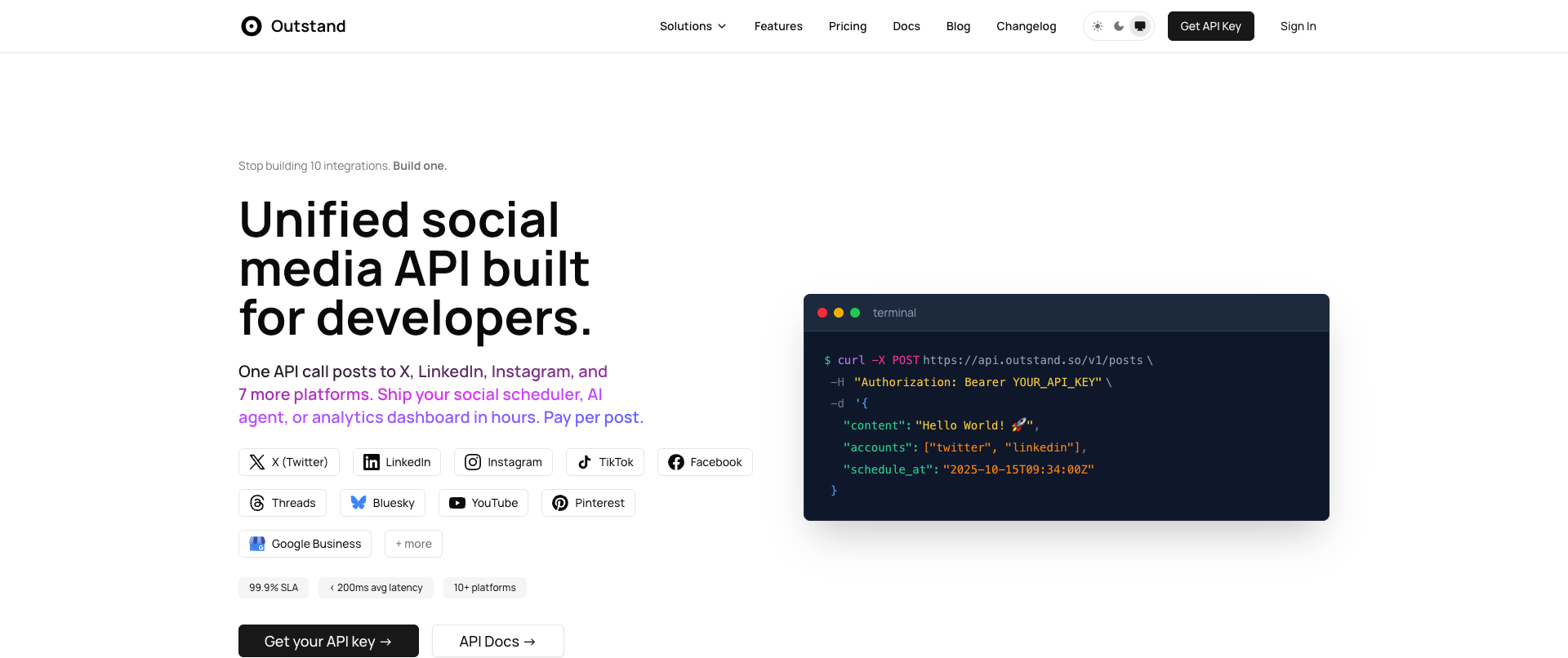
If you're willing to go through the process of getting your own API keys but do not want to create your own platform, Outstand is a good option. It is a bring-your-own-keys (BYOK) solution so you do need to go through all review processes. But once you have those, you can start posting through the platform at a low price.
The entire platform is usage-based and has a $10/mo base price + $0.01 per post afterwards. It supports 10 platforms, which also include BlueSky and Threads. There's an MCP server included with 25 tools.
Outstand is best for high-volume apps that have variable posting needs, as long as you're fine with managing your own platform credentials.
11. Post For Me
Post For Me is another unified social media API that offers support for 9 platforms, which include the 9 platforms mentioned above. Pricing starts at $10/mo and allows you to connect unlimited accounts.
You can bring your own API keys or you can have managed credentials in the platform. It supports built-in analytics across all 9 platforms. The REST API works well and has great code examples you can implement very easily.
Post For Me is best for developers who really care about pricing, but note that the price goes up quickly. Although pricing starts at $10/mo, this only covers 1,000 posts per month. If you want to go higher, you can go all the way up to 200,000 posts per month for $1,000.
12. Bundle.social
With 14+ platforms supported, Bundle.social is a good unified social media APi that combines a wide range of features. These include posting, scheduling, analytics and team collaboration. It is ideal to use for your own applications but can also be implemented in your workflows and automations.
This API comes with a full dashboard UI, just like others on this list, so it also creates a nice visual overview of your posts. It offers a free tier but only covers 20 posts per month. And for $100/month for 10,000 posts per month, there are definitely cheaper solutions out there.
Bundle.social is best for teams that want a good coverage of different platforms but also care about having a visual overview of their published and scheduled content.
13. Buffer
Buffer has mostly shut down their API since 2019 but has recently announced that they will publicly launch their new API. It is uncertain when it will go live publicly. The API access is currently in Beta.
Buffer is an old player in the social media management market and has always provided its API access for Professional plans only, which start at $99/month per user. Its API is built with GraphQL rather than REST. This requires quite a learning curve but also makes it more flexible to use complex queries.
Buffer is currently best for existing customers who want to use the API to extend their workflows. But for the same price, there are much better options on this page.
14. PostEverywhere
With 8 platforms and built-in AI content generation through its API, PostEverywhere is a good solution for anyone looking to build automations and workflows. Plans start at $19/month but are heavily restricted (the smallest plan only covers 10 social accounts).
It offers SDKs for Python and Node.js and also offers an MCP to integrate the API in your AI agent workflows or through apps like Claude and ChatGPT.
PostEverywhere is best for developers who want AI content generation integrated in their publishing API. This will potentially cut costs. Note that the smallest plan offers very few AI calls.
15. Genviral
Although GenViral offers fewer platforms than most other unified social media APIs, it is a good fit to use with AI agents like OpenClaw. It provides a wide range of skills and perfectly integrates with TikTok, Instagram, YouTube, Facebook, Pinterest and LinkedIn.
If you're into creating content autonomously through AI agents or want to build workflows, it can be a great fit. It offers publishing, scheduling and analytics in a single tool. Note that the API access starts at $29/month and only covers 10 accounts.
It's a great fit for anyone who is looking to extend the possibilities of their AI agents. As AI is already great at creating content, using a tool like this can ensure that you are also able to distribute that content to 6 platforms.
16. Sociality.io
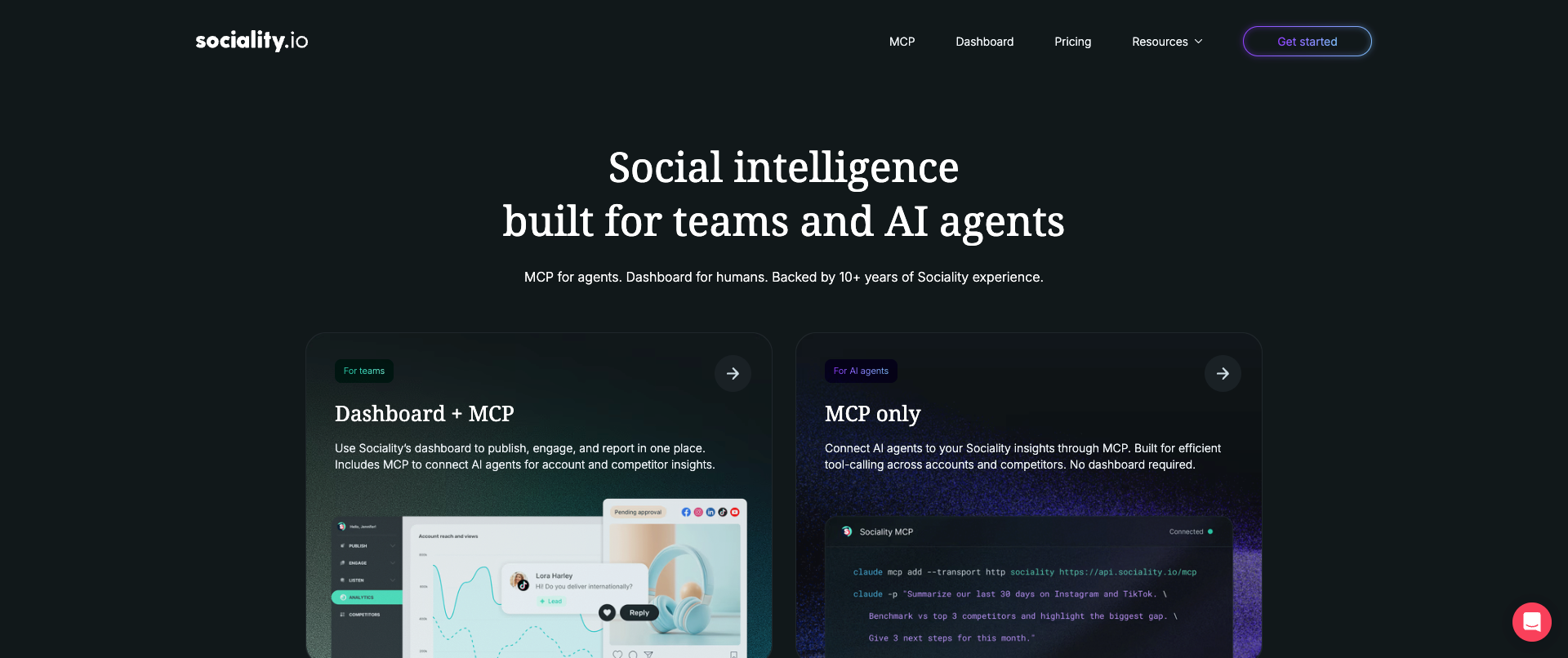
This unified social media API covers publishing, analytics, competitor analysis and social listening. It supports Facebook, Instagram, LinkedIn, X, TikTok, YouTube and Pinterest.
API access is only available and is priced at $49/mo, but if you also want the dashboard then the price goes up to $99/m, making it a more expensive choice in this list.. You do get webhooks for real-time post and comment notifications, which can help significantly.
This is best for enterprises who want to have a managed all-in-one API layer that covers publishing and analytics - the social monitoring is also especially interesting for enterprise companies.
17. Zernio
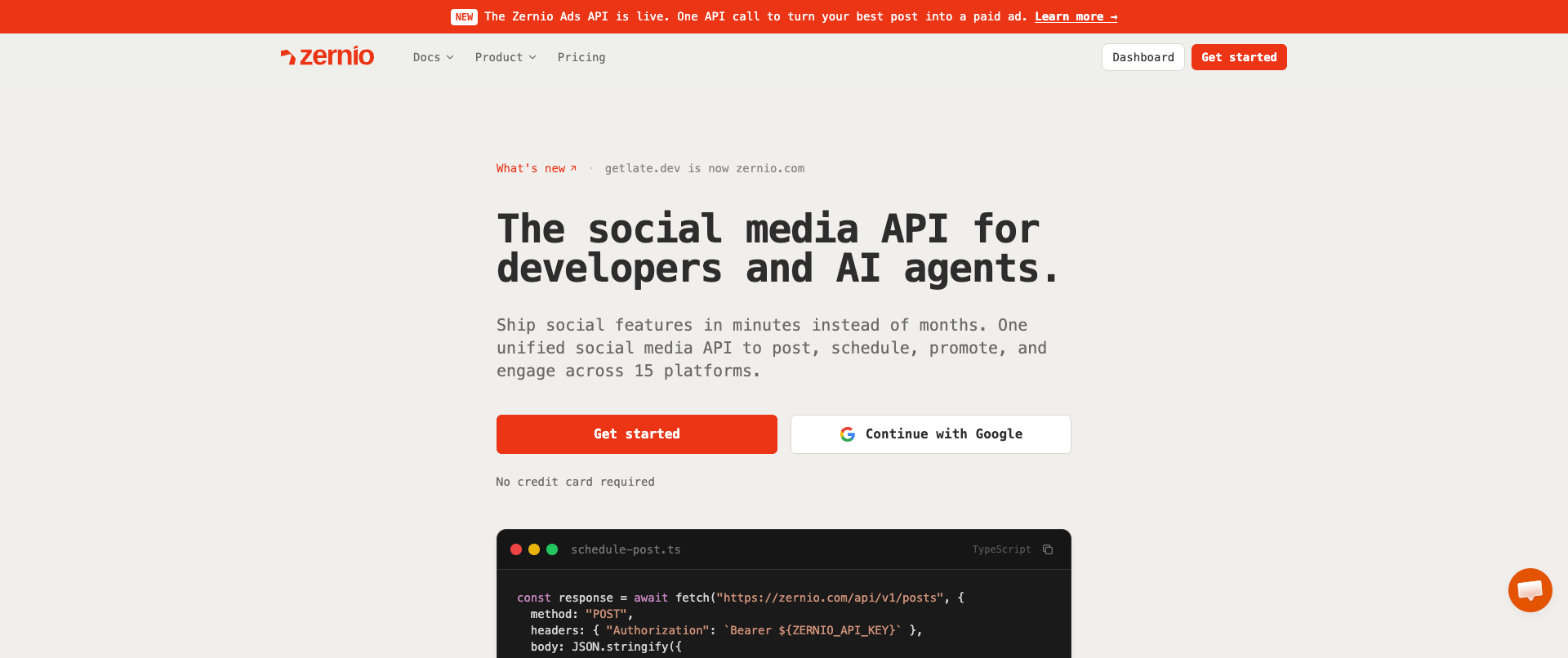
Zernio has a broad range of features that are interesting for anyone looking to implement a social media API in their platform or workflows. It offers a total of 15 platforms for posting and scheduling.
Pricing of Zernio can become a bit complicated. The free tier is very limited to 2 accounts, which won't be enough for most people. The next plan after that starts at $6/per profile, which adds up quickly. Pricing increases after that quickly. Note that features like analytics, DMs and the Ad API are included.
The API is easy to integrate and can be used for multi-users setups or your own platform. You can also integrate its MCP so your AI agents can publish and schedule content. It is best for developers who need extremely wide platform coverage that also include some smaller networks and ad management.
18. Upload-Post
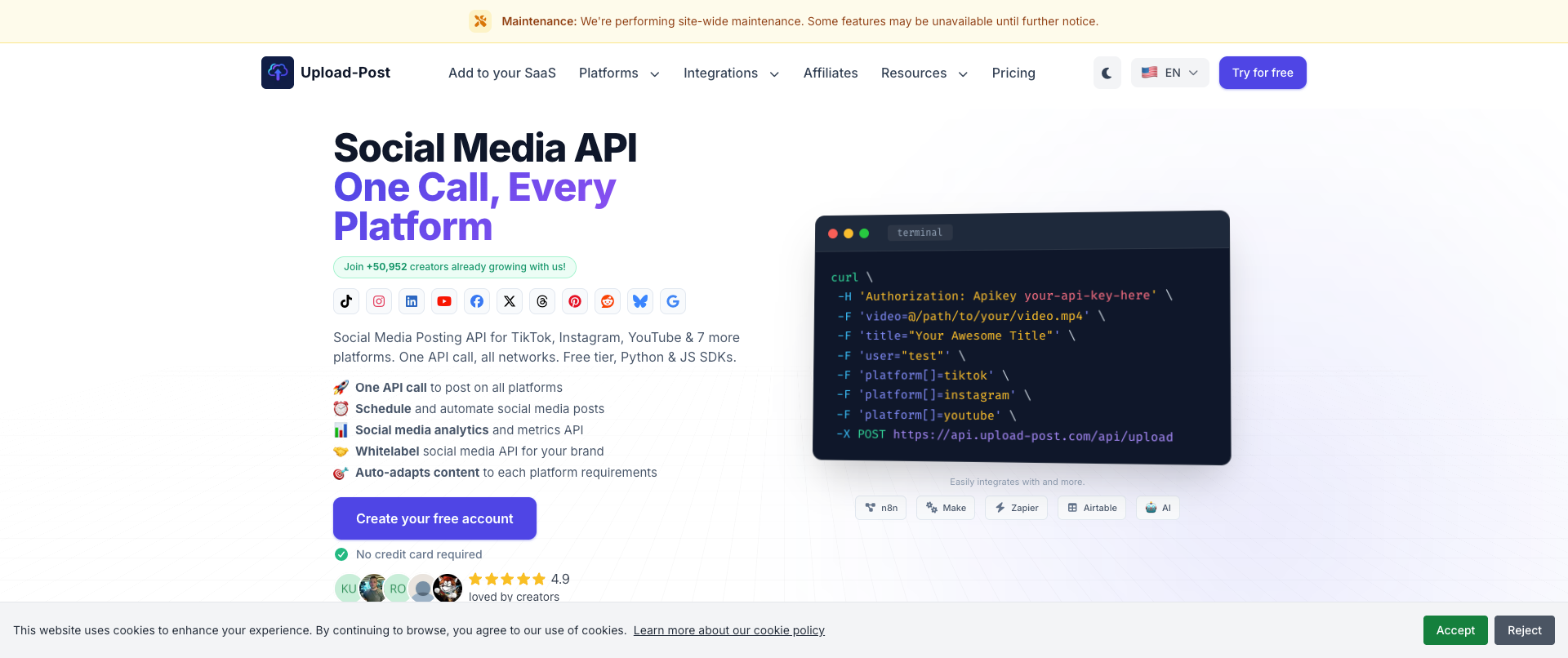
Upload-Post has a significant coverage of the major social media platforms. TikTok, Instagram, YouTube, Facebook, LinkedIn and Pinterest are all included. It is also one of the few on this list that has built-in FFmpeg video processing, which automatically optimizes your video per platform.
There's a free tier available, albeit limited. It only offers 10 posts per month across 2 profiles, but can be enough for testing. The cheapest plan starts at $24/m for unlimited posts across 5 profiles.
Upload-Post is best for developers who want a budget-friendly solution to unlock multi-platform publishing and scheduling along with video processing.
How to choose the best social media API
It all comes down to what you find important yourself. There are a few decisions that you need to make.
Do you need a native framework or a unified one?
If you are ok with waiting through those approval reviews and want to build your integrations out yourself then using a native framework like the Facebook API or Pinterest API will work best for you. If you prefer to just get started instantly and don't want to go through those long processes then a unified social media API is often a better choice.
How many accounts and posts do you need?
If you want to speed things up then using a unified API is probably faster. But it can be more expensive in the long run if you want to add a lot of accounts and create a lot of posts. So it's important to take into account what your long term plans are. It will be much cheaper in the long term to get your own API keys but will require more development time now.
What is the budget you're willing to spend?
If you have no budget, getting your own API keys for each platform is smart. Most of them are free, except for X/Twitter. So this will save a ton of money. You do need to build your own infrastructure, host your own platform, get a database and more. So if you have a budget, a unified social media API is often faster but will cost more in the long run.
Do you want to integrate with AI agents or use an MCP?
If so, you're probably best off using a pre-built unified social media API. There are some unofficial integrations for the use of the major social media platforms APIs in your AI agents but it will be a while until they actually work on publishing existing ones. And you would still need your own API keys.
How many platforms do you need?
If you only need a single platform, odds are it's best to just get through the review process and get your own API key. It will still take some development time but overall it will be cheaper in the long run. Multi-platform is where it gets a lot more interesting to use a unified one.
Related reads
6/12/2026
Best Facebook API Alternatives for Developers in 2026 for direct access
The Facebook Graph API review can take weeks. Compare the best Facebook alternatives for posting, scheduling and more.
6/11/2026
TikTok API Alternatives for Developers in 2026: get instant access
Getting access to TikTok’s API can take weeks, but there are alternatives available. Compare the TikTok API alternatives that give access instantly.
6/9/2026
Instagram API Alternative for Developers: get instant access in 2026
See what alternatives for the Instagram API are best when you want to schedule, get analytics or publish, so you can set it up without the complexity