Best Facebook API Alternatives for Developers in 2026 for direct access
The Facebook Graph API review can take weeks. Compare the best Facebook alternatives for posting, scheduling and more.
Facebook's Graph API is the oldest social media API there is, which luckily also makes it the most documented one. But it can be quite a maze to get through when you are just starting, simply because changes happen all the time. Because of this unpredictability, many people search for a Facebook API alternative to reliably do the things they want to do.
The reason the Facebook API is so shaky is because of the issues years ago, when Cambridge Analytica was able to get a ton of data from users. But it's also because Meta often makes big changes, such as dropping the Groups API which used to allow you to post to Facebook Groups.
Today, getting access to the Facebook API is hidden behind a ton of permissions, meaning you need to go through a lot of hoops and create videos before you are able to actually get access. This means you need to count on a timeline of several weeks, if not months, as sometimes applications get rejected multiple times.
Then there's also elements like the token refresh, new content types, video uploading restrictions, file type restrictions and more, meaning your infrastructure needs to be solid in order to run this properly. It can be a huge hassle, and most people also experience it like one.
So in this guide we will map the entire Facebook API landscape in 2026, looking at the permissions you need, rate limits, and the alternatives that are available as well. Within the Facebook API alternatives, we will look at unified social media APIs such as WoopSocial, but also at APIs that allow you to scrape data such as Apify and SociaVault.
By the end, you will know whether you actually need access to the Meta Graph API or whether you can skip this process entirely and dive right into using an API that works instantly.
Facebook API Alternative: Why would you need one in 2026?
A lot has happened with Facebook over the last 10 years. Its API used to be very open, allowing you to do a ton of things that would make life so much easier. But a few things happened that led to it closing down.
As I was writing this article, I was reminded of the Cambridge Analytica scandal: tons of user data was stored externally outside of Facebook. One of the things this led to, is that personal profiles can no longer post through the API. It is all just Facebook Pages now - even more specifically: only Facebook Pages connected to a portfolio within the Meta Business Manager platform.
Then in 2024, Facebook also got rid of the Groups API. This allowed you to post to your own Facebook groups through a third-party tool. So at the end of the day, Facebook Pages' publishing is the only thing left.
The reason I bring this up is because this shows how volatile the Facebook API can be and why alternatives for it are so popular. It just takes a lot of time to integrate with Facebook and every now and then they either sunset a feature of the API or they add something new - meaning you have to start developing further solutions again.
When we look at the current Facebook API, we can see that you can publish text posts, photos (specifically .jpeg, .png and .webp), videos (.mp4 and .mov), link posts that contain previews, Reels and Stories. Again, note that these can only be posted to Facebook Pages through the API, not personal profiles or groups.
Then there's the token refreshing, the authentication setup, rate limits, etc. The reason people are looking for alternatives for the Facebook Graph API really comes down to simplicity and speed. No long review processes that require you to build all kind of features, just get instant access to whatever you want to do with the API without any permission issues or waiting time.
Graph API permissions and how tokens work
Before we dive into the Facebook API alternatives, it's important to look at how complex building with the Facebook API can be. There are several things you need to take into account when looking at the timeline to start using the API.
The 3 layers of permission from Meta
So there's 3 layers when you want to create an App that uses the Facebook Graph API. It's divided by the app registration, review and the business verification.
Layer 1: Facebook App Registration
This is the easiest part of the entire process: you create an app at developer.facebook.com. This allows you to get an App ID along with an App Secret. Your App will first start as an app in Development mode. Note that this restricts the use of the app to 25 test users, who all need to have a developer account before they can be added to the list of test users.
Using the App ID and Secret, you can start integrating the publishing into your own workflows, automations or platform. However, this does not give you permissions yet for full scope use of the Facebook Graph API.
Layer 2: Facebook App Review
Once you have created your own integrations or automations, it's time to go through the actual review process. To do so, you need to request the specific permissions that you want. You need to request several Facebook Graph API permissions: pages_manage_posts and pages_show_list. However, you also need to ensure you have the proper permissions for the authentication using OAuth 2.0.
Note that this review process can take a while, especially now that more and more people are requesting access to it, flooding the Facebook team with requests. Also, each permission requires a thorough explanation and justification on why you need access to it. Requesting a review does not guarantee that it will be approved, you can also get rejected which means you need to make changes and submit for review again. Average review time can range from several days to several weeks depending on the queue and requested permissions.
Layer 3: The business verification
If you do not have a registered business, it's not possible to get access to the Facebook Graph API for several permission sets. This business verification is important when you want to get access to the Marketing API for example, but in general can be requested from anyone.
The verification of your business identity requires several steps, including providing the legal business name, your addresses and documentation. Note that this does require an actual business registration, so you need a business identity including a website, a country where it resides, etc.
The business verification can - after submitting all information - take about a week at least, up to several weeks when it's busy.
So overall, the Facebook Graph API App review process is long. But you won't get access to the Facebook API without app reviews, simply because the Meta team needs to accept your application.
The 4 types of Facebook API tokens
Throughout the entire Facebook app review process, you will use 4 different types of tokens that are necessary to build your application to get access to the API.
Token 1: App Access Token
This is a token that never expires, as it is used for your app-level operations. So basically it just runs as the token to get access to your own app. Getting this token does very little except for using it to connect to your application. But it does not use any authentication processes through OAuth 2.0 nor does it allow you to connect Facebook Pages or start publishing content.
Token 2: User Access Token (Short)
This token is generated through the OAuth login flow. This is specifically created for the user-level operations but cannot be used to schedule outside of the testing and development mode. This token expires within 1 hour exactly and is specifically for logging in and authorization. This is an important feature within the Facebook API Token management, as the next token is derived from this one.
Token 3: User Access Token (Long)
This token is also focused on the user and needs to be refreshed within your application to ensure that accounts are not automatically disconnected - which means they cannot post anymore once they are. The token expires after 60 days exactly but can be refreshed in the background without any user actions. Note that the refreshing needs to happen before it expires. It requires the short lived user access token.
Token 4: The Page Access Token
This one is derived from the long User Access Token. This Page Access Token never expires as long as it is derived from the User Access Token, as that token needs to be refreshed before it expires every 60 days. So this automatically gets connected to the new one. This is not extremely clear from the Meta API documentation but is good to take into account (deriving it from the short term access token means it expires after 1 hour). So to make the Facebook Page Access Token non-expiring, connect it to the long User Access Token.
Facebook API rate limits explained - it's just math
Facebook (well, specifically Meta) uses different types of rate limits that are connected to different use cases. So it's important to know the rate limits before you start to building.
Pages API rate limits - the rate limits for the Pages API heavily depend on how many users you have, and can be a bit strange to understand at first. However, the following 3 bullet points perfectly explain how this actually works:
-
The rate limits of the application level is 200 times the daily active users per hour. So if you have 1 test user in your app, that's 200 calls per hour. If you have 100 users in your deployed application later, that's 20,000 calls per hour.
-
Business Use Case rate limits: there are some specific rate limits for the BUC. This is only applicable when you are using the system user or page access tokens. Not useful in most cases as you'll likely stick to other rate limits before that.
-
The rate limit for posts within 24 hours is 25 per Facebook page through the API. Note that a post here is a singular post of any type: a text post, a Reel, a link post, an image carousel. They all count as an individual post towards the 25 posts per day through the API.
-
There are rate limit headers that use 'x-app-usage and 'x-page-usage' within the API responses, which correspond with the percentage that was used so far. Note that this trigger throttling at 100%.
Facebook's Resumable Video Upload Protocol
There's something special with the Facebook API related to videos that are being uploaded (note that this is also a primary reason for people to use a Facebook API alternative, as things get a bit difficult here).
The videos are not just uploaded via the regular Graph API endpoint. A 3-step resumable upload protocol is being used and it all runs through 'rupload.facebook.com'.
-
- It first needs to run the initialization where you POST to the video upload endpoint ('https://rupload.facebook.com/video-upload/v25.0/{page-id}/videos') along with file size and video type in the headers. This then returns a 'upload_session_id'.
-
- You then need to upload the video in chunks, using the same endpoint ('https://rupload.facebook.com/video-upload/v25.0/{page-id}/videos') through binary chunk data and offset headers. This supports resuming uploading from the last successful chunk.
-
- Now you can publish the video: POST to the /{page-id}/videos endpoint where you include the post metadata (such as the caption/description, the thumbnail, etc.). Note that you need to include the 'upload_session_id' here from step 1.
Note that this is out of the ordinary when it comes to regular publishing endpoints. You can still use the regular endpoint for video files but only when they're under 30MB - which 4K videos of 10 seconds already are.
Note that videos being published as reels use the '{page-id}/video_reels' endpoint instead and aer uploaded to 'rupload.facebookcom' with 'upload_phase=start' and 'upload_phase=finish'.
The specifications of each video are important to keep into account. There's a maximum of 10GB per file. But you could technically hit an upload timeout before that already. Videos need to be .mp4 or .mov. For Reels, they need to be 9:16, at least 4 seconds and at most 90 seconds, while keeping a minimum resolution of 540p.
Why most people need a Facebook API alternative
Rather than trying to get your own access to the Facebook Graph API, most people are much better off using an alternative. This is because of three reasons: 1) it really takes a long time before the review is done and can significantly cut your motivation vs. having instant access, 2) you need to do all the maintenance of API changes by Meta yourself, and 3) it does require your own business which needs to be verified. So it's not always the best idea to get your own API keys.
The App Review issues
The issue in most cases with the App Review is that the duration of it depends on the number of other people also requesting access. Because humans need to review it manually, they're limited to how many they can do each day.
With the boost in people requesting access to the Facebook Graph API, this also led to significant queues to get the application reviewed. Vibe coding and AI automations made it easier to develop platforms and workflows that rely on the Facebook API, leading to more people needing an API key, which then led to much longer queues before your app is being reviewed.
In the most ideal case, it takes about 5 to 10 business days per submission (note that it's business days, the review team is not active during the weekend). It is common that the first review gets rejected, especially when your justifications are vague. So make sure to focus on those specifically to optimize for quick review processing.
If your application gets rejected the first time, it often takes 3-5 business days to get reviewed again. Note that at no time is sending in an application (even a second one) a guarantee that you will get access. Assume that the total time of first submission to the approval for production will take 2-4 weeks in a best case scenario, it can also take much longer.
During the review, your app will stay in development mode, meaning it's still restricted to 25 test users (who need Facebook developer accounts) and that you cannot publish directly.
The burden of token maintenance
There's a lot of extra stuff required when you are using the Facebook Graph API. It's not really a set-and-forget thing where you copy the code, change your App ID and everything works. Because if you do, you will quickly realize you are running into something that people often overlook: token maintenance.
The tokens need to be refreshed every 60 days, which means you need to have a built-in token refresher that runs every 59 days or so to avoid accounts getting disconnected. If a token expires, the user needs to reconnect their account - any posts that are scheduled to go out until they reconnect will not go out.
If you do not have an automated token refresher then you have to manually monitor when tokens expire. If you have multiple users with multiple pages, this means you need to log token refresh dates manually - this is not advised.
New API versions get launched often
The Facebook Graph API is currently at version 25.0. New versions get launched all the time. Each time a new version of the API launches, you need to make changes to your own code. That's why it's a lot of work to maintain a connection yourself.
Sometimes features and endpoints are sunset. Meta does announce this early on but that does mean you need to keep an eye on it. There was a legacy field that was sunset in September 2025 - lots of third party tools broke because people were not paying attention.
Most Meta Graph API versions are supported for about 2 years.
Features can just disappear
Up to 2024, you were able to directly post to groups on Facebook using the Groups API. But this was deprecated that year. There's currently no direct integration available for that. There are some third party tools available that do this, but it's not recommended to use these (this will get you banned with a high likelihood).
So what are the options for a Facebook API alternative?
Now that you have a good view of what the Facebook API actually offers, it's time to go into the actual alternatives. Because the API has such a wide range of features, it's important to understand what alternatives can actually do and what features they might actually lack.
The unified social media API route
Rather than building your own application using the official endpoints, a unified social media API is a good alternative for the Facebook Graph API. It's basically a wrapper that allows you to post to multiple social media channels, including Facebook.
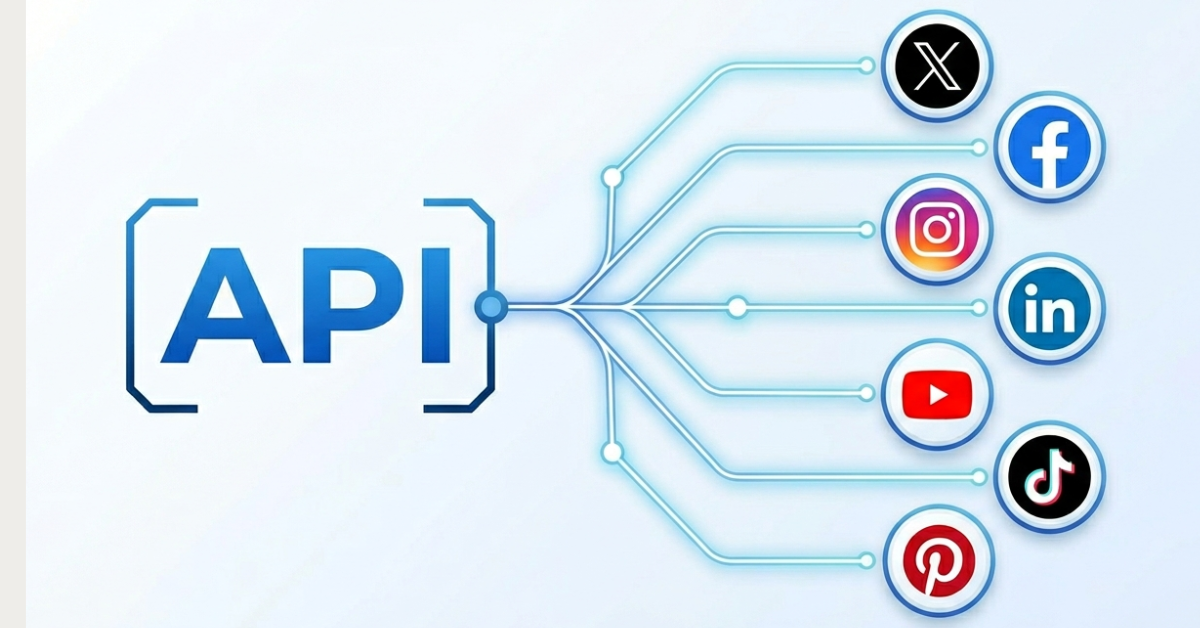
If you're looking for access to the Facebook Graph API then using a unified social media API is definitely the fastest way to get what you want. Rather than going through the entire review process, you can skip all of it and get instant access to an API that allows you to post to Facebook.
Tools that offer a unified social media API have already gone through the rigorous process of getting access to publishing posts on Facebook. They also handle OAuth, token management and version upgrades for you - so you don't need to develop much yourself.
The trade-off is that you often pay for these. Some tools, like WoopSocial, offer free unlimited posting to up to 2 accounts. Any accounts over that lead to a paid plan, where you're looking at $19/month for unlimited posting on 20 accounts. However, this does come with instant access where you skip weeks of waiting time.
If you're developing an AI agent, want to build a SaaS or are a developer yourself, this is in most cases the fastest way to actually start seeing the power of the Facebook API rather than going through all the necessary hoops that Facebook makes you go through.
Using a social media management platform
If your goal is to simply post content to Facebook from different accounts, a social media management platform can be a worthwhile substitute. It's not really the same as API access but it does cover a lot of the things most people want to do with the API.
For example, if you just want to post to Facebook, a platform is much easier than going completely dark. You'd need to build features yourself such as a visual calendar to see when what posts goes out, an account selector, a connection page to connect new accounts, settings, etc.
Social media management platforms already have that. And you're not just restricted to using the platform, a ton of tools like WoopSocial come as a hybrid: you get a unified social media API so you can post from AI agents or from your own code, along with a platform that allows you to connect accounts, see when posts are going out and other features that you otherwise have to build yourself.
This is ideal for people who do not have a background in developing or who do not want to vibe code an entire platform. This is a good no-code solution for social media managers, agencies and small businesses who want to rely on something that can run quickly without all the work around it.
Comparing the best Facebook API alternatives in 2026
Now let's look at the actual tools and third party solutions that are available as alternatives to the Facebook API. Note that we will use a combination of unified social media API solutions along with social media management platforms here to get a full scope of what is possible.
WoopSocial - API + platform
WoopSocial is standing out as the ideal alternative for the Facebook API when it comes to posting. It offers the same features but you can bypass the entire review process and business verification. Plus it offers 2 free accounts on its free plan, with unlimited posting, which is unique in this market.
If you are looking for a complete Facebook Graph API alternative then WoopSocial is a great choice as it combines the benefits of a social API with a platform too.
WoopSocial allows you to post directly to your Facebook Pages through a single endpoint, which can be accessed immediately after signing up. You just need a WoopSocial API key, which is available within 60 seconds, instead of needing a Facebook Graph API key which takes weeks.
It's important to note that WoopSocial also allows you to post to other platforms. Instagram, TikTok, LinkedIn, Pinterest and other platforms are also included. So instead of just posting your content to Facebook, you can use all those other platforms to get more eyes on your content from within the same post.
Because WoopSocial has already passed Meta's App Review, building something with the Facebook API will be much faster. Plus the platform itself helps visualize what your content calendar actually looks like.
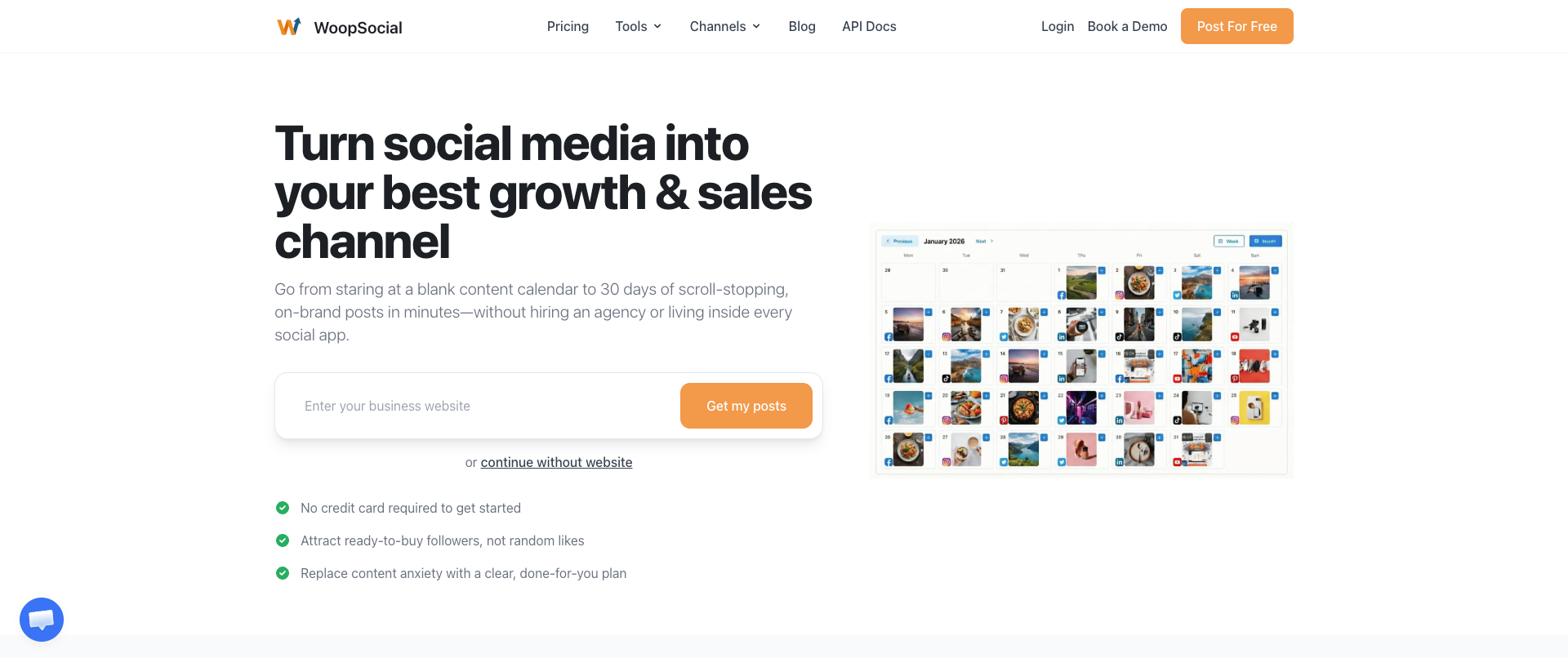
WoopSocial supports posting text posts, link posts, image posts, video posts and Reels and Stories to your Facebook pages. You can also use its MCP to link your API key to your favorite AI agent so you can post to it directly.
AyrShare - an API alternative
If you want to go full API instead and have a high budget ready for your integration then AyrShare can be quite a good solution. This is especially helpful if you're an enterprise, as the steep costs of this solution do require a significant budget.
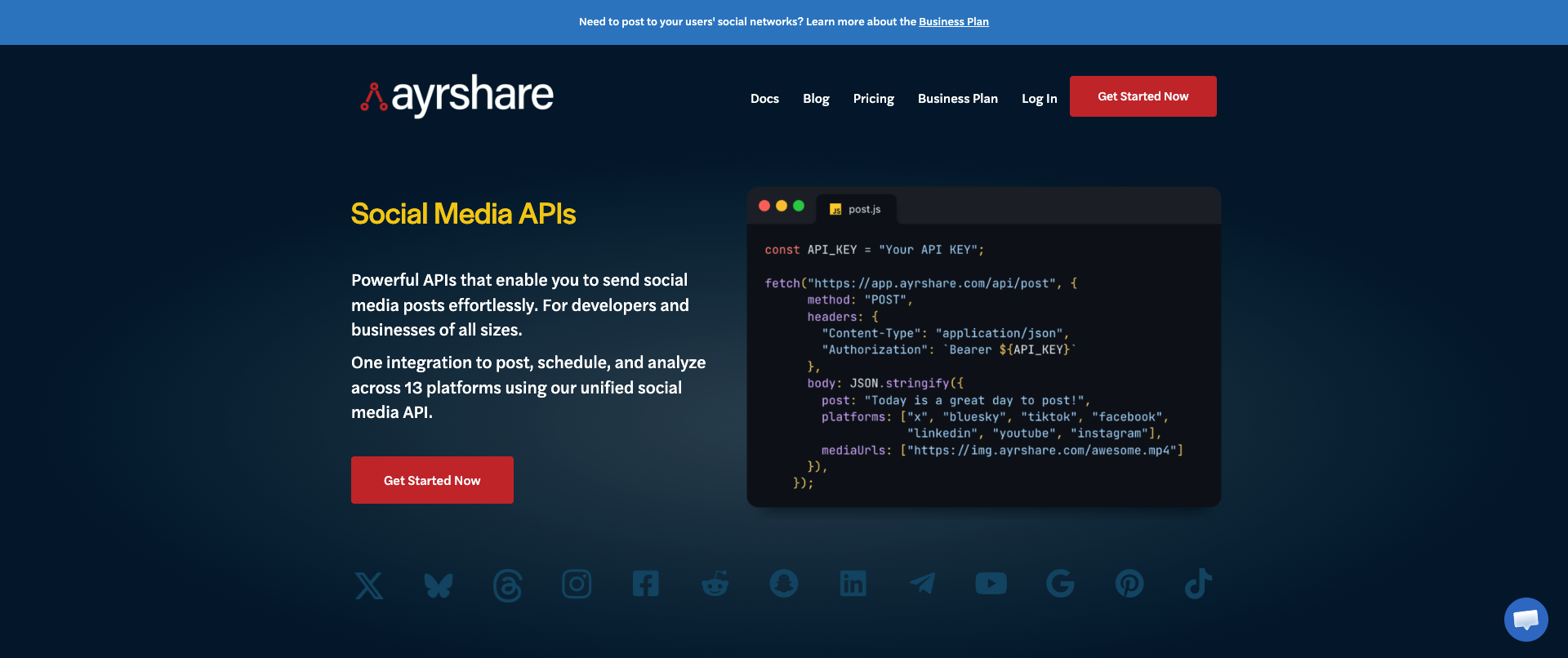
AyrShare offers a total of 13 platforms, which includes Facebook. So it's a good Facebook API alternative in the way that it offers this multi-platform approach.
Because the price starts at $149/month for one account per platform (so only one Facebook Page), it does come with a significant trade-off. The infrastructure is great but the pricing is just really high.
Buffer - limited API access
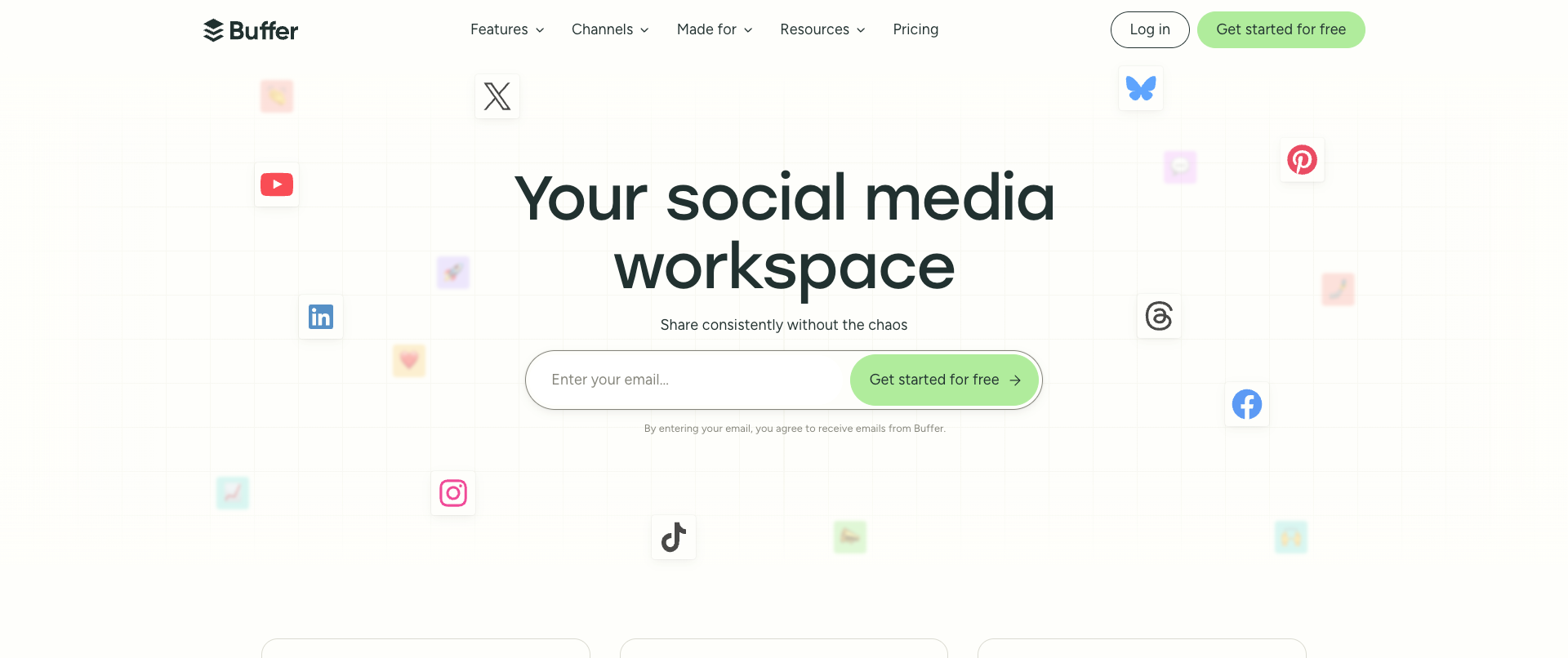
Buffer has recently launched their own API again, after it was mostly hidden from the public since 2019. Because they now have an API again, you can use it to post to Facebook through its API. It also still offers a platform to post to Facebook as well. So it's more of a hybrid.
The API does come with a cost, only social accounts that are on the Pro ($5/mo) or Business ($10/mo) plans are able to post through the API or MCP. This means that if you have 10 Facebook Pages you want to post to, your monthly bill will be $50-100/mo depending on which one you have.
Note that the API has its limitations at the moment since it's quite new. However, it does still serve as a proper Facebook API alternative and Buffer has indicated they're optimizing the API over time.
Apify - get Facebook data
Not entirely for posting/publishing but Apify does offer their own Facebook API alternative if you want to specifically focus on market research and engagement tracking. Thanks to its "Actors", which are automations available on its platform, you can get data from competitors, your niche in general or even your own pages.
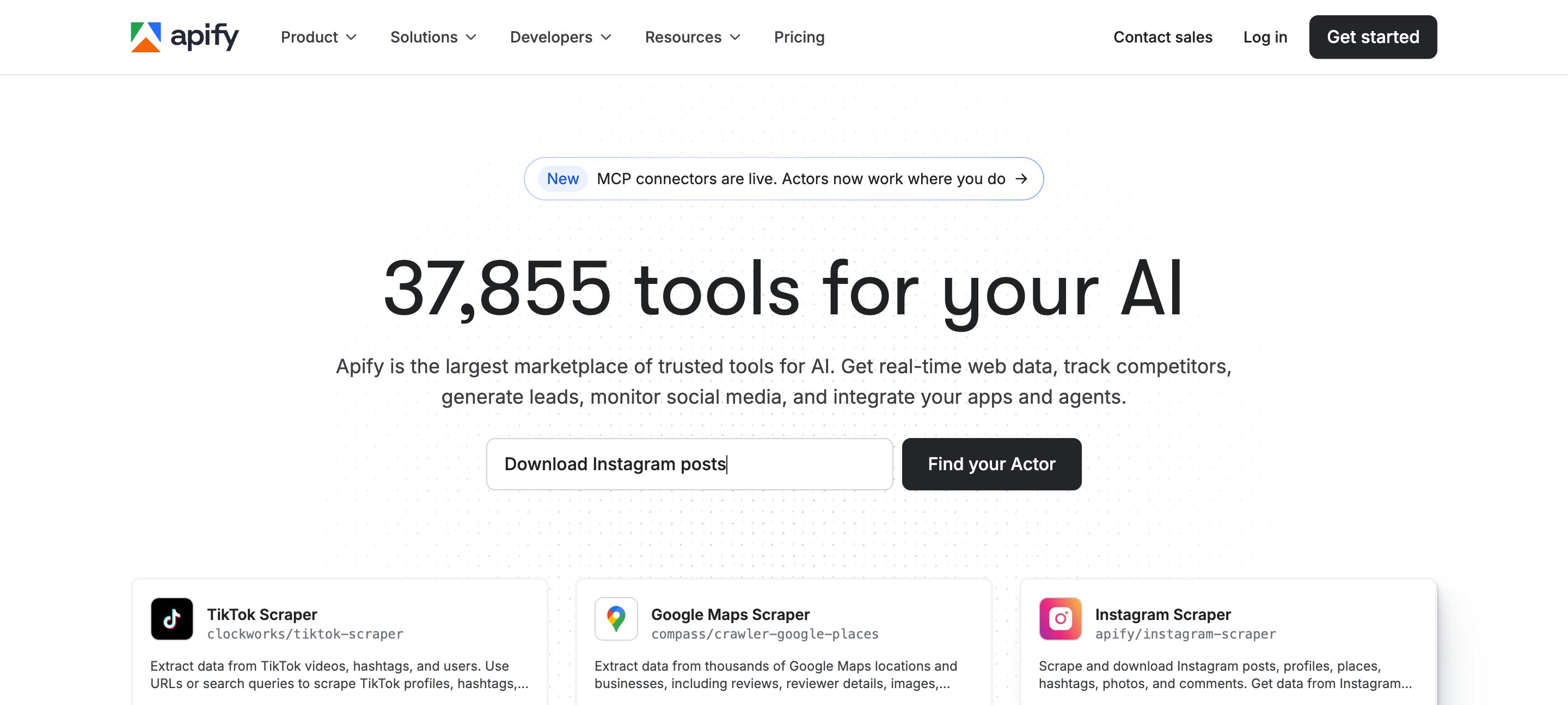
The reason this is still interesting as a Facebook API alternative is because it gives access to data that Facebook does not necessarily give yet, while also not needing any permissions for it. Note that Facebook recommends not scraping any data whatsoever.
This does not actually use your own account, Apify will use proxies so that data can be scraped. The platform requires a monthly subscription and some Actors are also charging you per action that they take or per month depending on what the developer behind it has set up.
SociaVault - get public data
This is, just like Apify, a more data extracting focused platform. Rather than posting, you can extract data from the Facebook platform based on keywords, hashtags, etc. Though the official Graph API by Meta does allow you to get some data, these scraping tools give you a lot more data than the official API.
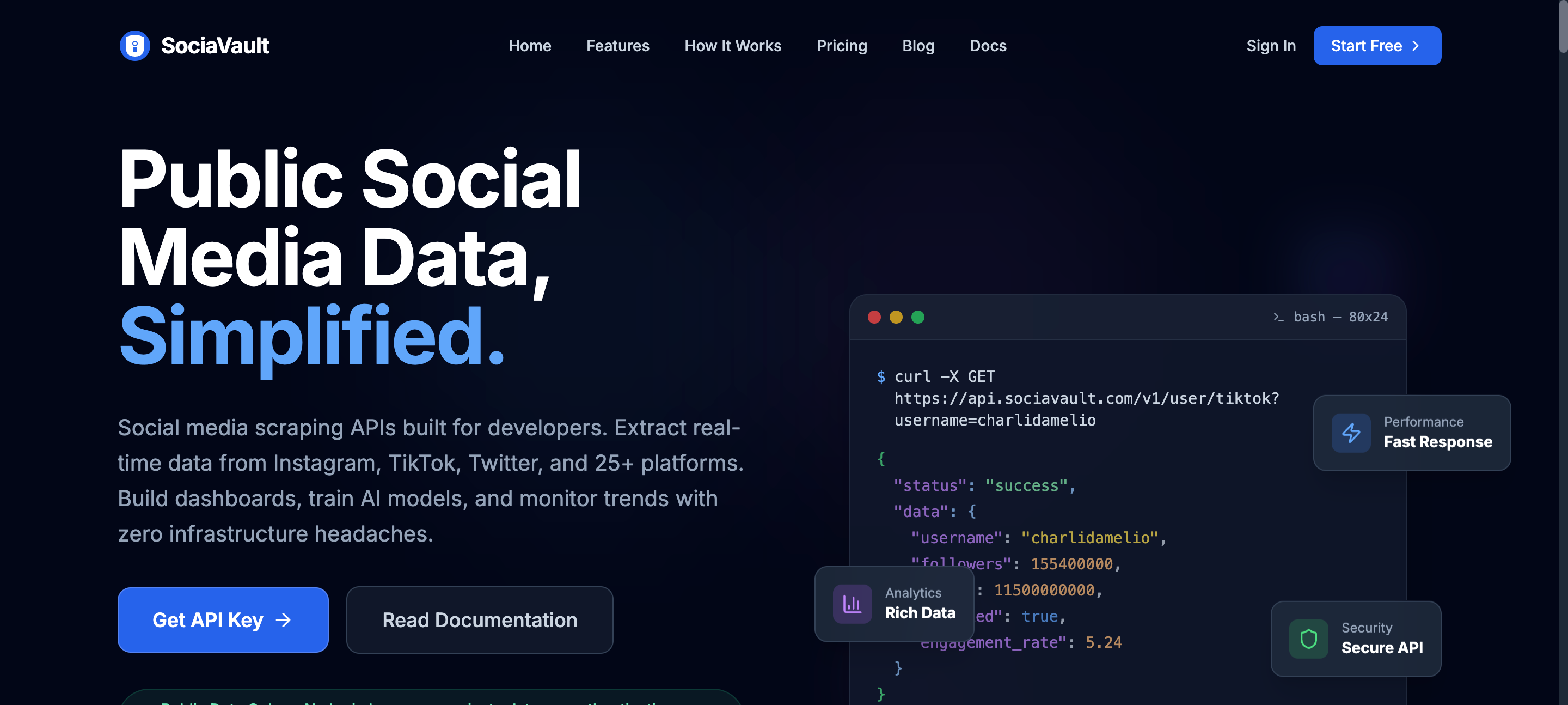
SociaVault is specifically focused on giving access to public data, so data that is not hidden behind Facebook's login screen. Though Meta is trying to do more and more to ensure that a lot of data cannot be scraped.
Note that scraping is a gray area, especially when it falls outside of the scope of permissions that the official Facebook Graph APi offers.
| Feature | Meta Graph API | WoopSocial | AyrShare | Buffer | Apify | SociaVault |
|---|---|---|---|---|---|---|
| Primary use | Direct Facebook Page publishing via official endpoints | API + platform posting to Facebook and other platforms | Full API multi-platform publishing | Hybrid platform + API posting | Facebook data scraping via Actors | Public Facebook data extraction |
| Setup time | 2-4+ weeks (app review + business verification) | ~60 seconds with API key | Immediate (paid) | Connect accounts; API on Pro/Business plans | Fast via plug-and-play Actors | Fast via REST API |
| Pricing | Free (with review process) | Free: 2 accounts, unlimited posts; $19/mo for 20 accounts | From $149/mo per platform (one Facebook Page) | $5-10/mo per account for API/MCP access | Monthly subscription plus per-Actor costs | Pay-per-request |
| Post to Facebook | Yes: Pages only, 25 posts/day limit | Yes: text, links, images, video, Reels, Stories | Yes (13 platforms including Facebook) | Yes (with limitations, recently relaunched API) | No | No |
| Scrape Facebook data | Limited via official permissions | No | No | No | Yes, extensive via Actors | Yes, public data focus |
| Multi-platform support | Facebook/Instagram (Meta ecosystem) | Facebook, Instagram, Threads, TikTok, LinkedIn, Pinterest + more | 13 platforms | 11+ social networks | Cross-platform scraping available | Cross-platform data available |
| MCP / AI agent support | Build yourself | Yes | Yes | Yes | Yes | Via REST API |
| Token maintenance | You handle (60-day refresh) | Handled for you | Handled for you | Handled for you | N/A | N/A |
| Best for | Full control, enterprise Meta integration | Fastest start for developers and AI agents | Enterprise budgets | Teams wanting hybrid platform/API | Market research and data at scale | Pay-as-you-go public data access |
How to choose the right Facebook API alternative
Now that you know the landscape of the different APIs that are available as alternatives for the Meta Graph APi, it's time to look at different use cases to see what fits best where.
Building a SaaS with Facebook publishing
If you're building your own SaaS and want to include Facebook publishing, then tools like WoopSocial, AyrShare and Buffer are the best fits. Their API allows you to integrate the Facebook API while skipping the entire process of building your own app, getting the right permissions and verifying your business. Rather than looking at a total timeline of 2-4 weeks, you can start within a few minutes and publish your first posts.
Grabbing data from Facebook at scale
If you want to scrape a ton of data from Facebook then Apify or SociaVault is a great choice. They have different types of automations and workflows that allow you to get the data that you need, bypassing the official Facebook Graph API that often comes with much heavier rate limits.
Building or integrating Facebook in your AI agent
If you want your AI agent to post directly to Facebook through workflows or automations then WoopSocial, AyrShare and Buffer are a great choice. They all offer MCPs which directly integrate with your favorite AI Agent. Whether you're using Claude, ChatGPT or specialized agents such as OpenClaw or Hermes, they directly integrate with all of them and allow you to push content directly.
Migrating from the Facebook Graph API
If you already have access to the Facebook Graph API but want to migrate away because you no longer want to do maintenance then there are several options as well. But this really just comes down to making sure that you are mapping out everything correctly and use the right endpoints.
1. Look at your current setup
Analyze your current stack and setup: which permissions are you currently using and which endpoints do you call? How many Pages are you currently posting from with your production? And what does your token refresh logic look like? Understanding all of these aspects will help migrating much faster.
2. Start mapping endpoints to alternatives
From step 1, collect all the endpoints that you are currently using. Then map these to the alternatives and their endpoints. If you're using the permission to post content to your pages, use the unified social media APIs as an alternative and look at the necessary code changes.
3. Run your new stack parallel with the old one
By running it parallel at the same time, you can ensure that you are getting the same results from your old stack. Split the posts in half so you can understand failure rate in the new setup and log all successfully published posts as well.
4. Cut out the old stack and monitor the new one
Once you're fully ready to migrate away from the official Facebook Graph API, cut out the old version that you ran and monitor what your new stack is doing. Pay attention to errors and token refreshes to make sure that everything is running smoothly.
Facebook API alternatives are the right way to go
Ever since Facebook has launched its API, new features have been added, old features have been removed and a new version has come out about 2-3 times a year. With a total runtime of about 2 years per version, things are changing fast.
That's why a ton of maintenance is required when you are running your own stack that uses the official endpoints. Using a Facebook API alternative is often a much better choice if you want to make sure that the development doesn't constantly come back to you. Development is pricey and takes time, being able to skip it will save you a lot of headaches.
Rather than going through the 3 layers of necessary permissions, dealing with the 4 different token types and having to go through business verification, you can just run a single endpoint that does what it needs to do: make your life easier.
At the end of the day, the best Facebook API alternative is the one that allows you to do what you want to do without the long timeline of reviews and potential rejections, letting you start posting and scheduling within minutes.
Sources & References
- Graph API Documentation
OFFICIAL
- Graph API Changelog
OFFICIAL
- Introducing Graph API v25.0 and Marketing API v25.0
OFFICIAL
- Pages API Reference
OFFICIAL
- WoopSocial API Documentation
OFFICIAL
Related reads
6/11/2026
TikTok API Alternatives for Developers in 2026: get instant access
Getting access to TikTok’s API can take weeks, but there are alternatives available. Compare the TikTok API alternatives that give access instantly.
6/9/2026
Instagram API Alternative for Developers: get instant access in 2026
See what alternatives for the Instagram API are best when you want to schedule, get analytics or publish, so you can set it up without the complexity
5/2/2026
The 18 Best Social Media APIs (REST) for Developers in 2026
Social media APIs are part of the core infrastructure for modern apps. Whether you're using it as regular scheduling tools or integrating it with your AI agent, you need the right social media API to post to all your required platforms.