Threads API Alternative - Start within 30 seconds
Save time by planning and scheduling your Threads posts in advance. Build your presence and grow your audience with consistent content.
Get started now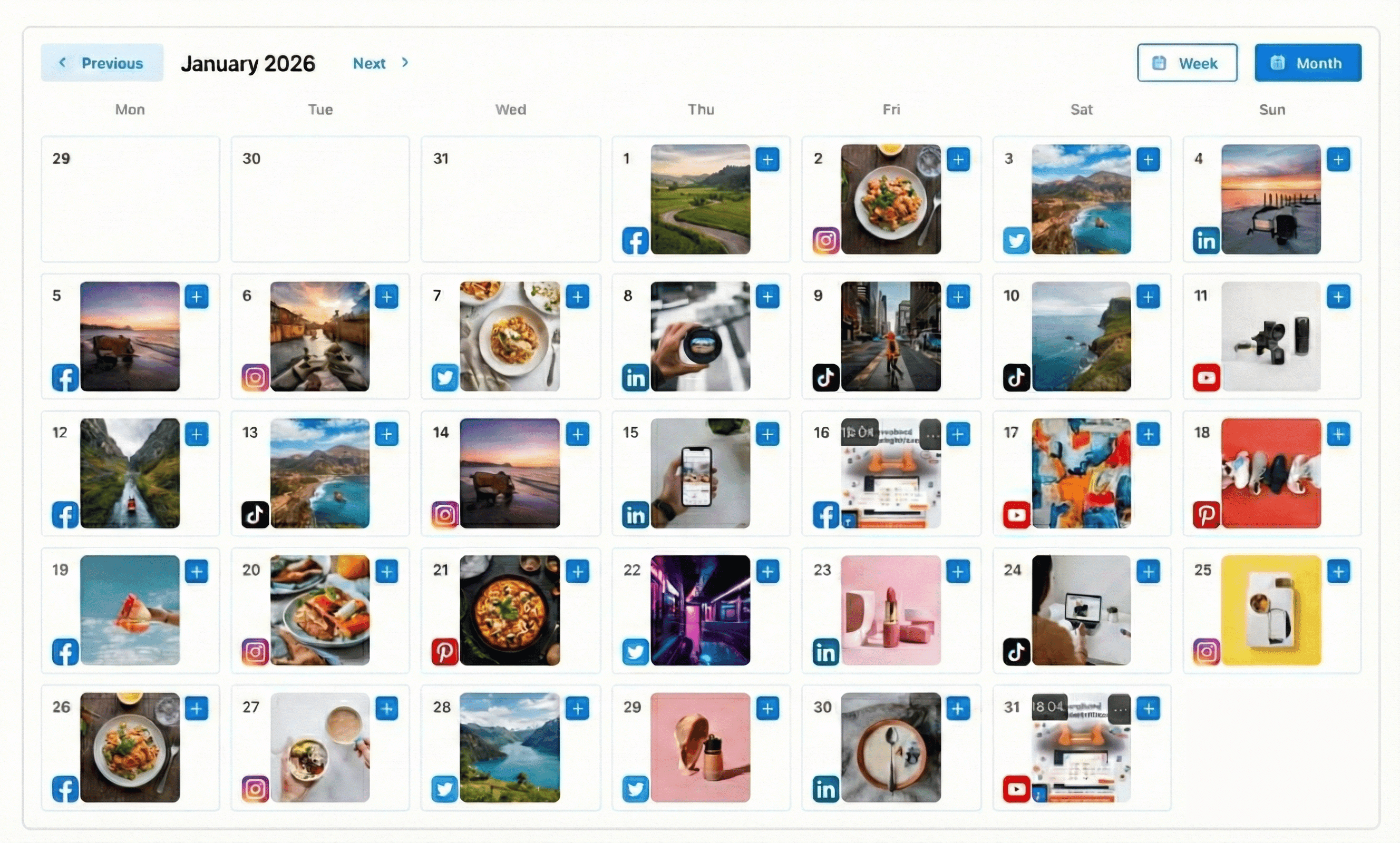
How It Works
Connect Threads
Connect your Threads account securely
Create Content
Write posts and add images
Schedule & Publish
Set your preferred time and let us handle the publishing
Frequently Asked Questions
Both Free and Pro plans include unlimited posts. All users can schedule as many Threads posts as they need.
Yes, you can connect multiple Threads accounts within your workspace limits. Free includes up to 2 connected social accounts; Pro ($19/month) includes 20—not unlimited. Business, Max, and stacked plans add more (see our pricing page).
You can schedule text posts and posts with images to your Threads profile.
The Free plan includes unlimited posts, AI post generation, 3 AI images (lifetime), AI content calendar generation, drag & drop calendar, content library, and business profiles. Pro plan ($19/month) adds 100 AI images per month, advanced scheduling, and priority support.
Ready to grow on Threads?
Start scheduling your Threads posts today — free, no credit card required.
Get started for free