How to pick the best unified social media API in 2026 for your platform/automations
Using a unified social media API, you can create social media automations or integrate within your platform today instead of having to wait for weeks - but which one is the right choice?
Go straight to the comparison table
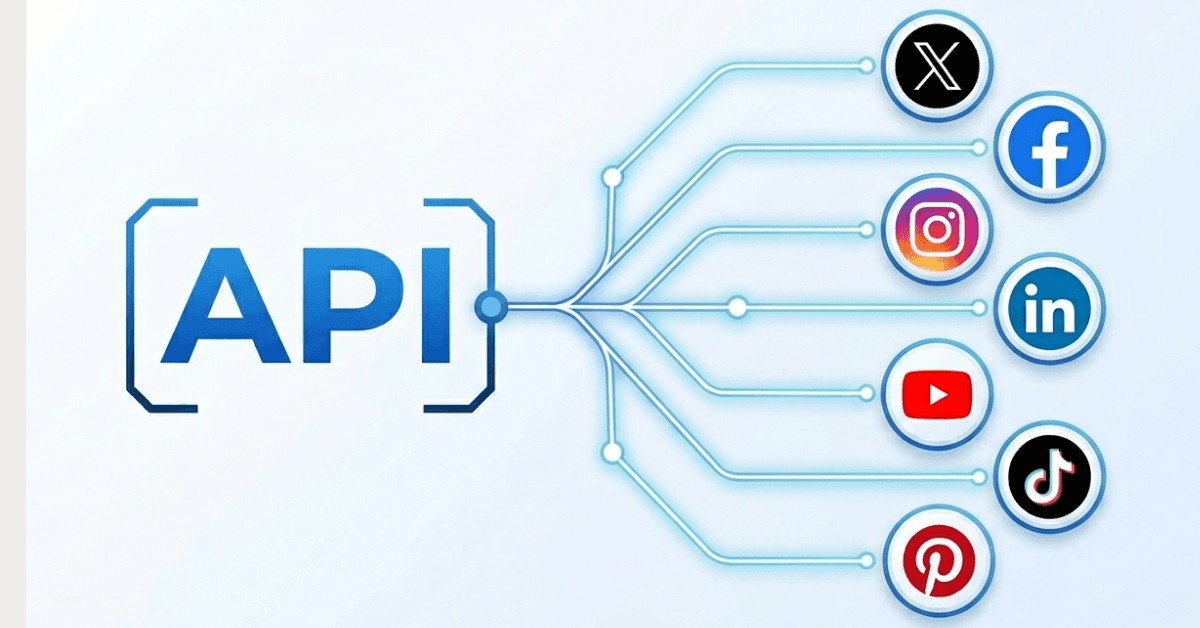
A unified social media API allows you to post directly to multiple social media platforms through a single API. It’s an effective way to develop your own automations or a platform that can distribute content effectively.
And it also significantly speeds up your production; rather than having to go through the long process of getting approved by all social media platforms to use their API, you can just use a single endpoint that is live right now.
It also saves significant time integrating with all these social media platforms. A unified social media API allows you to post to all of them using a single endpoint rather than having to write unique code per platform yourself.
But what is the right unified social media API for you and what should you actually pay attention to when selecting one? We’ll take a look at that in this article.
The problem that a unified social media API solves
Native APIs are often a nightmare. For each social media platform that you want to post to, you need permissions from the platform itself. For example, Facebook and Instagram famously have a long approval waiting time. And TikTok can sometimes take up to 8 weeks.
A unified social media API is available right now and can be integrated within minutes instead of having to write separate functions and updating them accordingly per platform.
Some things you will likely bump into when trying to get access to all of these platforms: Facebook API: takes around 10 days to get approved (if they do not send it back), requires video screencast demo videos of your use case before you can pass the App Review (see Facebook API alternatives to skip this) TikTok requires you to go through a sandbox testing phase before you can actually start posting. It is also the one with the longest waiting time at the moment Twitter/X moved to expensive plans to use their API YouTube requires a Google-reviewed OAuth screening which can take quite a long time before you get approved LinkedIn’s API is still a mix between version 1 and 2, making it extremely difficult to implement it effectively
The result is that you need to go through all these approval reviews, often with multiple feedback rounds, before you even have permission to start posting through these APIs. And then you also have to keep all of them running, often having to make code changes to ensure that it runs correctly.
This quickly becomes a full-time job to ensure that everything is running. And if you’re not extremely technical, it can be quite the nightmare to effectively set it up with rate limits as well.
So that’s where a unified social media API comes in. It significantly reduces the time to actually have a working version of your automations or platform.
Instead of having to wait and code for weeks on end, you can actually get started immediately. Most developers take up to two months to set it up without a unified API, with a unified API you can get it done in less than a day. (And if you use AI to code for you, this obviously shortens the total time even more. By uploading the API docs to your AI agent, you can often get it up and running in less than 30 minutes).
So what does a good unified social media API actually do?
A good solution makes your life easier at the end of the day. A good unified social media API throws together two sides: ensuring that you can post to the right platforms and ensuring that what you post to those platforms actually goes through.
Quick cross-platform publishing and scheduling is the most important one. You basically make a single call to the unified API to post to multiple platforms. It handles media such as images and videos properly and makes sure all necessary extra elements are being handled per platform.
For example, if you post to Pinterest, you need to include a Board. This takes time to set up with your own code, but a good social media APi already has that integrated and ensures you include that when posting or scheduling.
It also offers webhooks that help you understand when a post was successfully published so you can create additional workflows after that. For example, you might want to automatically add posts to a spreadsheet after they’ve been posted or want to further create AI automations based on posted content on your social media accounts.
Modern capabilities of the unified API
And more recently, these social media APIs became much more critical within what we do online. With the growing user base of MCPs, an API like this will help you to integrate it directly within your AI agents. You can add the unified social media API directly into your Claude, ChatGPT or any other AI agent.
It often also comes with built-in AI content generation or at least allows you to connect it to other tools where you can create text, images and videos using AI.
A unified social media APi makes it easier to create a whitelabel solution for agencies, allowing their own clients to use a platform like this and charge higher rates. And some also include ad campaign management through the API, allowing clients to automatically set up ads (or allowing the agency to upsell ad management).
The use cases of the unified social media API
And that brings us to the use cases of the unified API. Because with the arrival of AI and the increase in workflows relying on AI, it has become a vital part of the strategies of many companies to include social media in their growth plan.
For SaaS builders
For example, SaaS builders can now easily add social features in their own product. So you can let your users connect their own social media accounts and then publish or schedule posts through your own platform. This then just requires a single call to the unified API, allowing them to cross-post their content to multiple platforms and accounts
For agencies
If you’re an agency and managing dozens of client accounts, it often becomes difficult to keep the right overview. And tools can get really expensive once you service a lot of clients. A simple API like this allows you to create a white label solution that doesn’t feel like you’re bleeding financially.
For AI agent developers
If you’re creating AI workflows with your AI agent, you want to save as much time as possible setting it up. AI coding tools will already help with that, but using a unified social media API will allow you to launch this integration today instead of 8 weeks from now. Plus it saves a lot of irritation trying to get approved by all the platforms.
For creators and marketers
Odds are you’re building a lot of different automations and workflows already. And they can get more effective when you implement a social media API. Instead of having to copy paste your content or play around with all types of settings, you just post the content to a single endpoint and save yourself time and a massive headache.
So how do you pick the right social media API?
That largely depends on your actual use case. Below we laid out some options. But before you can really pick the right one, you need to ask yourself a few questions that are vital to your final decision.
Questions to ask are:
-
Which platforms does this unified social media API cover that I’m actually looking for - there are APIs that offer dozens of platforms but if you’re not going to use them then it’s not worth the price
-
What kind of pricing model do I prefer - in this market, there are a ton of tools and each of them prices their plans differently. Some offer unlimited accounts for a set price, others offer unlimited posts and there are some tools that offer both.
-
Do I need to bring my own keys - this completely defeats the purpose of a unified social media API but some platforms keep their prices low because you need to bring your own API keys (make sure you pick one that does not require this).
-
What are the post and account limits - as mentioned, the pricing plans are all over the place in this market. It’s important to know beforehand how many accounts you expect to connect and how many posts you want to publish or schedule each month.
-
Is it ready to integrate with MCPs and AI agents - not all tools are up-to-date when it comes to integrating easily through an MCP to use within your AI agent. This can ruin your speed of shipping a working product or workflow.
-
Is there an SDK available - using an SDK, you can significantly increase the speed of shipping your product. So it’s useful to pick an option that offers this.
A list of options for a unified social media API
Now that you understand what this API is, what it actually does and what you need to pay attention to, it’s time to list some options that fit certain use cases. Each option contains features, platforms, pricing and what use case it fits best.
Comparison table
| API | Starting Price | Platforms | BYO keys required | MCP/AI-agent readiness | SDK available | Best fit |
|---|---|---|---|---|---|---|
| WoopSocial | $19/month | 9 | No | Yes (native MCP) | Yes (TypeScript) | Budget-friendly with high limits |
| AyrShare | $149/month | 15 | X/Twitter only | Not specified | Yes | Enterprise teams with broad needs |
| Outstand | $10/month (1,000 posts) | 10 | Yes | Not specified | Not specified | High-volume apps that can bring keys |
| Post For Me | $10/month | 9 | Optional | Not specified | Not specified | Budget-conscious teams with lower scale |
| Buffer (beta) | Not published | 11 | Not specified | Not specified | Not specified | Existing Buffer users testing beta |
| PostEverywhere | $19/month | 7 | Not specified | Not specified | Yes (Python, Node) | Multi-platform posting with built-in AI |
| Bundle.social | $100/month (10,000 posts) | 14 | No | Not specified | Not specified | Broad platform coverage with dashboard |
| Postiz | $29/month | 30 | No | Not specified | Not specified | Broadest platform support |
| Zernio | $19/month (120 posts) | 15 | No | Not specified | Not specified | Teams that want broad support and add-ons |
1. WoopSocial
WoopSocial stands out as the ideal unified social media API in 2026 because of the social media platforms it covers along with unlimited posting. Its free plan allows you to connect up to 2 social accounts.
With $19/month for its paid plan, WoopSocial is the cheapest on this list. It supports a total of 9 major social media platforms: Facebook, Instagram, Threads, BlueSky, TikTok, YouTube, Pinterest, LinkedIn and X/Twitter. It offers 20 social accounts and unlimited posts for that price. The only exception is X/Twitter with 200 posts per month.
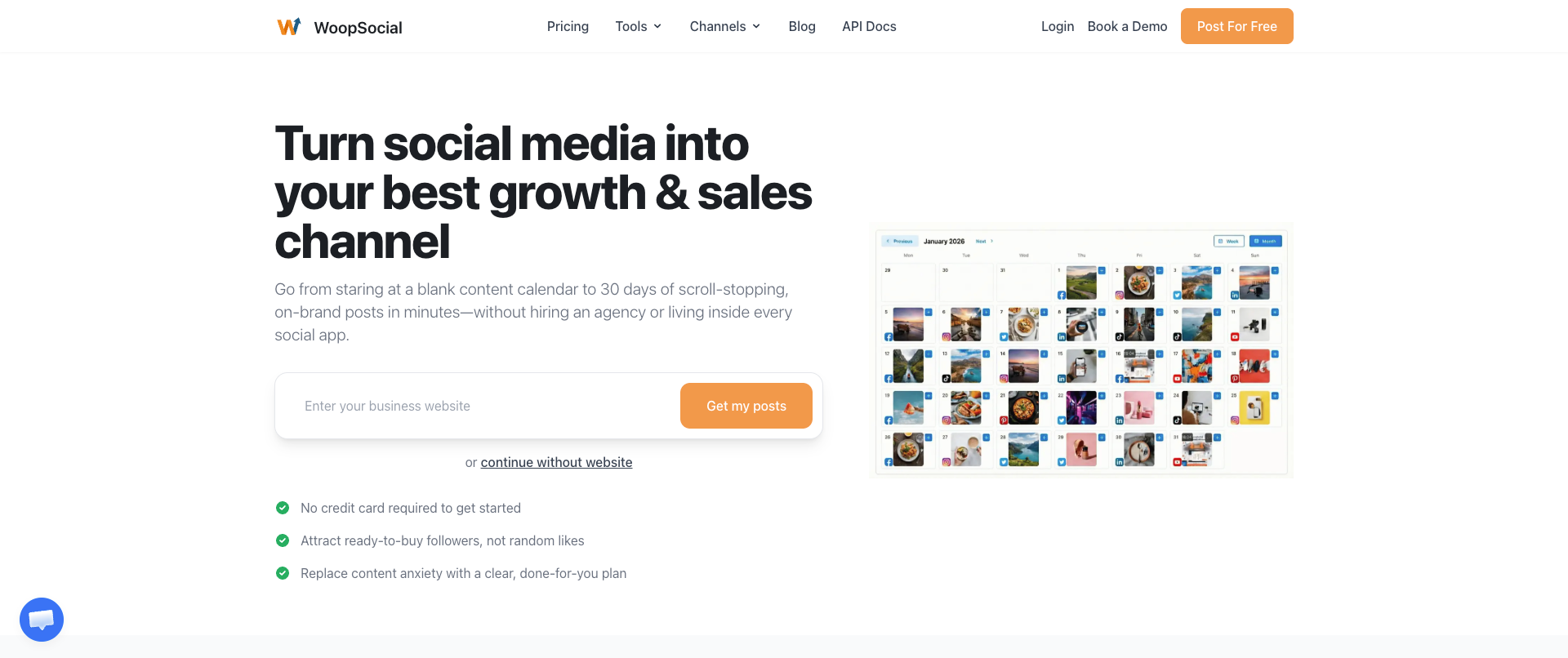
You do not need to provide your own API keys, which is great for a unified social media API. You just implement the API and you’re ready to go. It also offers a native MCP server, making it easy to hook up to Claude, ChatGPT, Cursor or any other MCP-compatible AI agent.
Its TypeScript SDK makes it extremely easy to integrate. It takes less than 70 seconds to get it running properly on your end.
WoopSocial is the best fit to go from zero to publishing, offering the lowest cost and a complete AI/MCP integration.
- Website: https://woopsocial.com
- API Docs: https://docs.woopsocial.com/api-reference/overview
2. AyrShare
Ayrshare was the pioneer in the world of unified social media APIs and is still a big player in the market. It offers a total of 15 platforms: X/Twitter, BlueSky, Threads, Instagram, Facebook, Reddit, Snapchat, Linkedin, Telegram, YouTube, Google Business, Pinterest and TikTok. X/Twitter does require your own API key, the rest is served through its own API.
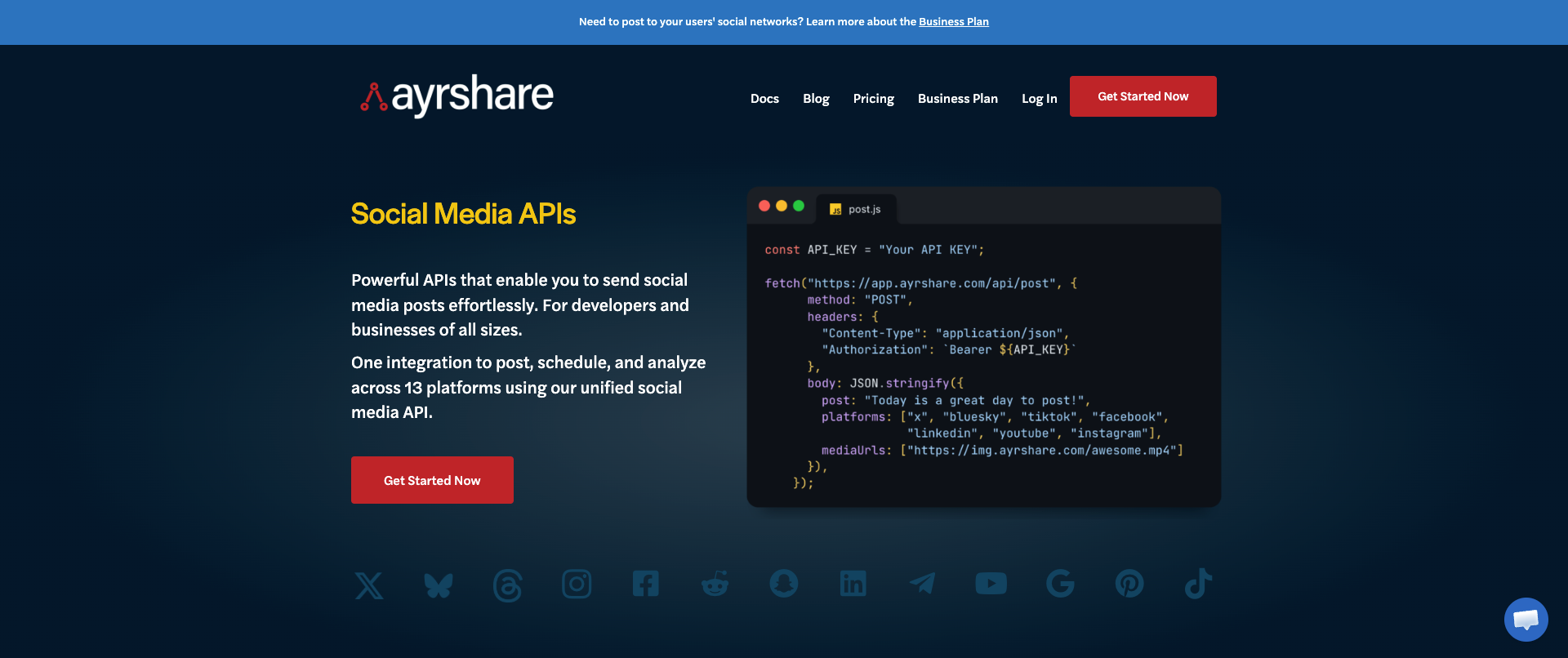
With the lowest plan at $149/month, it does require a significant investment. This is also because this only provides linking one account per platform to it. On average, you’re much more likely to be paying several hundred dollars per month to use AyrShare.
It does have a feature-rich suite of integrations, which also includes ads, direct messages and analytics.
AyrShare is best for teams that need a broad range of platforms to post to while also being able to cover the pricing.
- Website: https://www.ayrshare.com
- API Docs: https://docs.ayrshare.com
3. Outstand
This usage-based social media API is especially useful for developers that are willing to provide their own API keys but still want a unified API to post to. You simply enter your own API credentials and can then use it through a single API call. It offers posting and scheduling to X/Twitter, Bluesky, YouTube, Pinterest, Facebook, Instagram, LinkedIn, TikTok, Threads and Google Business.
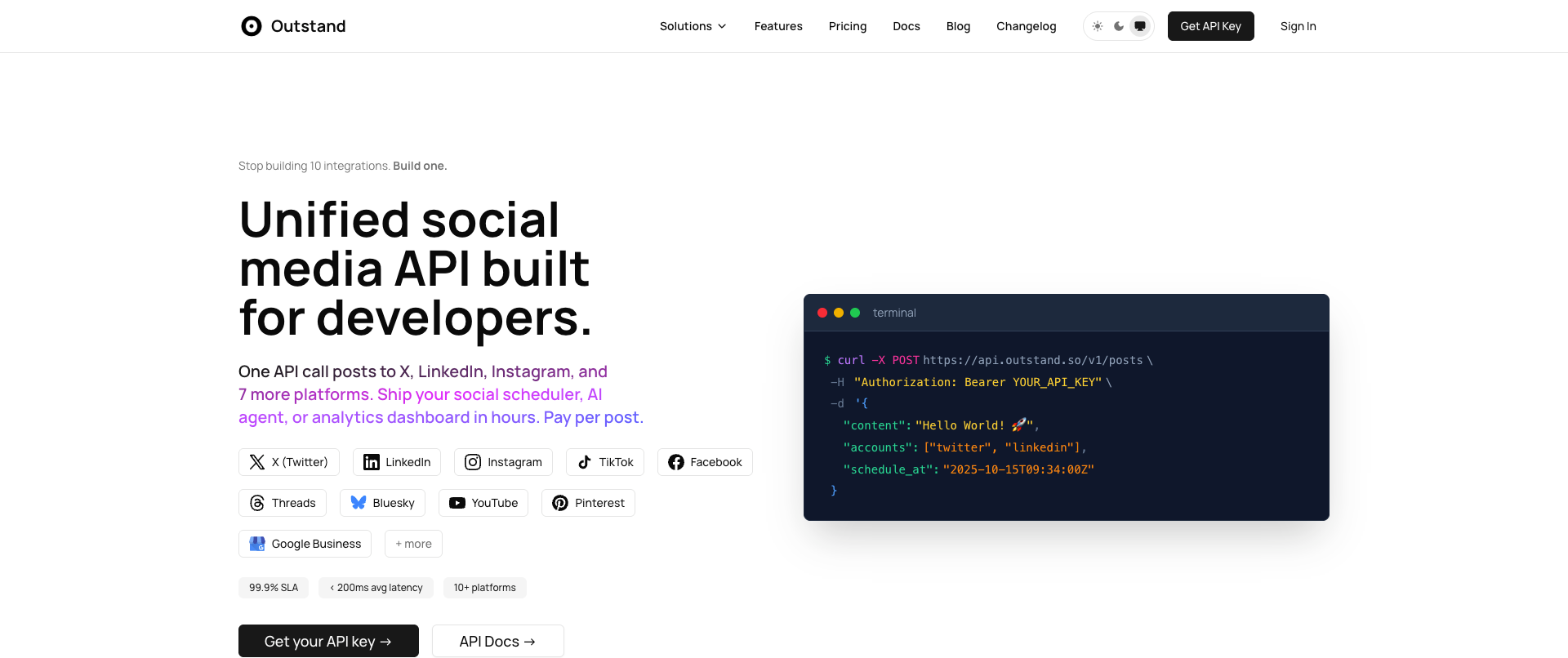
The pricing starts at $10/month for 1,000 posts. All posts after that cost $0,01 each. This does include unlimited accounts connected to your own social media apps.
Outstand is a good fit for high-volume apps with dynamic needs, but its shortcoming is the requirement to bring your own keys.
- Website: https://www.outstand.so
- API Docs: https://www.outstand.so/docs/getting-started
4. Post For Me
With a total of 9 platforms, Post For Me is a great social media API to post to a range of different major social media platforms. You can bring your own keys but it’s not required. It also has built-in analytics. The platforms it supports are TikTok, BlueSky, Threads, YouTube, Pinterest, LinkedIn, Facebook, Instagram and YouTube.
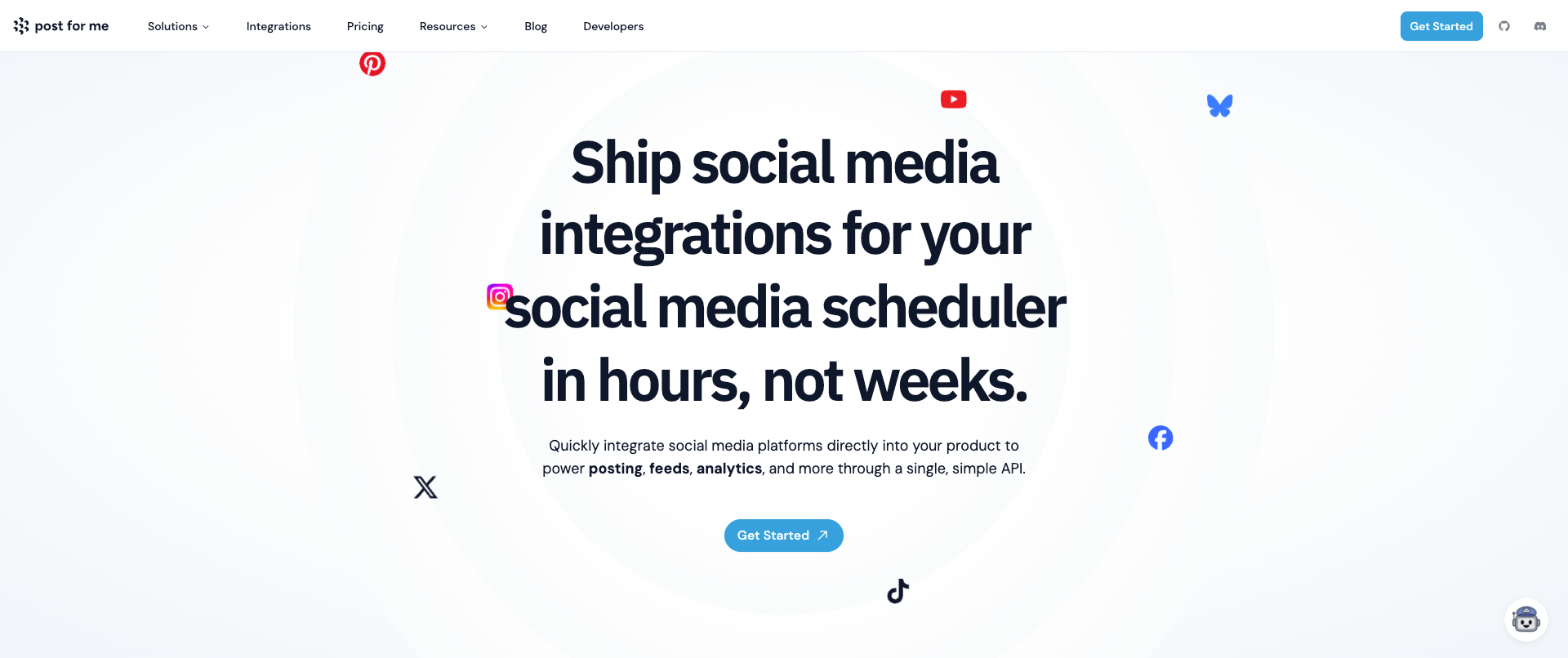
The pricing for Post For Me starts at $10/month. This is a good API for developers who want to watch their budget and do not need a lot of social accounts and posts. For the lowest tier you get unlimited accounts and 1,000 posts. But when you start scaling, it can get expensive quickly. For example, 200,000/month posts will cost you $1000/month.
- Website: https://www.postforme.dev
- API Docs: https://api.postforme.dev/docs
5. Buffer
Buffer sunsetted their API in 2019 but is now coming back with their new API. It is currently in beta and it’s still unclear what the exact pricing will be. But it does support a nice range of social media platforms that you can post text, images and videos to: Bluesky, Instagram, Facebook, Pinterest, X/Twitter, YouTube, Threads, LinkedIn, Mastodon, TikTok and Google Business.
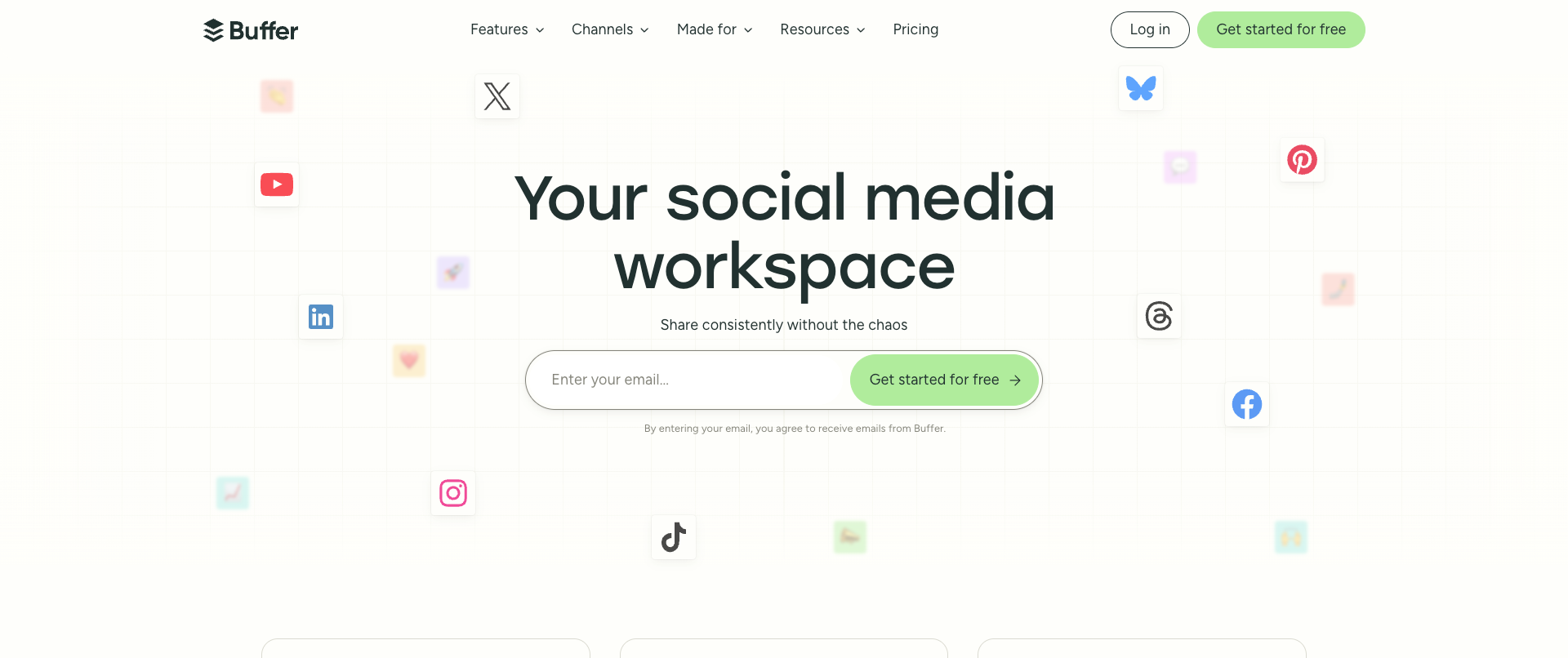
The API’s pricing is currently not available. Historically, it was only available on the more expensive plans ($99/month). But because it’s currently in beta, it’s hard to say what the final pricing will be.
If you’re already a Buffer customer, it’s worthwhile signing up for the beta and testing. Just note that Buffer’s pricing has always been quite high compared to others on the list (with a minimum of $5/social account), which makes it less ideal to create social media publishing integrations for your own users as it gets expensive quickly.
- Website: https://buffer.com
- API Docs: https://buffer.com/developers/api
6. PostEverywhere
This social media API supports a nice range of the bigger social media platforms. It also has AI generation built-in. It provides SDKs for Python and Node. If you’re looking for good support for multiple platforms, this can be a good fit, as it allows you to post to Instagram, Facebook, TikTok, YouTube, X, Threads and LinkedIn.
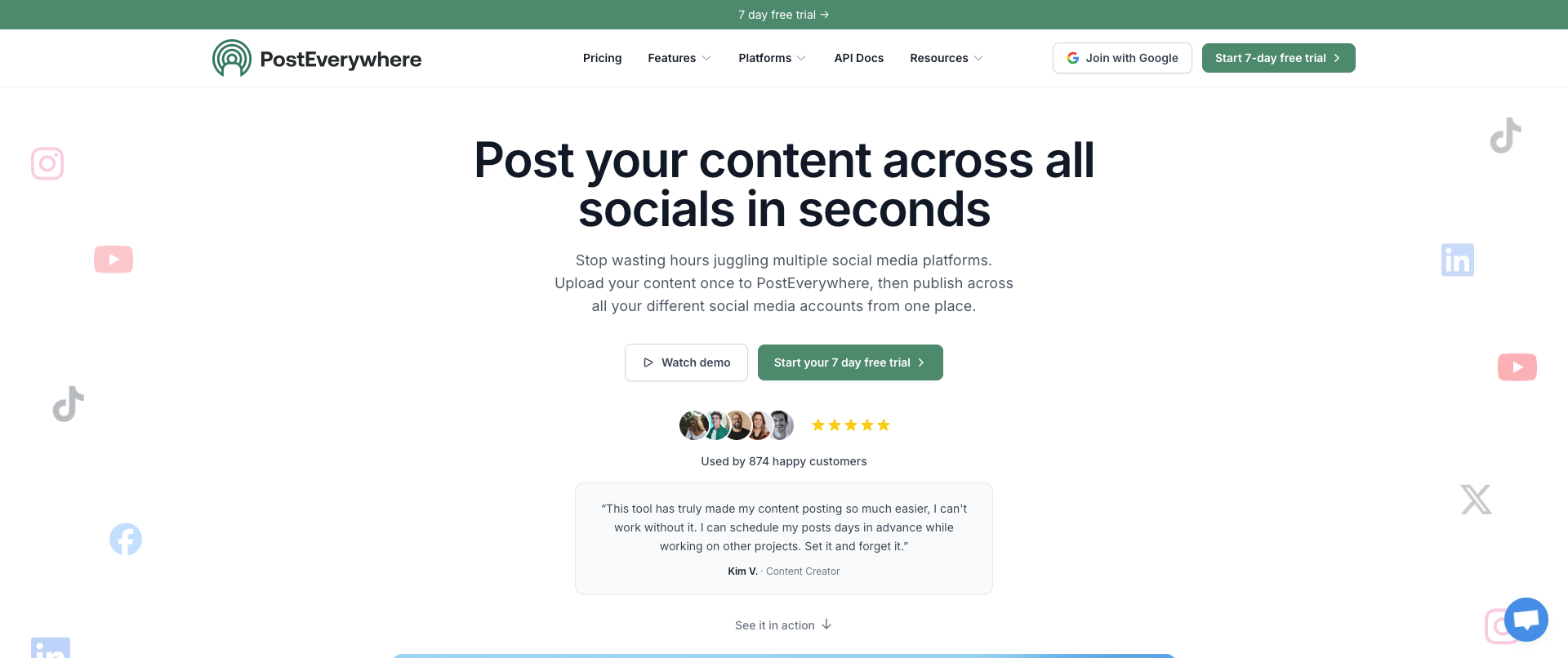
Pricing starts at $19/month which includes the unified social media API. However, it’s important to note that this only comes with 10 social accounts. You do get unlimited posting in this plan. If you plan on having more accounts, pricing goes up quite quickly and runs up to $79/month for 40 accounts. It offers a 7-day trial on all plans.
- Website: https://posteverywhere.ai
- API Docs: https://developers.posteverywhere.ai/introduction
7. Bundle.social
With a total of 14 platforms supported, this is a good fit if you want to extend your reach as much as possible. It also offers a nice dashboard which you can use to get an overview of all the social media posts going out. Platforms supported are: Facebook, Instagram, TikTok, Discord, YouTube, Threads, Mastodon, Slack, X/Twitter, LinkedIn, Pinterest, Reddit, Threads, YouTube, BlueSky and Google Business.
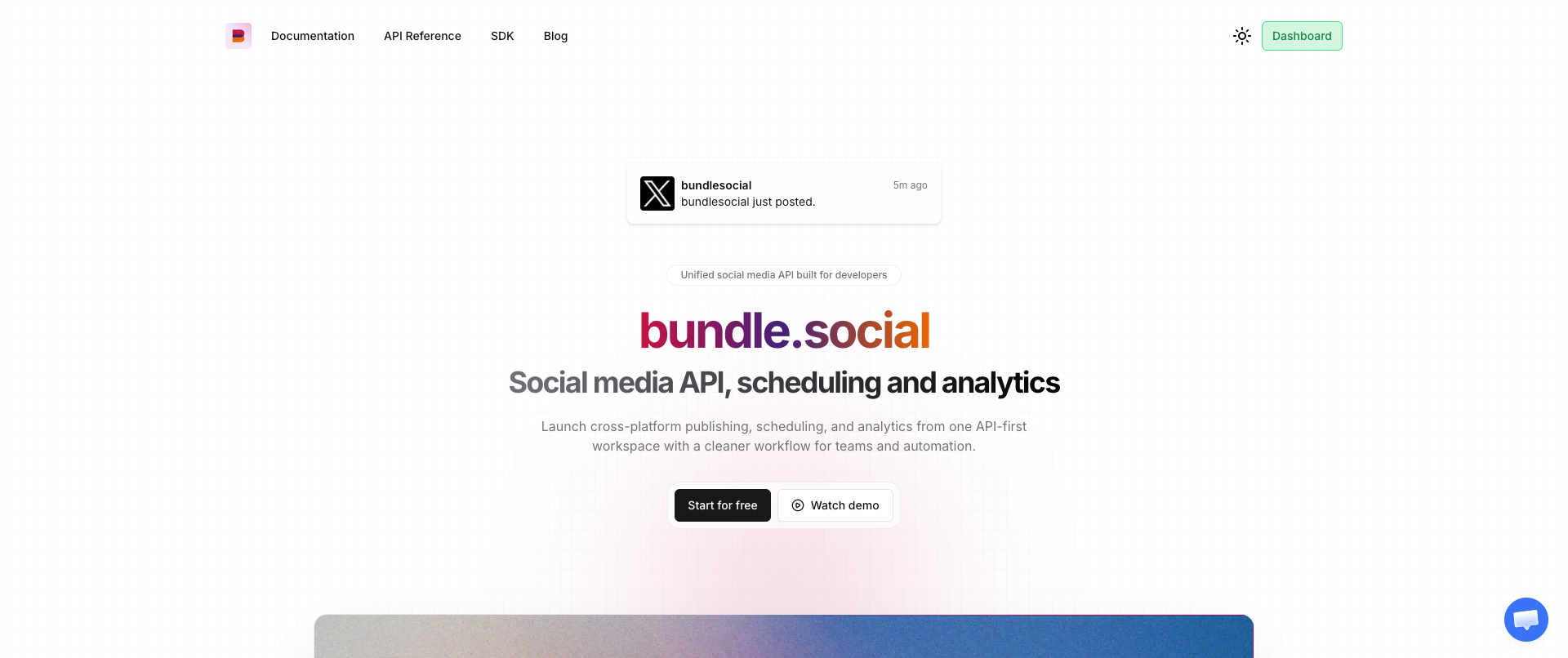
It also offers analytics, which can help improve your posts over time. This is especially good for teams that want broader coverage of platforms. Pricing starts at $100/month for 10,000 posts and unlimited accounts - this includes API access. It also offers a $0/month plan for 20 posts.
- Website: https://bundle.social
- API Docs: https://info.bundle.social/api-reference
8. Postiz
Postiz is originally an open-source self-hosted solution to post to social media. Its API is effective if you want to go as broad as possible, as it provides a total of 30 platforms to post to TikTok, Reddit, Google Business, YouTube, Instagram, Discord, Mastodon, BlueSky, Lemmy, Warpcast, Facebook, Dribbble, Pinterest, Threads, X/Twitter, Slack, Telegram, Nostr, VK, Dev.to, Medium and HashNode.
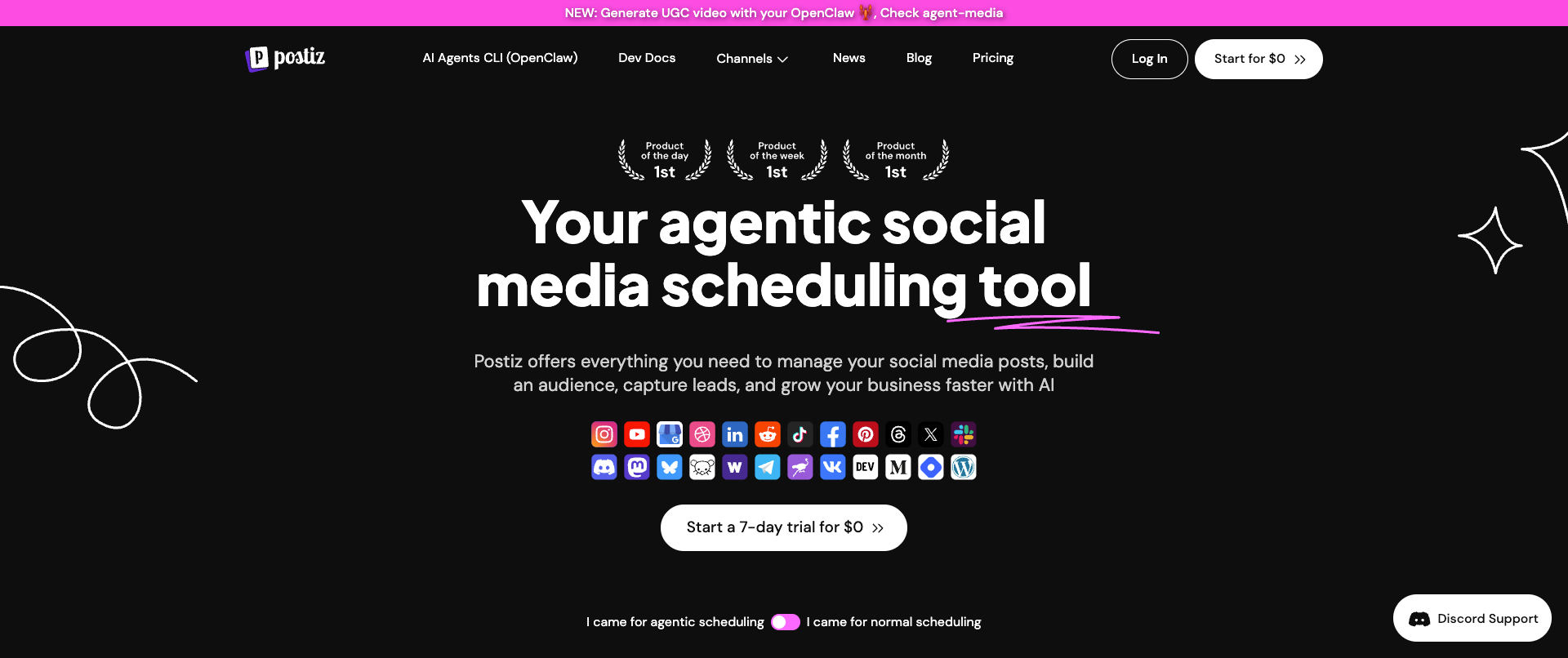
The cloud-hosted version starts at $29/month and offers 400 social media posts across 5 social accounts. If you want to get more social accounts and posts, pricing goes up quite quickly. For unlimited social accounts and posts, you’re looking at $99/month.
This is a good fit if you’re looking for the broadest number of platforms available. But it does come with an increase in pricing because of the features. Note that it can get cheaper if you end up using the self-hosted version.
- Website: https://postiz.com
- API Docs: https://docs.postiz.com
9. Zernio
With a total of 15 platforms supported, Zernio is a great fit for developers and teams that want to provide a broad number of places to post to. It has a limited free plan for testing and for $19/month you get 120 posts per month, which is quite limited compared to others on this list. The platforms it supports are: X/Twitter, Whatsapp, YouTube, Pinterest, SnapChat, Instagram, LinkedIn, Threads, Bluesky, Google Business, TikTok, Facebok, Reddit, Telegram and Discord.
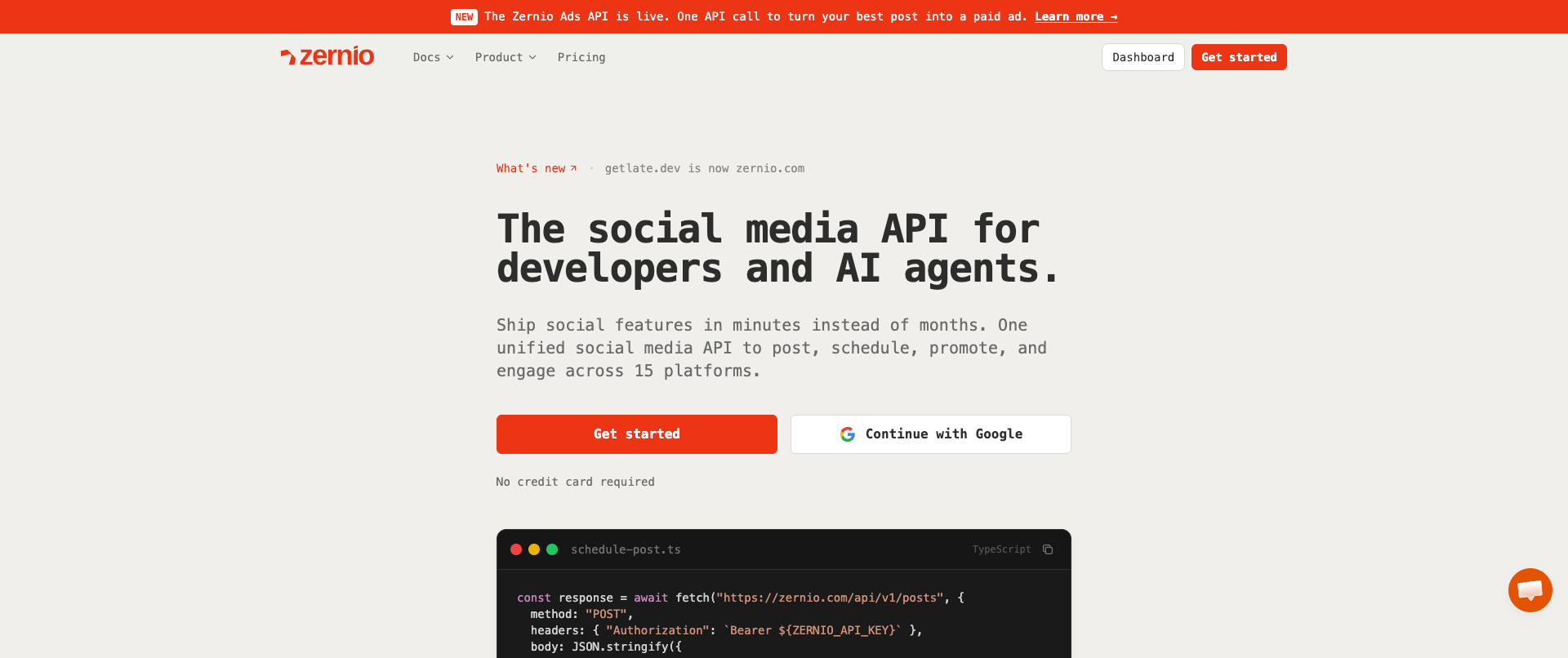
It also offers integrations for ads, analytics and direct messages. Note that all of these do come with extra costs on top of your already existing plan. It also offers an unlimited plan, which is $999/month, and most likely best fits enterprises.
- Website: https://zernio.com
- API Docs: https://docs.zernio.com
Let’s pick your best option for a unified social media API
Now that we went through the list of the most prominent ones, it’s time to take a look at what kind of use cases and fits there are from this list.
If you require a budget-friendly one with high limits, WoopSocial is definitely the best choice at $19/month for unlimited posts and 20 social accounts.
If you want as many platforms to be supported as possible, Postiz is a great fit as it covers 30 platforms.
For enterprises, you should look at AyrShare or at Zernio’s most expensive plan.
If you’re building a SaaS and are fine with getting your own API keys per platform, Outstand is a cheaper version.
Several of them are great if you also require analytics, one of them is Post for Me.
If you’re already a customer of Buffer, go check out their beta access to see how good their API is.
Require a dashboard along with the API? Several of the solutions provide this, including Bundle.social, WoopSocial and Postiz.
Related reads
6/12/2026
Best Facebook API Alternatives for Developers in 2026 for direct access
The Facebook Graph API review can take weeks. Compare the best Facebook alternatives for posting, scheduling and more.
5/2/2026
The 18 Best Social Media APIs (REST) for Developers in 2026
Social media APIs are part of the core infrastructure for modern apps. Whether you're using it as regular scheduling tools or integrating it with your AI agent, you need the right social media API to post to all your required platforms.