Best Social Media API for n8n in 2026: Verified Nodes, HTTP Wiring, and the One-Node Path to Every Platform
Wiring social posting into n8n? Compare verified community nodes vs. raw HTTP Request wiring, and the one node that posts to 9 platforms from your canvas.
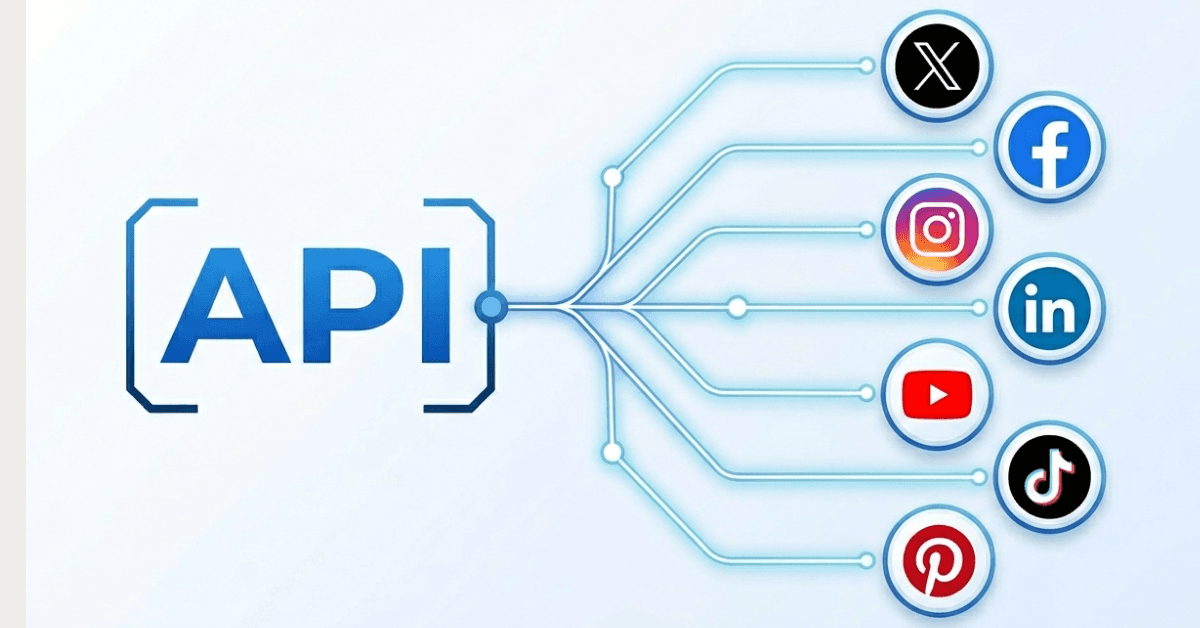
In n8n, there are three ways to post to social media, and the difference between them is roughly the difference between a 30-second setup and a three-day OAuth debugging session. You can drop in a verified community node and be posting within minutes. You can install an unverified node, which means self-hosting and a bit of npm work. Or you can wire raw HTTP Request nodes against each platform's API yourself, building OAuth, handling token refresh, managing media uploads, and respecting rate limits by hand, platform by platform. If you're trying to figure out the best social media API for n8n, the honest answer depends on which of those three paths you're willing to walk.
This guide breaks down all three paths, names the specific nodes worth your time in 2026, and walks through exactly how to automate n8n social media posting once you've picked one. Note that most of what applies here also applies more broadly to picking a unified social media API, n8n is just the layer sitting on top of it.
A single creator putting together a few posts a week has a different schedule than a marketing team publishing hundreds of posts for multiple clients each month. The following breakdown covers the two, but which specific node wins depends on what you're actually building.
The Three Ways to Post to Social Media in n8n
A lot of the confusion for anyone trying to post to social media with n8n comes from a misunderstanding. There are three actually distinct levels at play here and there are vastly different trade-offs in terms of setup time, maintenance, and control.
Tier 1: Verified Community Nodes (Best for Almost Everyone)
A verified community node is n8n vetted for safety and quality and comes ready for you to use in your canvas from the in-editor nodes panel, which is what's critical here. As a genuine n8n verified community node social option, it works for the entire n8n Cloud and any self-hosted instance, no command line, no docker exec, no npm install, not even a dependency file. All it takes is one time to toggle from an instance owner to unlock use in any pipeline by your organization.
WoopSocial actually serves as a helpful benchmark of what a typical entry-level solution for this tier might look like. It's an actual n8n verified community node social solution, not just a marketing label, and since it's also an n8n cloud community node social media solution, it completely side-steps the self-hosting hurdle many fall into in Tier 2. Keep reading for more.
For most teams, this is where the search for the best n8n social media node should start and, honestly, usually end. The catch here is the availability: the node has to be available for the platform that you want to integrate with, and as not every social API has shipped a verified n8n node, this gap is what pushes people towards one of the other tiers.
Tier 2: Unverified Community Nodes (Self-Hosted Only)
These are npm packages submitted by third party developers that n8n neither vets nor endorses. If your search led you here because you were looking for any n8n social media node that covers a specific platform, this is often where the long tail lives. You install these using the GUI for self hosted deployments or by using the command line. These are in no way available on n8n Cloud.
There are also the risks with the dependency worth taking seriously. You are giving a third party package your platform's credentials, so a look at Github activity, open issues and the source are well worth it if it is to be entrusted with any sensitive details. Unverified nodes are in many cases un-reviewed, in others their code is abandoned and subtly breaks a platform's current version API; you will have to find that out through examination.
Tier 3: HTTP Request Node Against Raw Platform APIs (Advanced/Rare)
This is the DIY route: calling each platform's REST API directly from n8n's HTTP Request node. Anyone who has ever built an n8n http request node social media api integration manually knows where this is headed. You're responsible for the entire OAuth flow, token refreshing, media upload, Meta's resumable video upload flow or TikTok's chunked equivalent, and handling rate limitations.
This route makes sense in cases where the platform has no nodes at all, or cases where the niche endpoint is not exposed by any of the existing ones. Outside of these cases, then this is just brutal for social media. TikTok's content posting audit, X's $0.20-per-URL tax, Instagram's Business-account requirement, and LinkedIn's missing native scheduling endpoint all become your workflow's problem to solve and maintain. Note that LinkedIn's official Community Management API only supports immediate posting, not scheduling, so anything you would write against it would need a scheduling component added in separately. Our LinkedIn API alternative guide covers that gap in more depth if you're wiring LinkedIn specifically.
The Best Verified and Official Nodes for n8n Social Posting
Here's where the actual comparison happens, the best available n8n multi platform posting api options for a social media api n8n integration worth putting on your canvas in 2026.
Comparison table
| Node | Verified Node | Platforms | Self-Hosting Required | Starting Price | MCP/AI-Agent Ready | Best For |
|---|---|---|---|---|---|---|
| WoopSocial | Yes | 9 | No | $19/month | Yes (native MCP) | Breadth plus Cloud compatibility |
| SocialAPI.ai | Yes | Not specified | No | $29/month | Yes | Inbound engagement (comments, DMs) |
| PostFast | Yes | Not specified | No | €12/month | Not specified | Template-driven first builds |
| Upload-Post | Yes (official) | 3+ (video-focused) | No | $24/month | Not specified | Video-first workflows |
| Blotato | Yes | 9 | No | $29/month | Yes | MCP-first AI agents |
| Zernio | Mixed (node + HTTP templates) | 15 | Depends on integration path | Not publicly listed here | Yes (280+ tools) | Maximum platform count |
WoopSocial: Best Verified Node for Multi-Platform Breadth
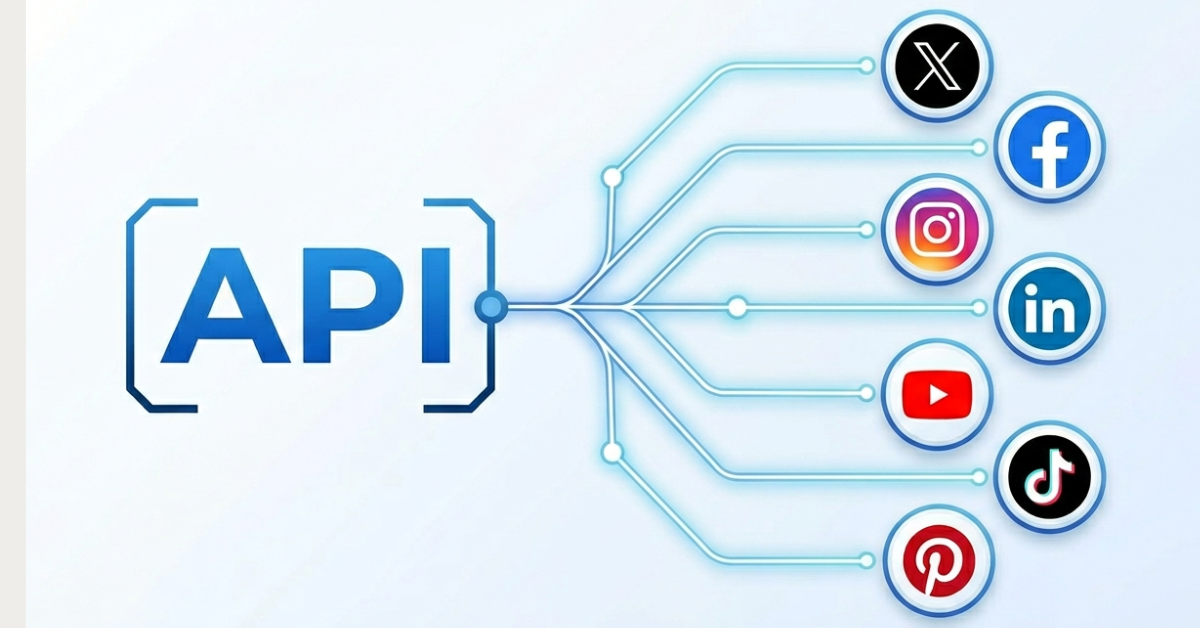
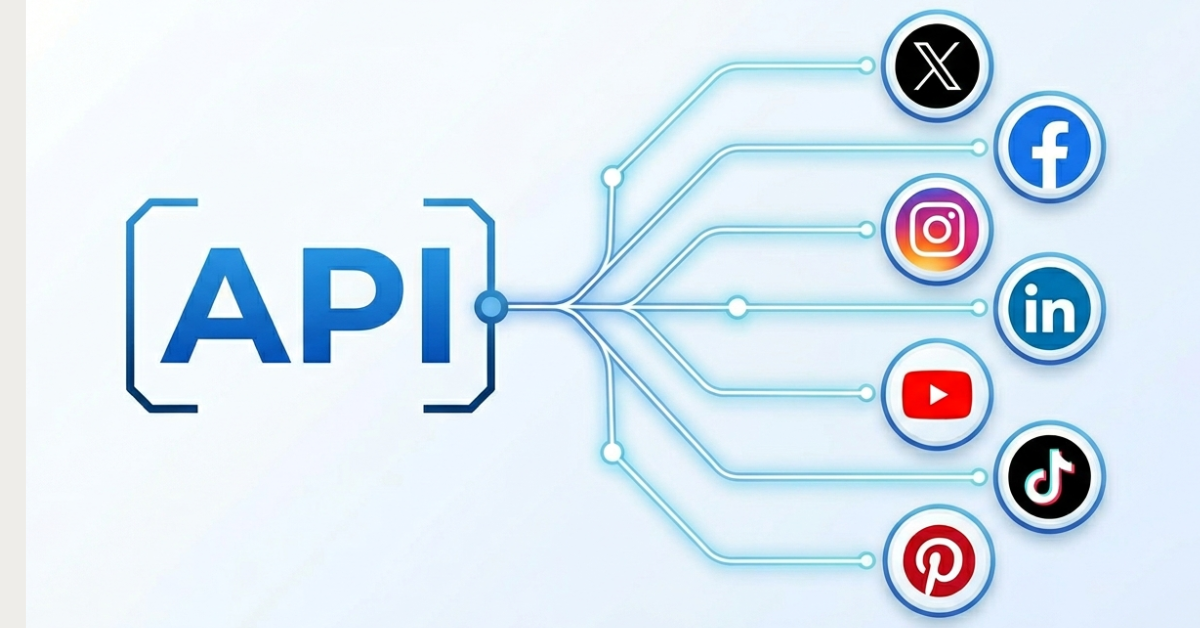
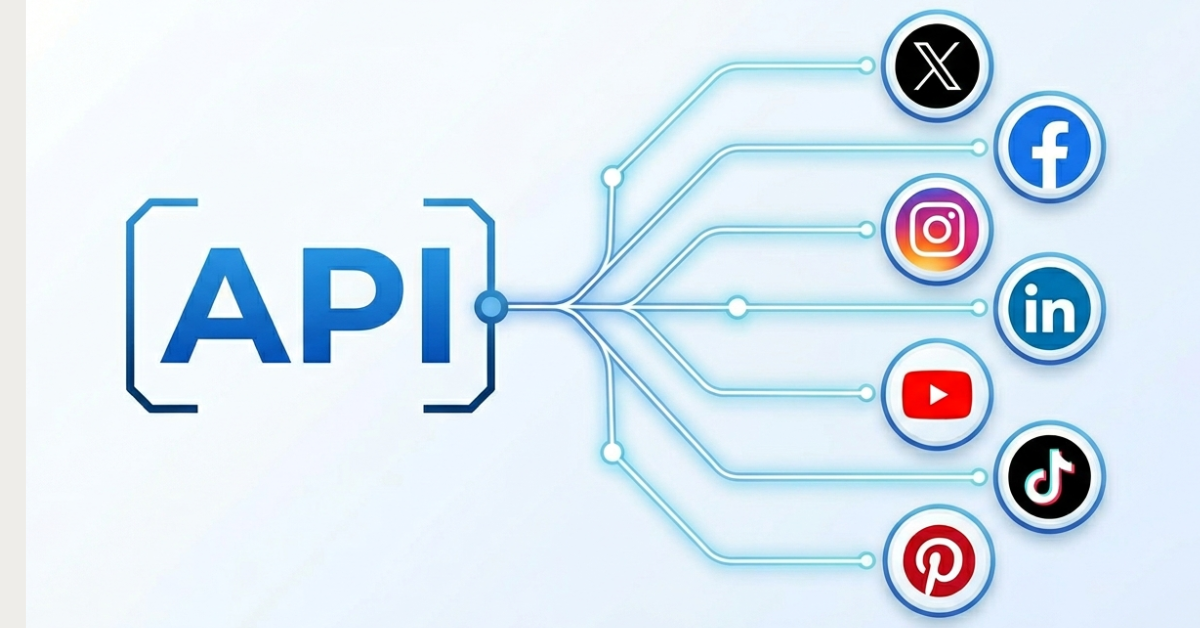
WoopSocial is a verified n8n node that can be installed from the node panel whether you're on Cloud or you're self-hosted (github: WoopSocial/n8n-nodes-woopsocial). The official n8n listing can be found here. With a single WoopSocial node, you can post to Facebook, Instagram, Threads, BlueSky, LinkedIn, X, Pinterest, YouTube, and TikTok. That means nine platforms without changing the node or having to juggle nine credentials. That's what makes it function as a genuine n8n multi platform posting api rather than a single-platform wrapper.
Image posts, short video, Stories, and Reels are supported, and the operations cover exactly what a real n8n content pipeline social scheduling setup needs: create a post, get post by ID, list projects, and list associated social accounts - the last is powerful for dynamically sending content to the proper social channel instead of hardcoding everything.
The reason WoopSocial tends to champion the best node conversation boils down to three factors which are breadth, Cloud compatibility, and managed credentials. The managed credentials part isn't spoken about much. WoopSocial effectively handles the platform-side developer app setup on its end, which means you skip the TikTok content posting audit, the X developer application, and the Instagram Business or Facebook Page linkage entirely. If you want to get an idea of how much that saves you on the Facebook side specifically, our Facebook API alternative guide walks through what the entire process involves.
Pricing is pretty flat, ranging from $19 to access most platforms for unlimited posts, which becomes relevant quickly when you're knocking out 100+ posts per month and don't want to deal with per-post fees eating up your margins. If you want breadth, Cloud compatibility, and minimal setup without compromising on any of the three, this is a strong case for calling it the best n8n node for posting to all platforms most teams will actually need.
Website: woopsocial.com
API Docs: docs.woopsocial.com/api-reference/overview
SocialAPI.ai: Best for Inbox and Webhook Triggers
SocialAPI.ai comes with a verified node and a webhook trigger that fires on data from any new comment, DM, review or mentions with no runtime dependencies. You might pick this one if your work is more about responding to engagement on social platforms than pushing content out.
Think of workflows like auto-tagging a DM as "good lead" and automatically routing it to a Slack channel, flagging a negative comment before it turns into a support fire, or kicking off a personalized reply sequence the second someone mentions your brand.
There's also an MCP server that enables agent based social listening which is worth talking about here. It makes a AI agent able sit on top of the same inbox data, decide in real time whether a comment needs a human, an automated response, or nothing at all, and only escalate the edge cases. This saves users a lot of stress.
Pricing: Free reads (fetching comments, DMs and mentions), unlimited posts and interactions from $29/mo on paid plans.
PostFast: Best for Template-Driven Setup
PostFast's verified node (n8n-nodes-postfast) has its own template gallery and built-in approval-step patterns, such as sign-off via Telegram before the actual posting.
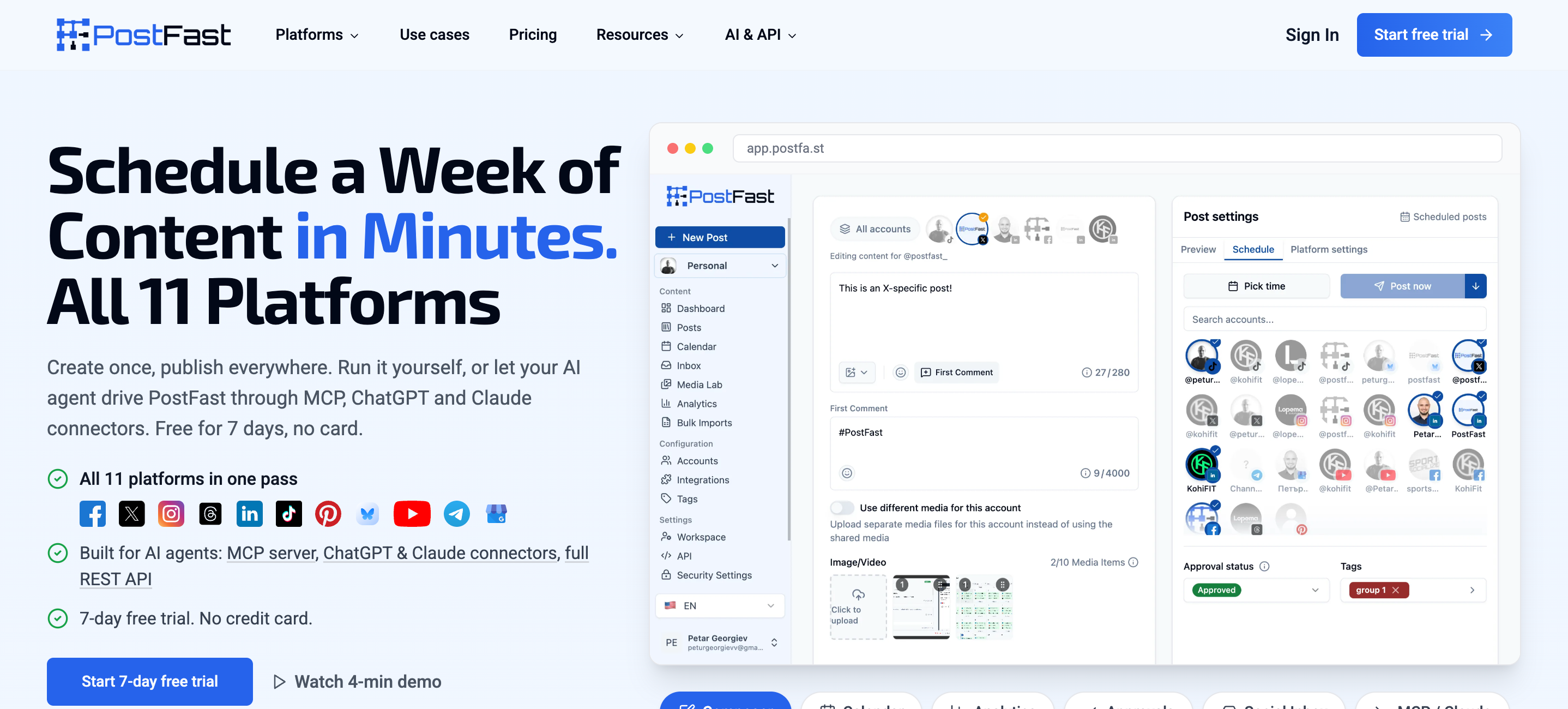
It's the template gallery that's the genius here — you're no longer sitting there at a blank screen wondering how to connect nodes, credentials, or where the trigger ought to sit; instead you drag and drop in an existing template, and just change the accounts/content source. The blank canvas is the project-killer, where most people new to n8n give up, so removing that makes you much more likely to actually ship something.
The approval-step pattern is also worth noting. PostFast has a sign-off feature which occurs through Telegram. This means a post generated by an AI agent or pulled from an RSS feed doesn't go live until it has been approved by whoever has permission to do so beforehand. Thus solves one of the biggest fears people have about automated social media posting in the first place.
Pricing: Starts at €12/mo for the Starter plan (4 accounts), scaling to €99/mo for the Pro/Agency tier.
Upload-Post: Best for Video-First Workflows
This is an official n8n node designed and built for the specific task of publishing short videos to TikTok, Instagram and YouTube. If you are aiming for your short-form video to be pushed to as many platforms as possible, then Upload-Post's design is built around it.
Upload-post relies on FFmpeg-based processing to format and optimize videos before uploads. This actually matters more than people may think — TikTok, Instagram Reels and YouTube Shorts all have slightly different aspect ratio, bitrate and duration expectations, and a video that looks fine on one can get silently downranked or rejected on another. Algorithms work differently.
If you are aiming for your short-form video to be pushed to as many platforms as possible, then Upload-Post's design is built around it.
Pricing: Free tier with 10 posts monthly, paid plans start at $24/mo for unlimited posts across 5 accounts.
Blotato: Best for MCP-First AI Agents
Blotato offers n8n nodes as well as an MCP server, built for n8n ai agent social media posting rather than the typical posting pattern.
Most social nodes are designed to be called by a deterministic workflow — where you know for sure what post goes where when you built it out beforehand. Blotato, is structured the opposite, where you're assuming a an AI agent is figuring out what to post, when, and to what platform
It runs $29 a month for the starters plan (up to $499/mo for Agency), covers nine platforms, and is popular among people building autonomous content agents.
Zernio: Best for Maximum Platform Count
Zernio pairs an API with n8n templates, some leaning on HTTP Request patterns rather than a dedicated node. It covers 15 platforms with a 280-tool MCP server behind it. Zernio is the broadest option if you need niche networks, but confirm whether you're getting a true verified node or an HTTP-based template, since that changes your setup path and Cloud compatibility. This can't be overstated because a verified node installs from within n8n's panel and performs the same on Cloud and Self-hosted. An HTTP-based template is essentially a group of saved HTTP Request nodes, with the right endpoints pre-plugged in yet still leaves you responsible for all of your own underlying platform's authentication and token-refresh responsibilities and won't install on n8n Cloud at all in some cases.
Pricing: Usage-based — first 2 accounts free, then graduated per-account billing ($6/account for 3–10, $3/account for 11–100, $1/account beyond that).
Best Social Media API for n8n in Action: A Working WoopSocial Workflow
There's a big gap between comparing nodes on paper and seeing a real n8n content pipeline social scheduling setup in action..
Most times, your trigger is going to be whatever is already housing your content calendar. A lot of our teams leverage Google Sheets, or an Airtable trigger monitoring for "ready to post" rows as this keeps writing/approval process outside of n8n, in a tool non-technical teammates already know. Still many leverage a Schedule trigger that fires on fixed cadence to grab the next lined-up item from a database. Either way, its only job is to hand off a caption, media URL, target platforms, and any platform-specific notes.
From there, a Set node normalizes that data to the structure the WoopSocial node needs, which is also the place where you might want to branch the logic out if different content types need to be treated differently, since Stories and Reels require slightly different handling than a regular feed post.
The heart of the workflow is the WoopSocial node that is set to operation "Create a Post". Because List Social Accounts can run earlier in the workflow, you can map platforms dynamically instead of hardcoding a fixed list, which matters if you're running this across multiple client accounts. It is particularly useful if your n8n automate social media posting workflows will be run across a number of client accounts. For a single brand you would probably simply hardcode the list of platforms you want this to operate with.
After the post fires, a Get a Post by ID call confirms it was published successfully. The last step is usually notification — a Slack or email node reporting back what published, where, and whether anything failed, so a human still has visibility into the pipeline without opening n8n to check manually.
This is where using the proper social media api n8n integration before you start building really pays off. Complexities that live inside seven completely different integrations for different social media platforms get absorbed within a single and consistent n8n node. .
When Raw HTTP Request Wiring Is Actually Worth It
None of this makes the HTTP Request node a bad choice. It just means it's not the ideal default choice specifically for social posting.
Scenario one: a platform with no existing node and a straightforward, free API. Say, for example, a niche network where wiring it yourself is ultimately faster than waiting on a node to exist.
Scenario two: an endpoint no node provides access to. Maybe it's an analytics field, a live feed, a non-posting related function. In these instances, using a node for the majority of your posting needs, and the HTTP Request node to make a single, specific call, is a sensible hybrid solution.
However, the realities are what you're signing up for: Per platform authentication handling logic (e.g. OAuth). Your own logic for managing tokens and handling refreshes - and keeping that forever. There is also different handling for media uploads, sometimes several separate API calls for each piece as well as rate limits that you need to monitor yourself. And for X, per-post billing logic baked into your workflow rather than absorbed by a managed provider.
The actionable warning to take away: An n8n tiktok posting node that was put together like this would need a review stage as well as an asynchronous upload flow. X comes with complex pricing (tokens expire every two hours), Instagram uses a container-based approach and requires several calls for a single post, and YouTube enforces a quota system that will throttle you while you're working. Setting up a raw HTTP node for any of these would mean bringing all of their complexity into your canvas, and having to update that every time there's an update.
Which Should You Choose?
A quick way to answer the question:
- Want breadth, Cloud compatibility, and minimal setup? Go with the WoopSocial verified node.
- Building a workflow that reacts to comments or DMs? SocialAPI.ai is well-equipped for that.
- New to n8n and want templates to get moving fast? PostFast.
- Video-first, especially TikTok, Instagram, and YouTube? Upload-Post.
- Building an MCP-first AI agent social media posting workflow? Blotato, or WoopSocial's own MCP support.
- Need 15 platforms including niche networks? Zernio is good for you.
- No node exists for your platform at all? That's the one legitimate case for the HTTP Request node. Might be complex to pull off but can be worth it.
Most teams land on the first option, not because it's the flashiest, but because breadth plus Cloud compatibility plus minimal setup solves the actual problem people come to n8n with in the first place: get content moving effectively across platforms.
Conclusion: The Best Social Media API for n8n
Take away the marketing language and the best social media API for n8n comes down to one simple test — does it appear as a verified node in your panel? Will it run on the deployment you're actually using, and will it cover all the platforms you're posting to while not including all the complexities of that platform's API in your work-flow? For far too many cases, a properly configured verified node with all-platform coverage and credential management will out-perform pure HTTP wiring. HTTP Request is best reserved for those exceedingly rare cases where you really need it, let a better node do the work.
Sources & References
- Install Verified Community Nodes
OFFICIAL
- WoopSocial n8n Integration
OFFICIAL
- Meta Resumable Video Upload
OFFICIAL
- LinkedIn Posts API
OFFICIAL
- YouTube Data API Getting Started
OFFICIAL
- WoopSocial API Documentation
OFFICIAL
Related reads
6/12/2026
Best Facebook API Alternatives for Developers in 2026 for direct access
The Facebook Graph API review can take weeks. Compare the best Facebook alternatives for posting, scheduling and more.
6/12/2026
Best LinkedIn API Alternatives in 2026 - instant access for developers
See a list of all the LinkedIn API alternatives for all types of use cases so you can skip the waiting time and get right on automating your work on LinkedIn.
5/2/2026
The 18 Best Social Media APIs (REST) for Developers in 2026
Social media APIs are part of the core infrastructure for modern apps. Whether you're using it as regular scheduling tools or integrating it with your AI agent, you need the right social media API to post to all your required platforms.