Best LinkedIn API Alternatives in 2026 - instant access for developers
See a list of all the LinkedIn API alternatives for all types of use cases so you can skip the waiting time and get right on automating your work on LinkedIn.
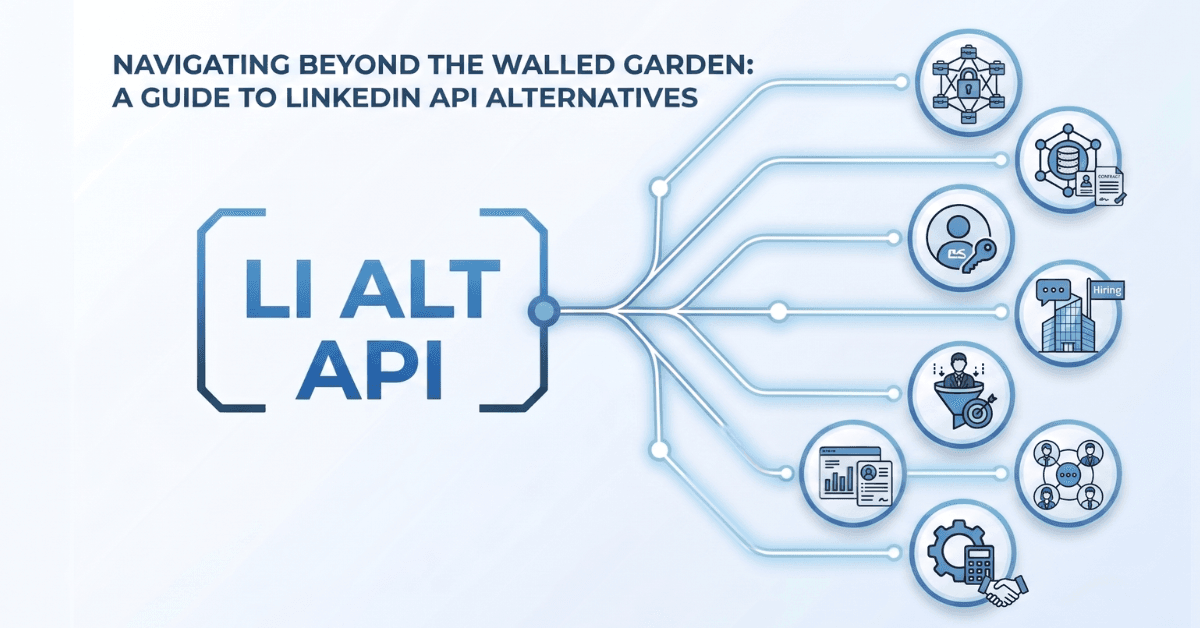
See a list of all the LinkedIn API alternatives for all types of use cases so you can skip the waiting time and get right on automating your work on LinkedIn.
LinkedIn is the most restrictive major social media platform when it comes to API access, this has been known by many for years. They close down all public information regularly to avoid any scraping of data - including their API endpoints - and publishing content through the Community Management API also requires a long process before it is approved.
Then there’s a split between what you can do with the API: there are two different APIs for personal posts and posts to company pages, making it all even more complicated. Plus it won’t allow you to schedule posts, only to directly post. It’s no wonder that LinkedIn API alternatives are booming right now, as many people are looking for workarounds that won’t push them to use the official APIs and its heavy restrictions.
This article maps all the different assets that the official LinkedIn API actually offers, along with its architecture, so you understand where the obstacles are and what alternatives you can use. Tools like a unified social media API help with publishing, but other LinkedIn APIs help with things like DMs, getting prospect data and more.
By the end of reading this article, you’ll know everything about the LinkedIn API and how you can build on it (and whether what you want to build is actually possible).
Why do you even need a LinkedIn API alternative in 2026?
Let’s first look at what the LinkedIn API offers in 2026, so we can get a better understanding of reasons why people are looking for a LinkedIn API alternative nowadays.
The LinkedIn Consumer API
This is the only LinkedIn API that can be used without actually getting any approval .The scopes are ‘openid’, ‘profile’ and ‘email’. This allows you to create a Sign In with LinkedIn authorization system. It returns the user’s name, photo and headline. But nothing else. So you cannot use it to publish content to a user’s profile, read their feed, access their company pages, search any profiles or even access their analytics.
Ironically, this is the most popular LinkedIn API because people often think that this is enough to get started with posting. But, because it is so limited, people quickly realize that this does not actually does what it needs to do. Other API endpoints are required to actually do something actionable here.
The Community Management API
This is the only official path that allows you to publish content on someone’s profile once they’re connected. It provides options to create posts with text, images, videos and links.
There are two tiers here: the Development Tier and the Standard Tier. The Development Tier offers limited testing access so you can start testing. But you can only post to Pages of which you are an admin. So this is great to build and test, but nothing else. The Standard Tier offers the full production access. And this requires an application for a review. Your application should contain a video that demonstrates all use cases using the LinkedIn API on your platform. Reviews can be rejected if justifications or explainer videos are judged as inadequate by the LinkedIn review team. Because rejections often happen, people usually prefer using a LinkedIn Posting API alternative.
The required scopes are personal profile publishing (‘w_member_social’) and company page publishing (‘w_organization_social’ and ‘r_organization_social’).
Both run through the same publishing endpoint: ‘POST /rest/posts’ and require the following headers:
- ‘LinkedIn-Version: YYYYMM’ (which is written as YYYYMM so 202606 is June 2026’s version)
- ‘X-Restli-Protocol-Version: 2.0.0’
- ‘Authorization: Bearer <access_token>’
There used to be an older endpoint here which was deprecated, ‘/ugcPosts’. It still works but new apps have to use the new endpoint mentioned above.
Note that this API subset does not allow you to use a scheduling endpoint, only immediate posting. Meaning that you’d need a LinkedIn Community Management API alternative if you want to queue posts or want to draft them first.
Media Upload - the tricky part
When uploading media to LinkedIn, you need to set up a 3-step workflow that starts by initializing the upload first. Once the image is uploaded, you can later reference it with the post you are publishing. However, there’s no synchronous upload for images. The initializeUpload function is asynchronous.
Videos need to be uploaded in chunks of 5MB and have a maximum size of 5GB. They must be 3 seconds to 30 minutes long.
Note that you can upload images, videos and documents through the API. Carousel posts on LinkedIn rely on PDF uploads, so not images. To use the LinkedIn image upload API, you need to call ‘POST /rest/images’. For video it’s ‘/rest/videos’ and for documents it’s ‘/rest/documents’.
What the LinkedIn API lacks
Note that not everything is possible through the Community Management API by LinkedIn. For example, you are not able to create posts with polls through the API - this is manual only. Same goes for mentioning names or company names (using @mention), that’s not possible.
It also does not allow you to export posts from the feed to get other users’ content or access DMs/messages (this is the Messaging API). Nor can you search for profiles or discover people. LinkedIn has no plans to add those to this specific API, those will always be part of other API endpoints.
Authentication with the LinkedIn API
LinkedIn’s API uses OAuth 2.0 with tokens. There are two ways to run OAuth, either through a 3-part system (User authorization -> redirect them with code -> get the access token) which is the standard flow. The 2-part system is where you get app-level access for non-member data such as organization analytics. However, you might get rejected here if you misuse this in your application once the LinkedIn team reviews it if you are not paying attention to which you are applying for.
The token has a lifetime of 60 days where refresh tokens expire in 365 days. This means you need to ensure that tokens are refreshed properly to avoid accounts being disconnected.
The LinkedIn API rate limits are quite high on LinkedIn, specifically 100 API calls per day per user/account on most of the endpoints. Each user can also do 150 uploads per 24 hours. If an account posts too much then it will automatically return a 429 (too_many_requests) error.
The Marketing Developer Platform for Enterprises
This API is required for several features. First there’s the Ads API and Conversions API. Then there’s Lead Sync and the advanced Community Management features (which are different from the regular Community Management API.
The reviews here can take weeks to months and Linkedin Marketing Developer platform access is not guaranteed. These are the deepest reviews that their team will do, which is also why it can take this long. But because you cannot access this LinkedIn API without partner approval, you will have to wait. It’s not rare for them to review your company and use case along with what your current user base looks like.
Two ways of using a LinkedIn API alternative
When it comes to looking for alternatives for LinkedIn’s API, it’s important to note that LinkedIn is notorious for trying to block users from getting any data from the platform at all. Lots of data is behind login walls so not open to the public. And each year less and less data is discoverable.
But we’re making a systematic split here between different APIs: there are APIs that allow you to publish and schedule and APIs that allow you to extract data from the platform. Because both are extremely popular, we’ll take a look at both.
The LinkedIn Posting API Alternative
Let’s start with the one that allows you to publish and schedule posts through an API endpoint without needing approval: unified social media APIs. These APIs have specific endpoints for multiple social media platforms, including LinkedIn, which can be used within minutes rather than going through week-long application processes.
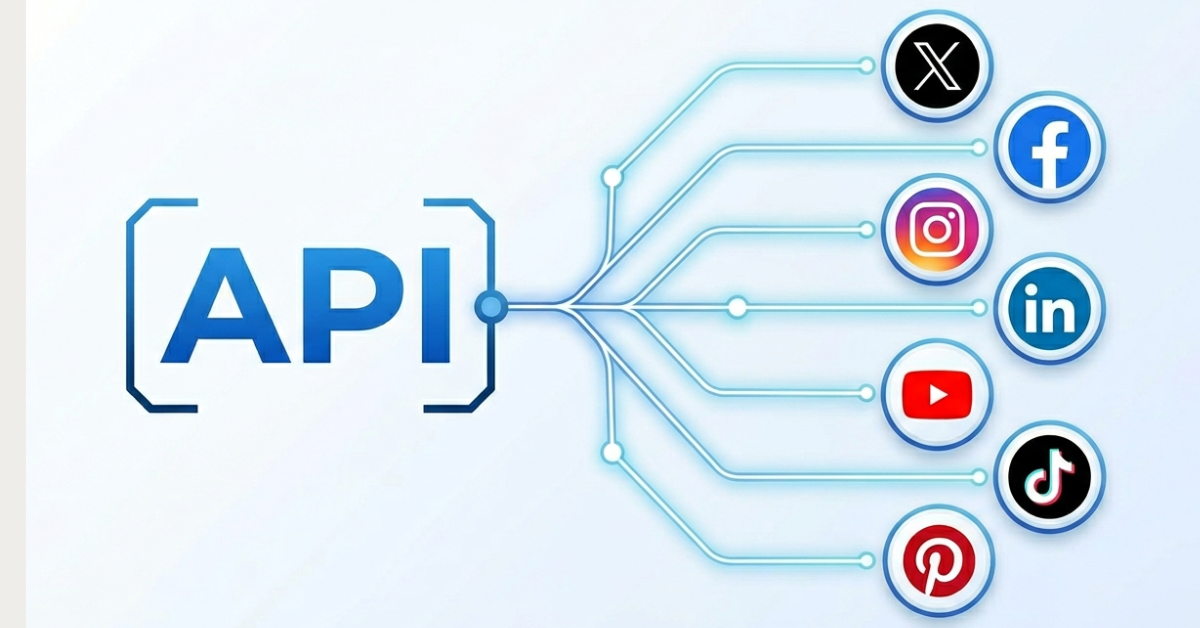
This is ideal for all types of users, which we will cover later, but it’s mostly a good LinkedIn API alternative because 1) it works well, 2) it works right away, 3) it saves you a ton of headache trying to wiggle your way through the actual application process. Tools like WoopSocial, AyrShare and Buffer have already gotten LinkedIn’s approval to use the API and can provide what you need right now.
It allows you to skip the Development phase on your application, waiting for the Standard tier timeline, means you do not have to build your own scheduling endpoint and token refreshes are already built-in. It’s just a simpler endpoint to use right away because of its instant access and elaborate documentation.
The LinkedIn Data API alternatives
Then there are third party tools that actually allow you to extract data and enrich prospect data. Ideal for sales teams, recruiters and anyone else who just wants to know more about prospects or companies.
The issue is that LinkedIn does not like this at all - hence why they do not offer their own APIs for it. Even worse, they actively try to shut down tools that offer data scraping on their platform, such as Proxycurl (which was the market leader before it was shut down in 2025).
But solutions like Apify and ScrapingDog are good LinkedIn API alternatives if you want to get data. There are also enrichment APIs available like People Data Labs. And automation tools like PhantomBuster and OutX also allow you to automate data collection.
So what are the best LinkedIn API alternatives in 2026 for posting and scheduling?
Now that you know what the LinkedIn API actually offers and are aware of the difference between the two types of API alternatives, it’s time to look at the alternatives for posting and scheduling specifically.
WoopSocial - best unified API alternative for LinkedIn posting
WoopSocial gets mentioned as the best LinkedIn API alternative for posting because it bypasses the entire review process and is already approved by the LinkedIn team so you don't have to wait until you can post.
Using a single REST endpoint, you can post images, videos, text and other types of posts directly to LinkedIn; both on your personal profile as to your company pages. Rather than having to always post directly, you can also schedule them for the future using the same endpoint.
WoopSocial is a unified social media API, this means that on top of LinkedIn it also offers posting and scheduling on other major social media platforms such as Facebook, Instagram and more.
It solves the pain of having to get your own approval for the Community Management API as WoopSocial has already passed that. You just authenticate through your WoopSocial API key to start posting. You can connect your accounts easily as well, once connected you can post content instantly.
It has built-in scheduling handled in its endpoint using ‘scheduledFor’, which is missing from the official LinkedIn Community Management API. Tokens are managed automatically so you don’t have to panic every 60 days. You can also skip building the 3-step upload workflow that LinkedIn requires you to use in its APIs, just upload the image or video and you’re done.
Because it also offers MCP integrations for AI agents, it’s super easy to create your own AI workflows and automations with tools like Claude, ChatGPT or agents like OpenClaw or Hermes. It also connects directly with Zapier, n8n and Make.com. So it’s ideal as a LinkedIn posting API alternative in 2026 no matter what tools are already part of your stack. Plus your first 2 connected accounts are free (with unlimited posting).
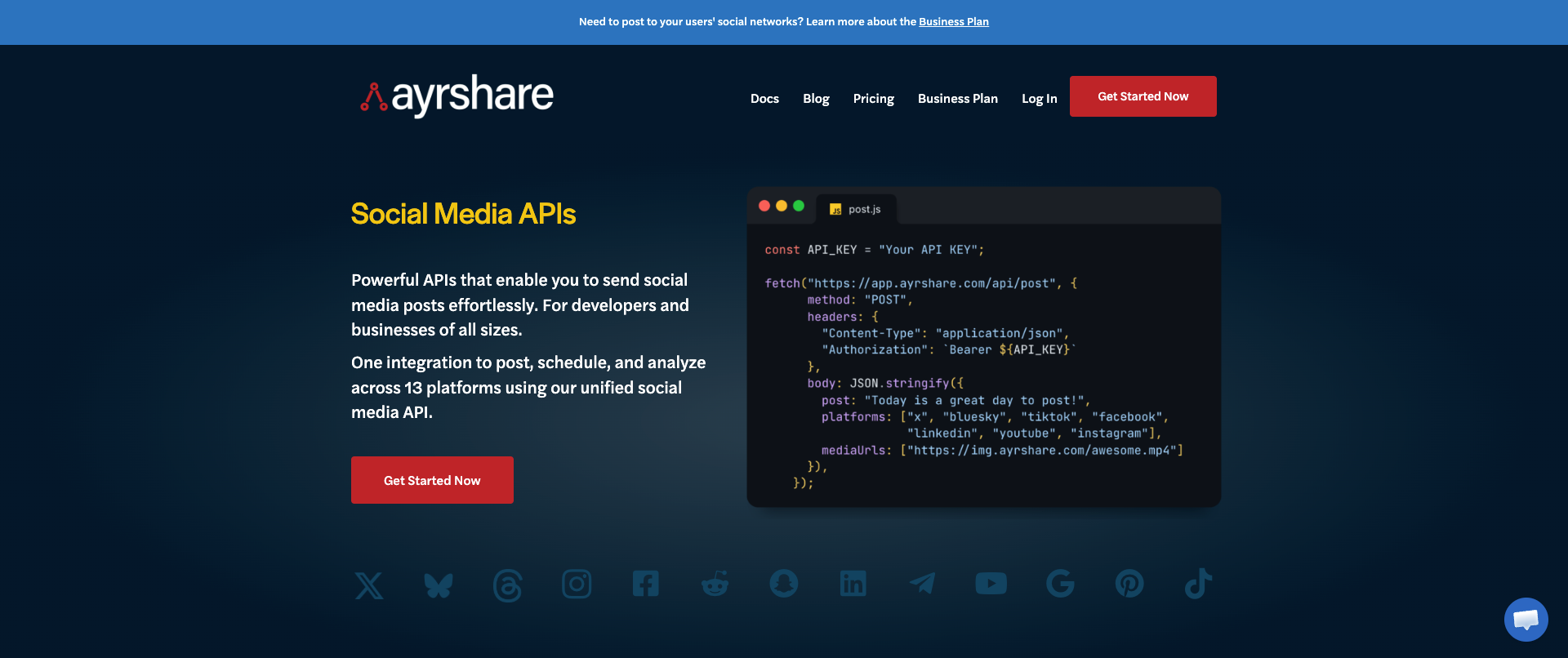
AyrShare - a great alternative for enterprise companies
If you’re a bigger company and need enterprise features but don’t want to go through the rigorous process of getting your own API keys for LinkedIn then AyrShare can be a fantastic solution. Its infrastructure is great for a unified social media API and it offers a total of 13 platforms to post to (which include LinkedIn).
It does come with LinkedIn-specific post types, such as text, images and videos, which can be posted to both personal profiles and company pages. So it has a broad feature list which makes it a perfect LinkedIn API alternative.
However, it does come with quite the price tag. Plans start at $149/month and technically that only offers a single account per social media platform (so only one LinkedIn account). Pricing goes up quickly afterwards, so this will definitely put a dent in your wallet if you have tons of accounts that you want to connect here and post to.
Buffer - the other API alternative
Buffer has always been known to be a social media management platform, which it still is. But it also recently relaunched its API again, meaning that you can now connect your accounts to the platform and then use the API in your own code.
Buffer has a great reputation in the world of social media management and its API launch was met with exciting cheers. It also offers an MCP which you can use to build automations with your AI agent.
Pricing for this LinkedIn API alternative is a bit more expensive than WoopSocial but cheaper than AyrShare. Buffer charges $5/mo per LinkedIn account that you want to use through the API or MCP. If you want content approval workflows on this account as well then the price goes up to $10/mo. Meaning that if you have 20 LinkedIn accounts or LinkedIn Pages (each counts as one even when coming from a single account) you are looking at $100-200/mo.
Best LinkedIn API alternatives for data extraction
The market for LinkedIn API alternatives shifted significantly in 2025 simply because the biggest player was effectively shut down after being sued by LinkedIn. Proxycurl was the default LinkedIn data API with over 200,000 users but got shut down in July of that year. This does mean that these tools operate under legal risk.
Apify - best solution for data scraping on LinkedIn
Because LinkedIn’s API endpoints barely return any good data, an alternative like Apify can be ideal. Apify has a marketplace full of Actors; specific tools that automate a workflow such as extracting data from a user’s profile.
The marketplace contains scraping Actors for multiple use cases, such as a profile scraper, a company scraper and a job scraper. It’s super flexible to build with, you do need a monthly subscription, but it has the largest scraping marketplace right now. Proxy rotation is heavily recommended when scraping LinkedIn.
People Data Labs - great for profile enrichment
This LinkedIn API alternative is great because it has a record of over 1.5 billion people, which can be matched by name, email or company. It returns data about this person such as work history, but also current role, colleagues, etc.
This is great for sales teams that need that edge when they are reaching out to new prospects. But it’s also ideal for recruiters or headhunters who want to very specifically look for matches for a job opening. Plus it’s good to get more context about anyone you work with in general. The issue is that the data can be extremely stale because it’s not real-time and is scraped periodically. It’s also important to mention that pricing is focused on enterprises rather than smaller development teams.
OutX - if you need data and actions
This platform allows you to circumvent LinkedIn’s API restrictions regarding getting personal profile data. It offers the ability to extract data from other people but also from their posts - such as post likes, and can even send connection requests. So it definitely offers abilities that LinkedIn’s API doesn’t even cover.
The way it does it is by faking real browser usage. So LinkedIn’s bot detection system thinks you are actually browsing the platform, whereas it’s actually being fully automated. Because of that, it has a lower risk of getting banned - however, nothing like this is ever risk-free.
PhantomBuster - a good multi-platform automation alternative
I am personally a huge fan of this tool and have used it since 2017. It can automate a ton of actions on LinkedIn through its Phantoms. It can scrape profiles, automatically send connection requests, even send messages for you and engage with posts.
Because you can connect the Phantoms, you can set up automations to scrape someone’s profile first, create a connection message with AI, send that connection request with the message, and even follow up once you’re connected through the message sender.
| Feature | LinkedIn API | WoopSocial | AyrShare | Buffer | Apify | People Data Labs | OutX | PhantomBuster |
|---|---|---|---|---|---|---|---|---|
| Primary use | Official posting via Community Management API (personal profiles and company pages) | Unified API posting and scheduling to LinkedIn and other platforms | Enterprise unified API multi-platform publishing | Hybrid platform plus API posting | LinkedIn data scraping via Actors | Profile enrichment from 1.5B+ records | Data extraction plus connection requests and post engagement | Multi-platform LinkedIn automation via Phantoms |
| Setup time | Weeks (Development Tier for testing; Standard Tier requires review) | ~60 seconds with API key | Immediate (paid) | Connect accounts; API on paid plans | Fast via marketplace Actors | Enterprise onboarding | Fast platform setup | Fast via Phantom templates |
| Pricing | Free (with approval process) | Free: 2 accounts, unlimited posts | From $149/mo per platform (one LinkedIn account) | $5-10/mo per LinkedIn account for API/MCP access | Monthly subscription plus per-Actor costs | Enterprise-focused pricing | Subscription-based | Subscription-based |
| Post to LinkedIn | Yes: text, images, videos, links (immediate only) | Yes: personal profiles and company pages with scheduling | Yes: text, images, videos to profiles and pages | Yes: personal profiles and company pages | No | No | No | No |
| Schedule posts | No | Yes, via scheduledFor | Yes | Yes | No | No | No | No |
| Extract LinkedIn data | No (Consumer API is sign-in only) | No | No | No | Yes: profile, company, and job scrapers | Yes: enrichment by name, email, or company | Yes: profiles, post likes, and more | Yes: profile scraping |
| Automate engagement | No | No | No | No | No | No | Yes: connections and post likes | Yes: connections, messages, and post engagement |
| Token maintenance | You handle (60-day access token, 365-day refresh) | Handled for you | Handled for you | Handled for you | N/A | N/A | N/A | N/A |
| Media upload | 3-step async workflow (images, videos, documents) | Single upload in REST endpoint | Handled by platform | Handled by platform | N/A | N/A | N/A | N/A |
| Multi-platform support | LinkedIn only | LinkedIn plus Facebook, Instagram, TikTok, YouTube, Pinterest, X, and more | 13 platforms including LinkedIn | 11+ social networks | Cross-platform scraping available | Enrichment across platforms | LinkedIn-focused | LinkedIn plus other platforms |
| MCP / AI agent support | Build yourself | Yes | Yes | Yes | Yes | No | No | Limited |
| Best for | Full control after partner approval | Fastest start for developers and AI agents | Enterprise budgets and infrastructure | Teams wanting hybrid platform and API | Developers needing flexible scraping workflows | Sales and recruiting teams needing bulk enrichment | Sales teams needing data plus actions | Outreach automation at scale |
How to choose the right LinkedIn API in 2026 per use case
Now let’s look at what the best fit is per use case depending on what you actually want to do on LinkedIn.
Building a SaaS that publishes content to Linkedin
In this case, it’s best to work with a unified social media API; it offers endpoints to directly post to LinkedIn through accounts that are connected to the platform. Tools like WoopSocial, AyrShare and Buffer can do all of this for you, while you can skip the entire process of getting approval to use the Community Management API.
Getting more LinkedIn data about sales prospects
In that case, People Data Labs is probably the best if you want to bulk collect this data. PhantomBuster can be great if you already have a list of LinkedIn profiles ready. Apify is great if you have more development experience, as it does require a bit of setup to get data.
Post and schedule LinkedIn content programmatically
In that case, just use the WoopSocial API. It’s a single endpoint with built-in scheduling and handles LinkedIn’s token management for you. It also allows you to post to other platforms such as TikTok, YouTube, Pinterest, Facebook and X, all from a single API call. Plus you can get started instantly instead of going through that week-long review process.
Automate all your LinkedIn engagement
If you want to automate actions such as likes, comments and connections, then tools like OutX and PhantomBuster are good fits. Note that this does violate LinkedIn’s Terms of Service - however these tools are now so popular that there’s really no way back for LinkedIn anymore to accept that people will be using it. But, do use at your own caution, they can always reverse that decision.
Building AI agents and automation workflows
In this case, tools like WoopSocial and Buffer are the best fit. The existing MCPs for these tools are great to connect directly with AI agents such as OpenClaw and Hermes, but can also be used in Claude, ChatGPT, Cursor and more. Even the MCPs that Zapier, n8n and Make.com offer allow you to build automations with these tools now.
How to migrate to a LinkedIn API alternative
If you already have access to the LinkedIn API but simply want to move away because you are mentally done with maintaining it anymore or want to stop paying for development, you can easily migrate to a LinkedIn API alternative.
1: Look at your current usage in the API
Which scopes are you using right now? Is it just ‘w_member_social’ or are you also using ‘w_organization_social’ and ‘r_organization_social’? What endpoints are you hitting and does it still include the old /ugcPosts that is deprecated? How many accounts do you have running and what is the token refresh logic? Make a list of this before you look for an alternative.
2. Map your current endpoints to new alternative endpoints
Once you have an overview of all questions above, it’s time to also look at the endpoints of the API that you are currently hitting. Map these out and look for replacements in the unified social media APIs and the data extraction APIs if necessary. This will make migrating a lot easier.
3. Run a new parallel version
Rather than moving right away, it’s smart to run a parallel version while your old version is still live. This allows you to compare the output of the old and the new version to ensure there are no gaps. Split up any scheduling or publishing into two different buckets and track failure rates and successfully published posts.
4. Fully migrate and cut the old version
Once the new version works flawlessly, cut off the old version and fully focus on the new one. Just make sure to monitor failure rates at the start and set up alerts to ensure nothing can go wrong for too long.
Open up your options with a LinkedIn API alternative
LinkedIn’s API is by far the most gated in the entire landscape of social media platforms. The first API (Consumer API) gives access to very little and the rest requires multi-step approval.
That’s why you can easily open up your options by using an alternative for publishing and scheduling through a unified social media API.
And if you want to extract data from the platform, use any of the mentioned APIs at your own caution - specifically the ones that also allow you to engage with other users and their posts on LinkedIn.
Sources & References
Related reads
6/12/2026
Best Facebook API Alternatives for Developers in 2026 for direct access
The Facebook Graph API review can take weeks. Compare the best Facebook alternatives for posting, scheduling and more.
6/11/2026
TikTok API Alternatives for Developers in 2026: get instant access
Getting access to TikTok’s API can take weeks, but there are alternatives available. Compare the TikTok API alternatives that give access instantly.
6/9/2026
Instagram API Alternative for Developers: get instant access in 2026
See what alternatives for the Instagram API are best when you want to schedule, get analytics or publish, so you can set it up without the complexity