YouTube API Alternatives in 2026: start developing right away
Skip the YouTube quota system caps and API calls. Compare the best YouTube API alternatives with code examples, pricing and understand recent changes.
YouTube offers its own API endpoints through the Google Cloud Platform, which you can use to post new videos or get data from videos as well. Lots of things have changed over time within the YouTube API and there are also tons of YouTube API alternatives available.
In this guide I’ll run through what the current YouTube API offers, but also what alternatives are available for different types of endpoints that the API covers. Its API is quite challenging, as it has numerous verification requirements and just has a high overall complexity level.
Things like the OAuth verification, the scopes that you request, along with the token refreshing and managing tokens in general can cost a lot of time and resources. The multi-step uploading is also quite difficult to completely understand.
YouTube API alternative: why would you need one in 2026?
The main reason people are looking for an API alternative is because the YouTube API comes with all types of different requirements. It’s built up out of 3 different elements within the Google Cloud Platform. Each requires other endpoints along with scopes and also different rate limits. Let’s take a look at the different parts of the YouTube API.
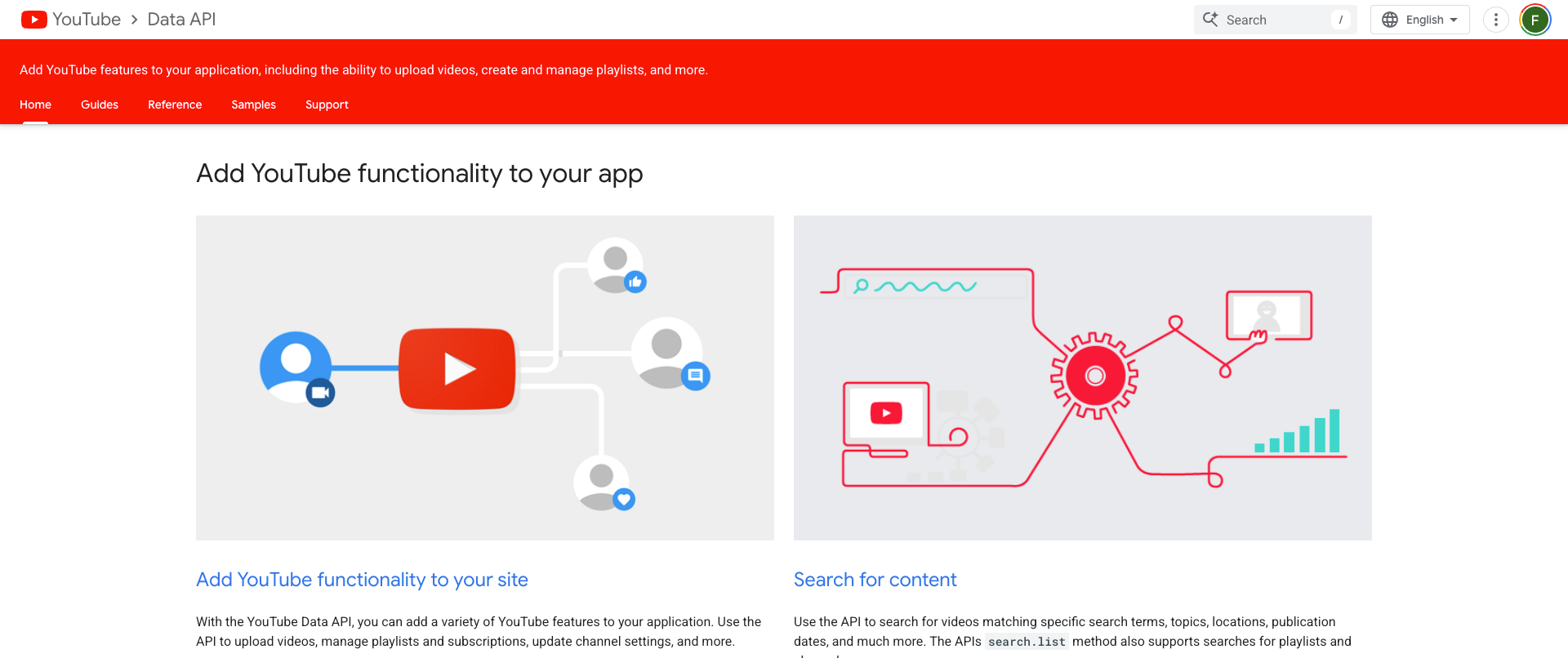
The YouTube Data API v3 - Uploading
Using the YouTube Data API v3, you can upload videos, add metadata such as titles, descriptions, tags and thumbnails, and manage playlists, moderate comments and read channel data.
This is the only YouTube API that can actually upload or modify content, other APIs are read-only. The scope youtube.upload requires verification on your end. Then there’s the full access scope which is also restricted and requires a security assessment.
The YouTube Analytics API - Channel Performance Data
This API allows you to get specific channel data from YouTube. This includes revenue, watch time, video views, demographics and traffic sources.
This is a read-only API and does not allow you to modify any content like the YouTube Data API v3 does.
This is great for dashboard or reporting tools but if you are looking for a posting alternative then this is not it.
The YouTube Reporting API - Export Data in Bulk
This API allows you to schedule bulk exports from YouTube Analytics. It is ideal for large-scale data-warehousing but it’s also a read-only endpoint just like the YouTube Analytics API. For most people looking for an alternative for the official YouTube API, this is not necessarily relevant.
YouTube API Quotas
In December 2025, YouTube made some significant changes to its API quotas. Rather than running the quota of 1,600 units for the ‘videos.insert’ endpoint, it reduced it to 100 units. However, the change has been beneficial for developers. On the default 10,000 units per day that you get now, you can upload 100 videos per day. This used to be 6 videos a day on the old quota.
So the YouTube API quota cost per upload in 2026 has been much smaller compared to the years before. One of the reasons YouTube might have changed this is because of the upcoming of AI agents using the API to upload their videos.
The full quota cost table in (2026 update)
With the new Youtube API unit limit of 10,000, there’s a much easier way to actually make the API useful. It’s an easier way to avoid exceeding the quota without a workaround. Here are the unit costs for different types of endpoints:
| Operation | Quota cost |
|---|---|
| Read operations (list, get) | 1 unit |
| Search operations | 100 units (critical — only 100 searches/day on default quota) |
| Write operations (insert, update, delete) | 50 units |
| Video upload (videos.insert) | ~100 units (post-December 2025) |
| Thumbnail set (thumbnails.set) | ~50 units |
| Daily allocation | 10,000 units per Google Cloud project |
| Reset | Midnight Pacific Time daily |
| No paid tier | There is no way to buy more quota units. The only path to more is the Audit and Quota Extension Form. |
Quotas are harder than rate limits
Most social media platforms (like Instagram, TikTok, Facebook, LinkedIn and X) use time-base rate limits. For example, you can use 200 requests per hour and make 100 calls a day.
But because YouTube uses a unit-based quota, where the operations each cost different amounts, it’s harder to predict how much you actually need on a daily basis. A single search costs 100 units, a single upload costs 100 units, while a read request only uses 1 unit.
The quota consumption can therefore vary significantly based on what kind of operation you are running. If you are building an app that uses the YouTube API to simply read metadata then you need only 1% of the quota compared to an app that needs to upload videos.
The quota becomes especially hard to predict when you’re scaling. A spike in video uploads can immediately use the entire day’s quota and ultimately block the rest of the requests being made. In that case, YouTube returns a max request error and you will not be able to use the API until it resets.
To get higher unit limits for your YouTube API, you can request a quote extension audit. This is known to take a little bit of time. YouTube itself states that it takes about a week but users have reported that it can take significantly longer as there’s currently a long queue. So in this case, if you have exceeded your YouTube API quote, you do need a workaround.
The extension audit for the quota
The audit itself requires some work. You need to submit a form that includes the number of extra units you want for your application. It also requires you to upload a video of how your app works so the YouTube team can understand what they need to check on their own account - part of the audit is giving the YouTube review team a dedicated account to your platform along with login details so they can test it out themselves.
The YouTube OAuth verification
Part of the YouTube API is the OAuth verification process. Whenever you want to post on a user’s behalf, you need to ensure that they’re actually connected to your platform or application. A user also needs to give permission for these scopes. That’s where OAuth comes in.
YouTube OAuth Testing Mode
Before you go through the OAuth verification process, your app will be in Testing Mode. This means that you can add 100 test users to connect to your app. However, the refresh tokens do expire after 7 days in Testing Mode, while they never expire in Product mode. If you want to add more than 100 users, you are obligated to go through the verification process.
Sensitive and restricted scopes
There are several scopes that your app can use and needs access to before you can use it. Each scope is either sensitive or restricted. For example, the ‘youtube.upload’ scope is a sensitive scope; this requires a brand verification along with a video demo of your application and a review from the internal Google/YouTube team.
Then there’s the ‘youtube’ (offering full access) scope. This is restricted. It not only requires everything the sensitive scope requires but also a third-party security assessment such as CASA or SOC 2. Depending on the scope, this can cost anywhere between $15,000 to $75,000.
However, the good news is that if you want the YouTube API for upload-only, you just need the ‘youtube.upload’ scope so you can avoid the high cost security assessment.
The OAuth verification process
Going through the OAuth verification process does take some time. In most cases, the entire timeline is about 4 to 6 weeks. However, sometimes it can be shorter or even much longer. You also need to keep into account that simply applying for this process does not guarantee verification; rejection can lead to longer timelines.
- Step 1: Set up the OAuth consent screen with your app name, logo, support email details, your privacy policy and your terms of service
- Step 2: Then submit for verification through the Google Cloud Console (so not the YouTube website)
- Step 3: Include a video demo that shows how the OAuth consent flow works and how data is used after the consent flow
- Step 4: Wait for Google to review your application, which can take 4 to 6 weeks
- Step 5: Once approved, your app moves to Production mode where you can have unlimited users and the refresh tokens do not expire
The YouTube API OAuth verification process can take significant time and does require your platform to already be running. In total, you’ll be looking at about 6 to 8 weeks including development time. Hence why looking for alternatives for the YouTube API without Google Cloud verification is popular.
Avoid the service account trap
You cannot manage YouTube channels with a service account. So you must use the OAuth 2.0 setup that requires user consent. If you’re used to using service accounts from other Google APIs, the YouTube API is going to be a different kind of limitation for you.
Each YouTube channel connected to your app will need their own OAuth authorization along with their own stored refresh token. So if you’re running 20 channels, you need to go through 20 separate OAuth flows and token chains. This does make it a bit harder to use the YouTube API for multi-channel management, but luckily this is only a one-time setup that takes about 20 seconds per channel.
YouTube’s resumable upload flow
The upload flow with the YouTube API works a little bit differently. It’s not just a simple upload flow once you get your production app.
The resumable upload
Using a simple upload (using ‘uploadType=media’) you can perform a single request but there’s no recovery on failure. It just fails silently on network interruptions. This is only good for files under 5MB, but most videos exceed the 5MB file limit.
Then there’s the resumable upload (using ‘uploadType=resumable’) which is a 3-step flow that does cover recovery. Any production app is required to use it.
YouTube API alternative options
Now let’s look at the alternative options that you can take when you want to use the YouTube API. There are two types of options depending on your use case: if you want to start posting or if you want to get data from the YouTube platform.
Option 1: unified social media API for posting
If you simply want to post, you can use a unified social media API. This is an API that allows you to skip the entire verification process that YouTube has set up. Instead of 4-6 weeks of waiting, you can instantly access it and start posting.

A secondary benefit of a unified social media API is that it also allows you to post to other social media networks in a single call. If you want to upload a short video to YouTube on your account, but also want to post the same video to TikTok, X and Instagram, a single API call will do that for you.
Note that using a unified social media API does require you to add extra metadata to each video, just like the regular YouTube API would do as well. This includes fields such as Privacy, Category, Tags and ‘Made for Kids’. A unified social media API has these field as they’re required to be added on every YouTube video.
Option 2: YouTube Data Scraping
If you’d rather just use the YouTube API to get data from the platform, there are other alternatives that allow you to do just that.
For example, you can use it to get long lists of channels that fit a specific niche. Then you can use the list of channels to get data on their subscriber count. From there, you can even get data on their demographics or the average engagement per video.
Note that YouTube Data scraping APIs are often a grey area, as they do conflict with YouTube’s own terms of service. So be careful when you are using any of these, as they can also be shut down at any point. LinkedIn has successfully shut down companies that were scraping its platform in the past and YouTube/Google can decide to do the same at any point.
Best YouTube API Alternatives
Now let’s actually look at the tools that make it possible to navigate through YouTube API features without actually needing access to it so you can skip the entire reviewing process.
YouTube Posting API alternatives
Let’s first take a look at the alternatives for posting to YouTube, which are considered YouTube Data API v3 alternatives.
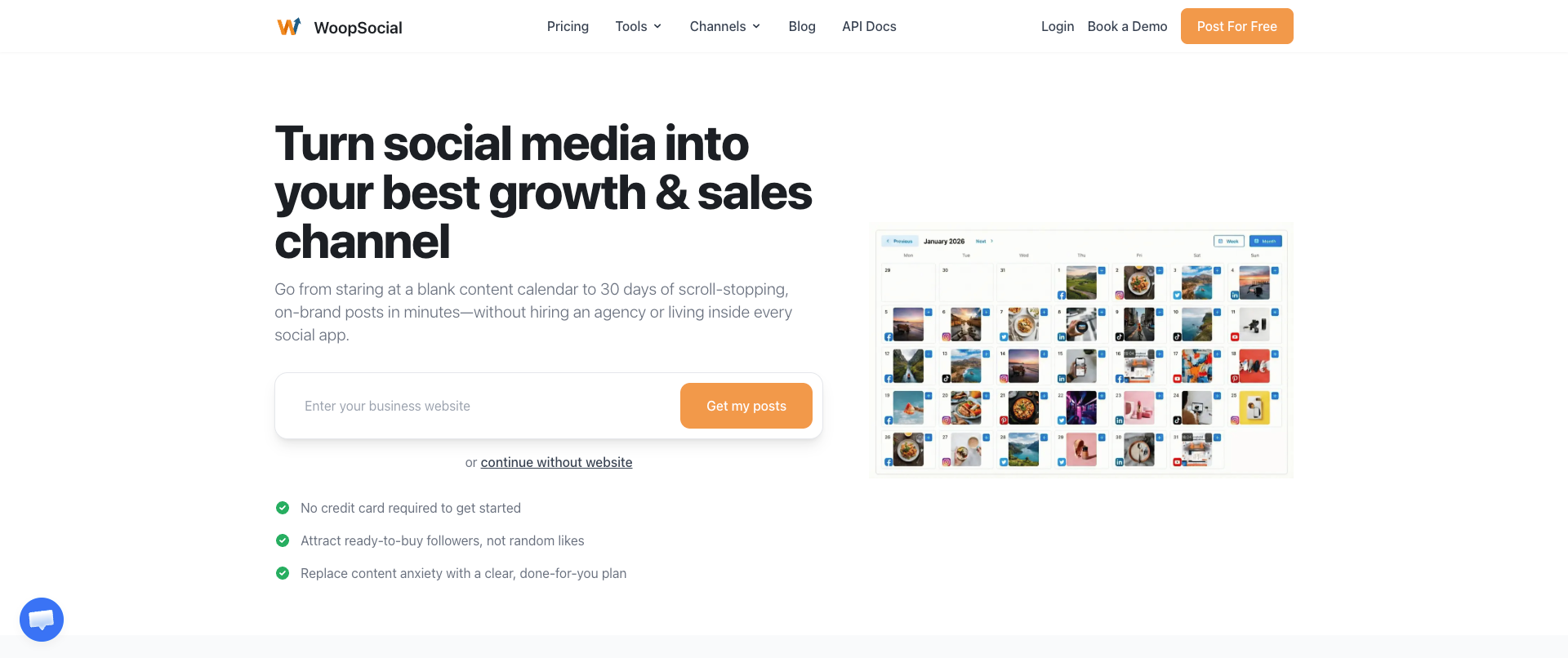
WoopSocial - fastest way to start with instant access
WoopSocial stands out because of its speed of use. Rather than having to go through a long timeline of reviews and verifications, you can post your first video to YouTube within a single minute and allows you to add 2 YouTube channels for free on its free plan with unlimited posting.
It runs on a single REST endpoint and makes it easy to not just publish to YouTube but also other social media networks, all through a single call.
It also contains the necessary YouTube-specific fields that are required for every video upload, such as Privacy, Made for Kids, Category and Tags. It handles the entire process of the resumable upload for you, so you don’t have to build that yourself, including metadata and thumbnails. Note that it also allows you to schedule Shorts, something that the official YouTube Data v3 API does not.
If you want to eliminate the OAuth verification process, checking the quotas constantly through your quota management and don’t want to build the code-heavy resumable upload implementation and multi-channel token storage then this is the ideal fit.
It also offers an MCP for your AI agents and integrations for Zapier, n8n and Make.com.
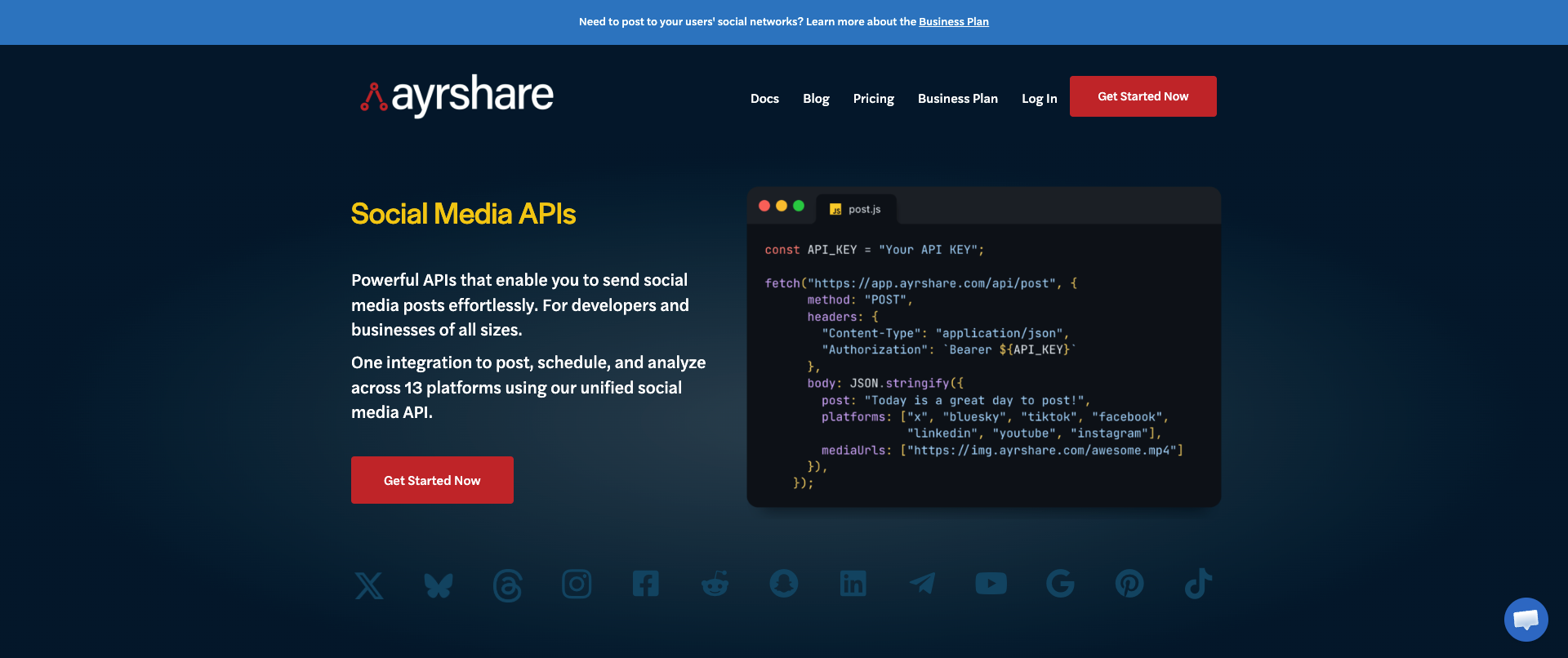
AyrShare: best for enterprises
If you’re an enterprise with a bigger budget then AyrShare can bring the infrastructure and security guardrails that you need. Using this unified social media API, you can also post to other social media networks (a total of 13, including YouTube).
They offer YouTube video upload capabilities that include metadata and scheduling as well. Because it’s more enterprise focus, you do get a lot of features around it that bring the monthly subscription price up.
AyrShare was the original unified social media API for a long time and was able to charge basically whatever they wanted for a while. But the landscape has changed significantly since then. Most tools offer similar capabilities for 90% less. AyrShare’s API is priced at a minimum of $149/mo which only includes 1 account per social media network (so only one YouTube channel). After that it’s $8/mo per channel for YouTube.
Apify: get YouTube data in bulk
If you want to get data from YouTube, such as subscriber counts, view counts, engagement and more, then Apify’s Actors can help with that. They provide scraped data based on your own input.
This is ideal for when you want to track your own brand on YouTube, but also if you want to build applications that rely on data to see YouTube trends, fast growing accounts, growth of specific niches and more.
Apify charges a monthly fee for platform use along with a pay-per-result model for most Actors. Some Actors also require a separate monthly subscription. So it can be a bit pricey to use Apify, but it saves weeks of waiting on official API access along with having to build your own infrastructure. Apify just requires lists and also offers multi-Actor setups to automate entire workflows.
SociaVault: get public YouTube data fast
If you are just looking to replace the YouTube API with an alternative to collect data then SociaVault is the correct option. It allows you to get huge lists of data related to channels, users, videos, comments and more.
You can use it to build applications and workflows that rely entirely on YouTube data. Think of websites that track subscriber count over time, influencer insights for campaigns or market research.
SociaVault offers a monthly subscription that gets cheaper if you upgrade it to higher plans. The entire pricing is based on credits that are added to your account on a monthly basis.
Vimeo Developer API - for video hosting
Lastly, we’re also looking at a YouTube API alternative for video hosting, which is the Vimeo Developer API. It is ideal if you want to host professionally created videos at scale. It offers better hosting for videos that you want to showcase, as it has a portfolio-quality player.
It also offers a video hosting experience that does not run on ads, unlike YouTube. Plus you can password protect your videos as well. This is not an interesting YouTube API for everyone but it does need to be on this list. Filmmakers, agencies and corporate video creators that want a better place to store their videos can use the Vimeo Developer API as a great alternative to YouTube’s API.
| Feature | YouTube Data API v3 | WoopSocial | AyrShare | Apify | SociaVault | Vimeo Developer API |
|---|---|---|---|---|---|---|
| Primary use | Official YouTube upload, metadata, playlists, comments, and channel data | Unified API posting and scheduling to YouTube and other platforms | Enterprise unified API multi-platform publishing | YouTube data scraping via Actors | Public YouTube data collection via credits | Professional ad-free video hosting |
| Setup time | Weeks (OAuth verification plus quota audit for scale) | ~60 seconds with API key | Immediate (paid) | Fast via marketplace Actors | Fast subscription setup | Immediate with Vimeo account |
| Pricing | Free (with verification and quota limits) | Free: 2 accounts, unlimited posts | From $149/mo (one YouTube channel); $8/mo per extra channel | Monthly subscription plus pay-per-result | Monthly credit-based subscription | From $20/mo |
| Post to YouTube | Yes: videos, metadata, thumbnails, playlists | Yes: videos, Shorts scheduling, metadata, thumbnails | Yes: video upload with metadata and scheduling | No | No | No (hosting only, not YouTube publishing) |
| Schedule YouTube Shorts | No (direct publishing only) | Yes | Yes | No | No | N/A |
| Extract YouTube data | Yes (read endpoints within quota) | No | No | Yes: subscriber counts, views, engagement | Yes: channels, users, videos, comments | No |
| OAuth / verification | Required (4-6 weeks for production) | Handled for you | Handled for you | N/A | N/A | Standard Vimeo OAuth |
| Resumable upload | You must build the 3-step flow | Handled for you | Handled for you | N/A | N/A | Vimeo upload API |
| Multi-platform support | YouTube only | YouTube plus TikTok, Instagram, Facebook, LinkedIn, X, Pinterest, and more | 13 platforms including YouTube | Cross-platform scraping available | YouTube-focused | Vimeo hosting only |
| MCP / AI agent support | Build yourself | Yes | Yes | Yes | Limited | Limited |
| Best for | Full control after Google verification | Fastest start for developers and AI agents | Enterprise budgets and infrastructure | Developers needing flexible data workflows | Apps and workflows relying on YouTube data | Professional video hosting without ads |
How to choose the right YouTube API alternative
Picking a good alternative for the official API really comes down to your use case. So let’s take a look at a few use cases that people would usually get the actual API for and how that translates to the correct alternative.
Uploading YouTube videos quickly
If you want to programmatically upload videos to YouTube, WoopSocial would be the perfect choice. Especially since it offers 2 free accounts and direct uploads to other social media networks as well. It’s a single endpoint and handles the quotas and OAuth. However, if you also need playlists and live videos, YouTube Data API v3 would be a better fit.
Hosting videos online professionally
If you want to just host the videos then the Vimeo Developer API is definitely a better choice if you want to upload at scale. Its ad-free experience is great and it runs smoothly for things like a portfolio compared to YouTube. However, pricing does start at $20/mo.
Scheduling YouTube Shorts across many accounts
If you want to schedule YouTube Shorts, the YouTube Data API v3 does not actually allow it. It only offers direct publishing. In that case, you need a unified social media API like WoopSocial or Ayrshare that offers programmatic scheduling instead. It’s a much easier option because you can schedule videos far out in the future.
Migrating from the YouTube API
If you already have access to the YouTube API but need a higher quota because you’ve exceeded yours, it’s often faster to migrate away from it than to send in the official form to be reviewed by Google’s/YouTube’s team.
Here’s the best way to migrate away from the official YouTube API:
- Step 1: Audit your current quota usage (check your usage in Google’s Cloud Platform) and look at your daily, weekly and monthly usage
- Step 2: Map the endpoints that you are currently using, such as videos.upload and others
- Step 3: Replace your endpoints with the YouTube API alternatives above a parallel solution for 2 days to catch any failure errors and ensuring everything runs successfully
- Step 4: Move to the new solution entirely and decommission your OAuth verification. Keep an eye on your new quotas to ensure everything can run smoothly
Getting the best YouTube API
Now that you know exactly how the YouTube API works and which alternatives are available, it’s much easier to make the right decision. Even when you’re migrating, the alternatives are ideal to ensure little downtime.
So make your life easier and skip the entire review process that YouTube runs. This will easily save 4 to 6 weeks on your roadmap and can help to launch much quicker.
Sources & References
- YouTube Data API v3
OFFICIAL
- YouTube Data API Revision History
OFFICIAL
- Quota Calculator
OFFICIAL
- Quota and Compliance Audits
OFFICIAL
- Videos insert
OFFICIAL
- Resumable Upload Protocol
OFFICIAL
- Introducing Graph API v25.0 and Marketing API v25.0
OFFICIAL
- WoopSocial API Documentation
OFFICIAL
Related reads
6/12/2026
Best Facebook API Alternatives for Developers in 2026 for direct access
The Facebook Graph API review can take weeks. Compare the best Facebook alternatives for posting, scheduling and more.
6/11/2026
TikTok API Alternatives for Developers in 2026: get instant access
Getting access to TikTok’s API can take weeks, but there are alternatives available. Compare the TikTok API alternatives that give access instantly.
6/9/2026
Instagram API Alternative for Developers: get instant access in 2026
See what alternatives for the Instagram API are best when you want to schedule, get analytics or publish, so you can set it up without the complexity